

An encoder on your computer, like OBS Studio, compresses your camera and audio into a single stream and pushes it to a server URL using a stream key. The receiving platform, whether that's YouTube, Facebook Live, or a webinar tool, then decodes it and delivers it to viewers.
Webinar Glossary
RTMP
RTMP stands for Real-Time Messaging Protocol and is a protocol that facilitates the transmission of audio, video, and data in real-time.
What does RTMP stand for?
The meaning of RTMP is very simple : the 4 letters of RTMP stand for Real-Time Messaging Protocol.
What is RTMP streaming?
The Real-Time Messaging Protocol (RTMP) facilitates the transmission of audio, video, and data in real-time. It is a key component of live streaming technology because of its ability to maintain low-latency connections.
Is RTMP used by webinar softwares?
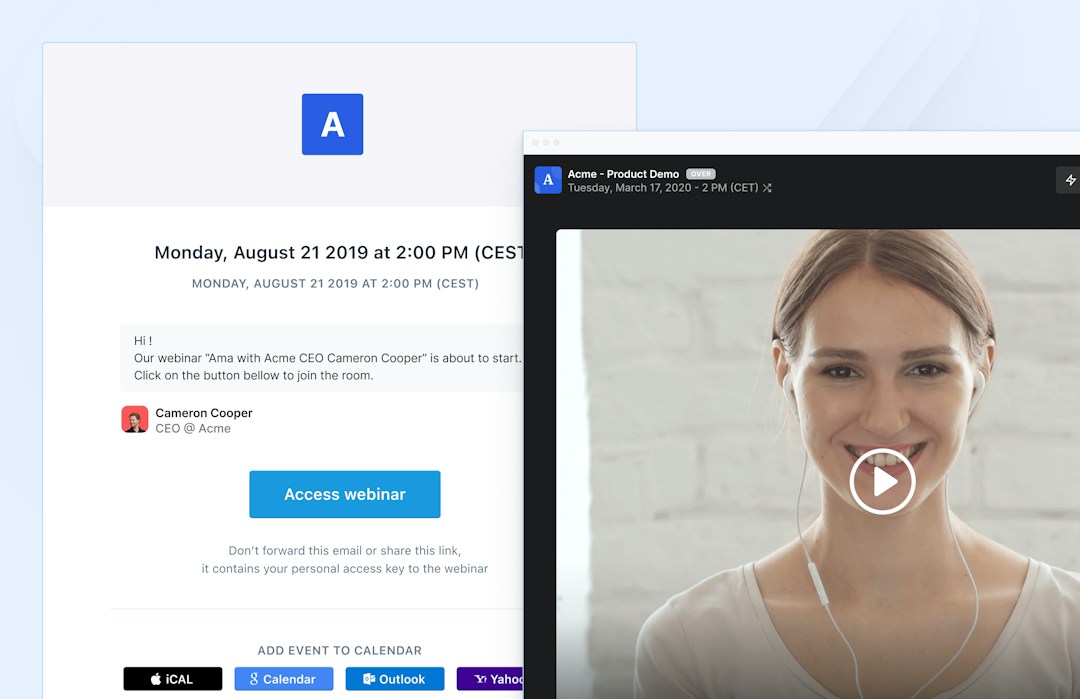
Webinar platforms can benefit from RTMP technology because it allows for different media to be integrated into the feed, and the picture and audio remain stable throughout each presentation.
What are the benefits of the RTMP protocol?
RTMP is a popular protocol because it has low latency, it is flexible, and it makes it easy to integrate many different media.
To sum it up, the top benefits of RTMP are:
- Low latency
- Flexible
- Easy to integrate different media
Low latency
Low latency keeps video connections stable. Viewers of live-streamed content like webinars can benefit from fast streams that don’t have a lot of lag.
Flexible
RTMP is a flexible protocol that allows for feeds to be consumed in the order the viewer chooses. Instead of being forced to watch something in a linear direction, RTMP feeds can be skipped, rewound, or joined after they’ve already begun.
Easy to integrate
RTMP lets users integrate many different media types into one source. This means it’s possible to blend audio, video, and text together. It is also possible to have many variations of media channels. For example, it is possible to stream both MP3 and AAC audio streams with RTMP.
What are the main challenges of RTMP streaming?
RTMP is a practical protocol, but it does come with flaws such as issues with bandwidth, compatibility limitations, and it isn’t supported by HTML5.
To sum it up, the main challenges with RTMP streaming are:
- Low bandwidth
- HTTP compatibility
- HTML5 support
Low bandwidth
RTMP streams are subject to low bandwidth that cause frequent interruptions in the video feed. Choppy RTMP feeds spoil the viewer experience, causing frustration.
HTTP compatibility
RTMP is not compatible with HTTP connections. An HTTP connection is a network channel that stays open to receive further HTTP requests, rather than closing after each exchange. For RTMP streaming, it is required to connect to special servers like Adobe Flash and use a third-party content delivery network to access streams.
HTML5 support
HTML 5 players are becoming the modern standard for video streams. RTMP is instead supported by outdated flash players. RTMP can’t play on HTML5 players without HLS converters.
Editorial & methodology — Written and reviewed by the Livestorm content team, based on first-party product experience and platform documentation. Last updated: July 2026.
Frequently Asked Questions
How does RTMP streaming actually work?
Is RTMP still widely used given newer protocols exist?
Yes, especially for ingest. RTMP remains one of the most universally supported formats for pushing a stream out from an encoder, even as some platforms have moved playback to newer protocols.
Is RTMP secure?
Standard RTMP isn't encrypted by default, though a secure variant called RTMPS adds TLS encryption for platforms that require it.
Do you need special software to stream via RTMP?
Yes, an encoder like OBS Studio or Wirecast, or a platform with built-in RTMP restreaming. You can't stream RTMP directly from a browser without one.



Try Livestorm for free
Get started in minutes and run your first engaging webinar today.
- No credit card needed
- No installation required