


How to compare webinar platforms
Webinar platforms differ most in four areas. Use these to match a tool to your use case:
- Access. Browser-based platforms let attendees join with one click. Tools that require a desktop download tend to lose attendance.
- Pricing model. Per-seat or per-license pricing means paying for named hosts whether or not they are used. Per-attendee or usage-based pricing means paying for who actually shows up.
- Native CRM sync. A direct HubSpot, Salesforce, Marketo, or Pardot integration keeps lead data flowing automatically. A Zapier bridge or CSV export creates manual work.
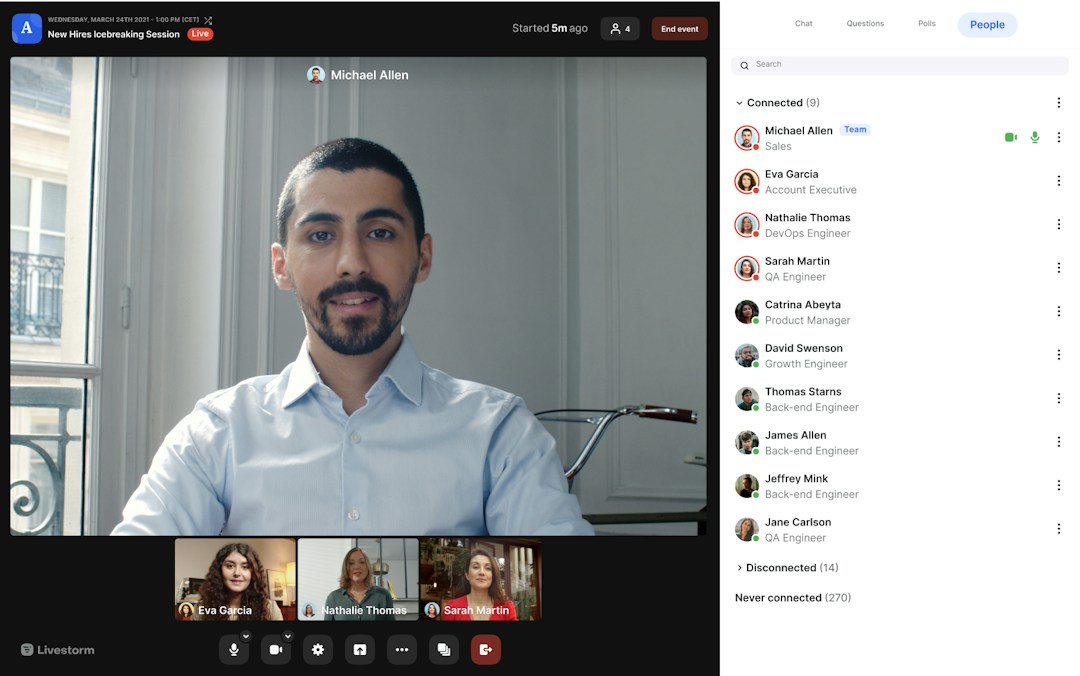
- Engagement and branding. Chat, polls, Q&A, CTAs, and custom registration pages turn a broadcast into an experience.
- Repurposing. Some platforms stop at the recording. Others turn a replay into reusable content. Livestorm AI Studio repurposes replays into ready-to-publish clips, social posts, and emails, so one webinar becomes weeks of content.
One distinction to keep in mind: meeting tools like Zoom, Microsoft Teams, and Google Meet are built for two-way calls. Purpose-built webinar platforms add registration, branding, automated reminders, replays, and reporting, which is what marketing and training teams need.