
|
|
Get effective email templates for webinars to boost attendance and conversions. Send the ideal emails to connect with your audience.
|
|
|
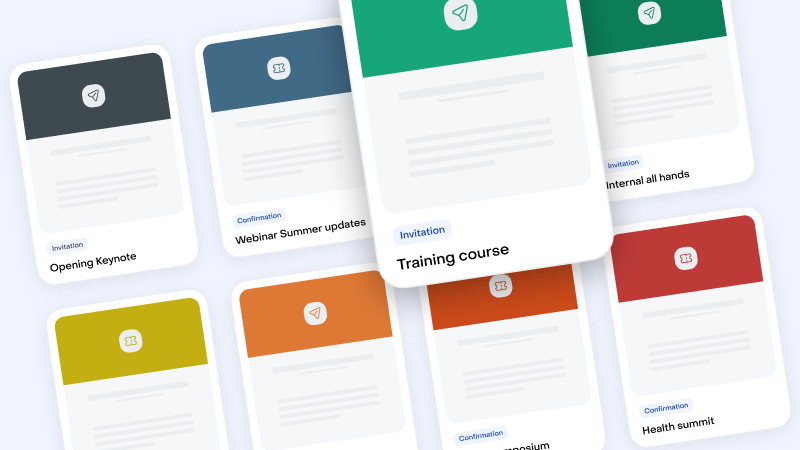
Select your Email Templates in this Library
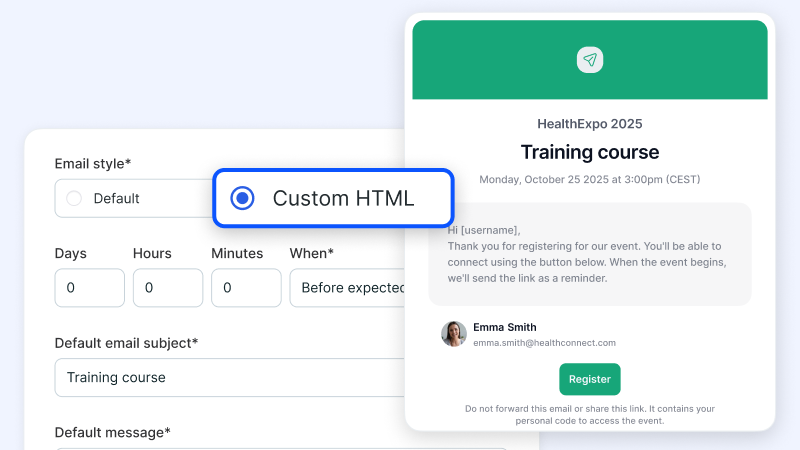
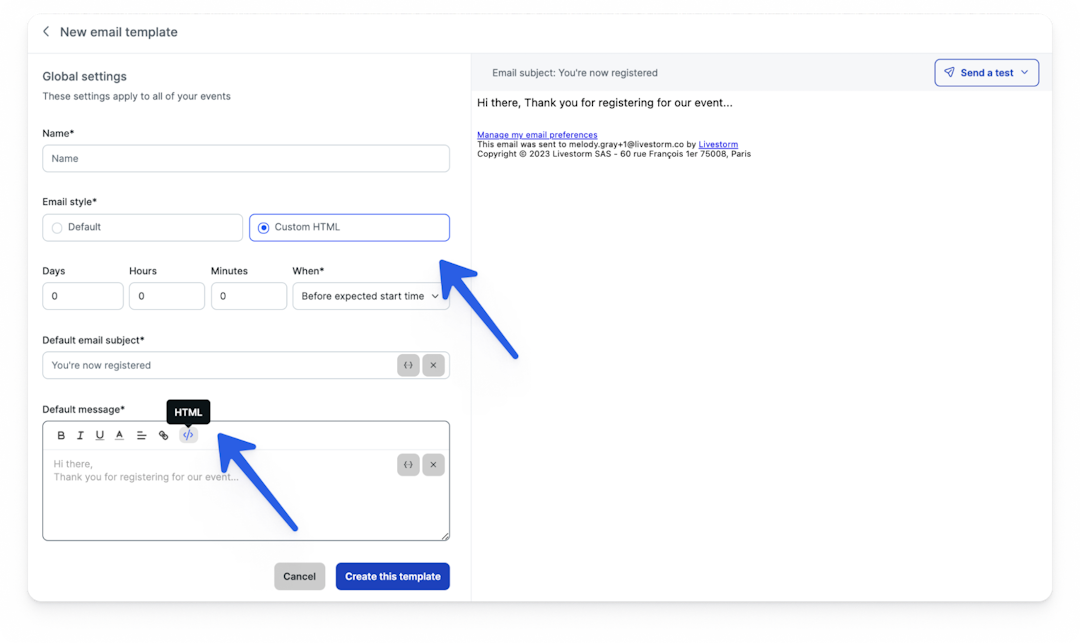
Import the Templates and Export it into Livestorm "Custom HTML"
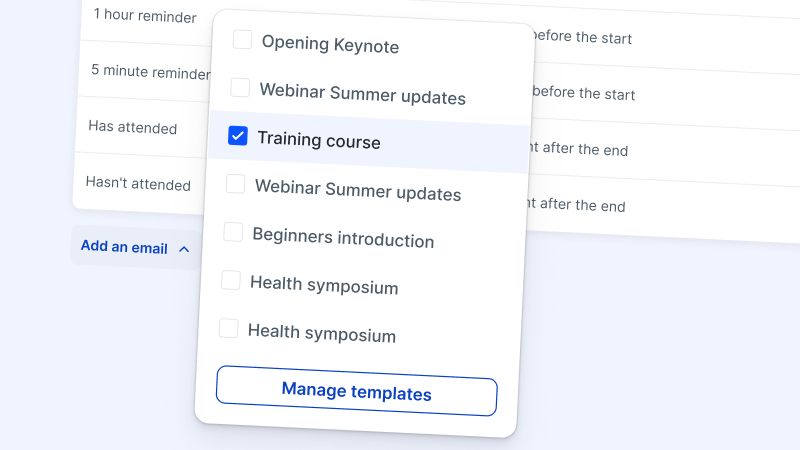
Manage your Templates within Livestorm
Try Livestorm for free
Get started in minutes and run your first engaging webinar today.
The best webinar email examples speak to a specific audience, keep the message concise, and focus on the benefits. Use these templates to increase webinar registrations and reach lead generation or conversion goals.
The first step in choosing a good email template is understanding your audience. Who are they? What are their pain points? What kind of content do they find engaging? By answering these questions, you can tailor your email content to resonate with your audience.
For instance, if your audience is more technical, you might want to include more data and analytical content. On the other hand, if your audience is more creative, visually appealing emails with vibrant colors and images may be more effective.
Simplicity is key for webinar email templates. Your audience should quickly understand the purpose of the email and what action to take next.
Use clear and concise language. Avoid cluttering the email with too much information. Make your webinar emails easier to read and digest by using bullet points or numbered lists to break down the key points.
Why should your audience take time to attend your webinar? Make sure to tell them what they’ll learn and how they’ll benefit. Whether it's learning new skills, gaining expert insights, or getting exclusive access to valuable resources, feature any webinar benefits prominently in your email template.
This gives your audience a compelling reason to register and attend your webinar. Plus, it helps increase attendance so you can reach registration goals.
The invitation is just the beginning. Use these email templates for webinar participants before and after the event.
Before your webinar, send a series of emails to secure registrations and maximize attendance. Ideally, these emails should create excitement, provide valuable information, and prepare your audience for the event.
Connecting with your audience after the webinar is just as important as preparing them beforehand. Post-webinar follow-up emails play a critical role in keeping participants engaged, fostering long-term relationships, and leveraging the success of your recent event.
The best emails express gratitude, share additional resources, and provide opportunities for further interaction. With thoughtful post-webinar communications, you can reinforce the value the presenters provided during the event and encourage attendees to take advantage of your company's future offerings.
Our email templates make it easy to connect with attendees before and after you host webinars with Livestorm. Perfect your template, adjust the timing, and let automation take care of the rest.
Not an experienced email marketer? No problem. Livestorm’s email templates don’t require any coding or design skills.
When you create or update an email template, all you have to do is input information like the email subject line, the main message, and a call to action (CTA). We’ll handle the layout for you.
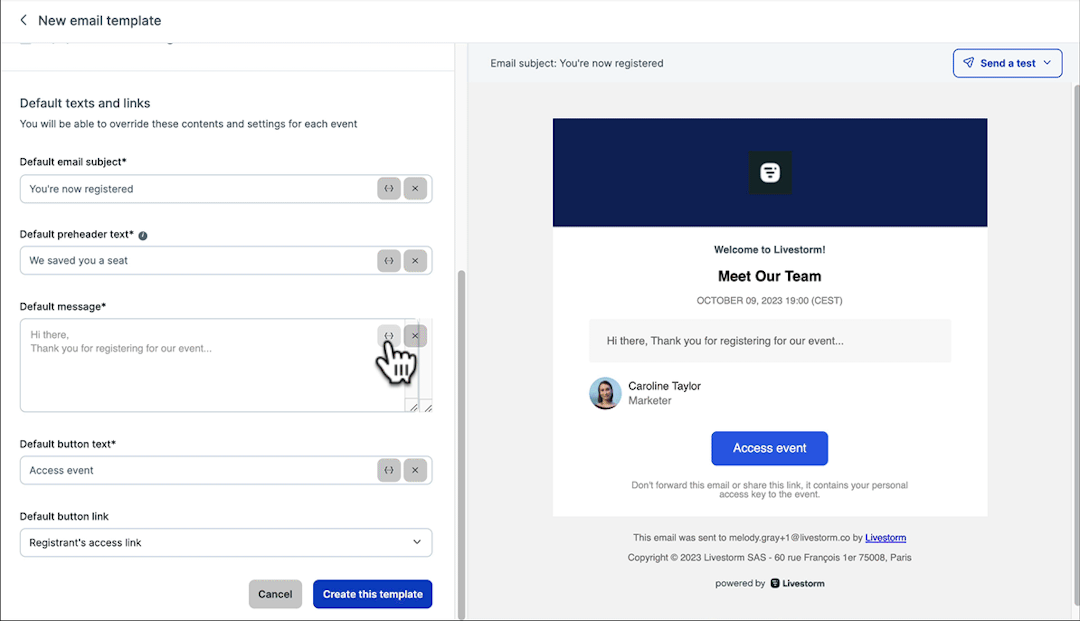
Want to make your emails stand out? Incorporate your brand’s colors and fonts into any email template. Add personalization to connect with attendees.
If you do have coding skills, you can opt to create HTML emails from scratch. This way, you can design pre- and post-webinar emails to suit your specific needs.
Explore our guides to build video engagement