

No. As an attendee, you can see the host, any guest speakers, and whatever they share on screen. Other attendees can't see you unless the host invites you on stage, and your camera and microphone stay off by default.
Webinar Glossary
Attendees
An attendee is a registrant that enters the webinar room during an event.
What are webinar attendees?
Attendees are registrants of a webinar who enter the webinar room and watch the event at a designated date and time. Attendees can answer polls, and interact with others through chat and live q&as. Attendees cannot see other attendees, and can’t access their webcam or audio when in the webinar room unless they are invited on stage.
How can you measure the attendance rate?
The attendance rate is a metric that measures how many registrants actually attend a webinar. This is found with an attendance ratio.
Attendance rate % = Attendees / Registrants X 100
Learn more about attendance rate and key webinar metrics in the entry on webinar metrics.
What is the average webinar attendance rate?
According to Livestorm’s 2026 Webinar Benchmark Report, based on 33,786 webinar sessions and over 7 million registrations run in 2025, the average show-up rate was 47.7%, down slightly from 48.9% in 2024. In practice, a typical webinar with 175 registrants converts to about 83 live attendees and 92 no-shows — meaning more than half of registrants usually don’t show up live.
Show-up rates aren’t fixed, though. Teams that qualify their audience more carefully, send personalized reminders at D-3, D-1, and the day of the event, and keep registration open until the webinar starts (rather than closing it 24 hours early) consistently report show-up rates above 60%.
Timing matters too: Livestorm’s data shows Tuesday webinars post the highest show-up rate (51.7%), January is the strongest month of the year (50.4%), and July and August are the weakest (45% and 42.9% respectively) due to the summer slowdown.
How can you improve the attendance rate?
You can improve the attendance rate by:
- Developing a marketing plan
- Giving an incentive
- Creating a sense of urgency
- Choosing the best time
Develop a marketing plan
Low attendance rates can be caused by a failure to promote the webinar. Promoting a webinar involves reaching out before the event to exisiting and potential audiences.
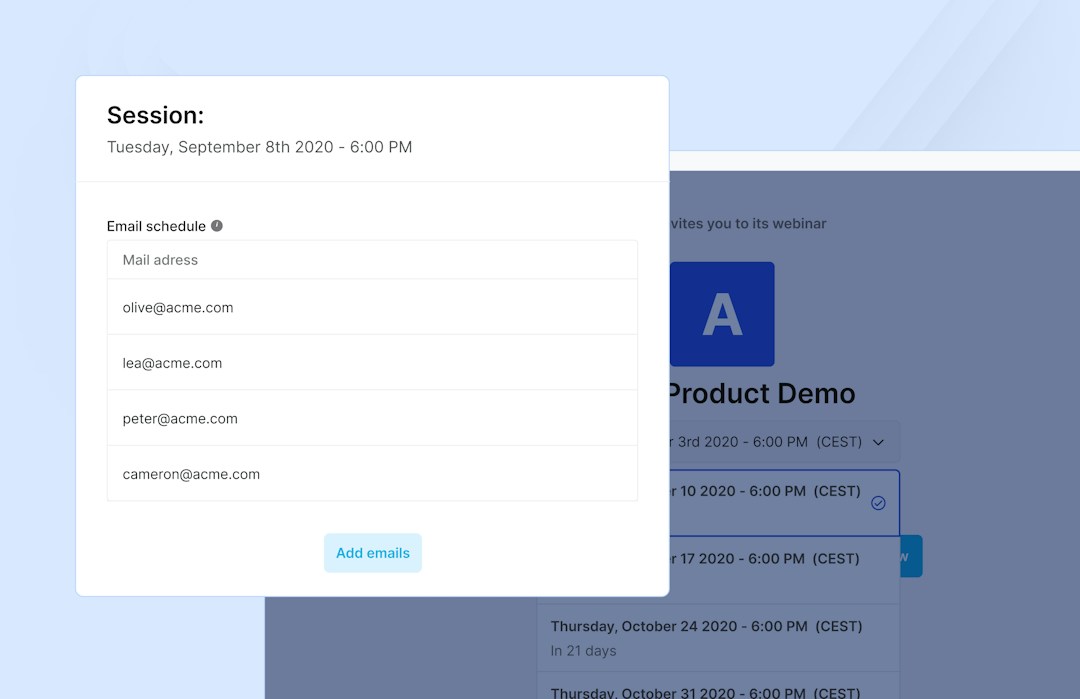
Email, social media, and landing pages can be used to reach relevant audiences. And banners can be added to websites to remind site visitors about the upcoming event.
Provide an incentive
Incentives like free gifts, discounts, or company merchandise can increase the interest registrants have in attending. And sometimes the quality of the content is the best incentive. High-quality that helps and informs users can compel registrants to attend.
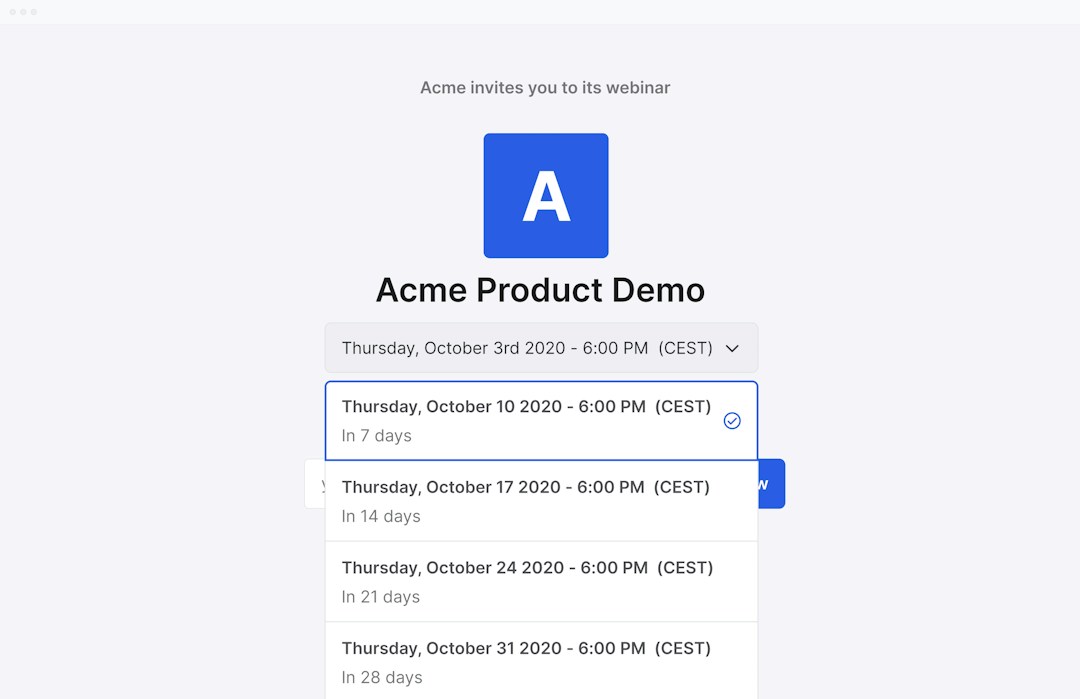
Create a sense of urgency
Placing a time limit on the registration page can create a sense of urgency for registrants. The content is perceived to be more valuable if there is a limited time to access it. Similarly, limited places can drive registrants to attend.
Choose the right time
Webinars have higher attendance rates when they are scheduled for mid-week in the morning or early afternoon. Weekends and evenings should be avoided.
No shows
Some registrants sign up for webinars with no plans to attend them because they are interested in receiving the replay. The number of registrants that watch the replay should be noted when considering attendance rates.
Editorial & methodology — Written and reviewed by the Livestorm content team. Figures on this page are drawn from the Livestorm 2026 Webinar Benchmark Report (33,786 webinar sessions and 7M+ registrations analyzed). Last updated: July 2026.
Frequently Asked Questions
Can other people see you during a webinar?
What's the difference between an attendee and a registrant?
A registrant signs up for a webinar. An attendee is a registrant who actually shows up and joins the session. On average, only about half of registrants attend live, according to Livestorm's 2026 Webinar Benchmark Report.
Can an attendee record a webinar?
It depends on the host's settings. Attendees can't start their own recording of a Livestorm session, only the host can record and share a replay afterward. If you need a copy for later, ask the host whether an on-demand replay will be available.
Do attendees need to download anything to join?
No. Livestorm and most modern webinar platforms run directly in the browser, so attendees just click the join link. No account, plugin, or download required.



Try Livestorm for free
Get started in minutes and run your first engaging webinar today.
- No credit card needed
- No installation required