The Salesforce integration is available on the Livestorm Enterprise plan, as a paid add-on. If it isn't enabled on your workspace yet, reach out to your Livestorm account manager or see our pricing page.

+
Salesforce
Learn how to push leads from Livestorm to Salesforce. Sync your events with your sales efforts to speed up your closing cycles.
Sign up to install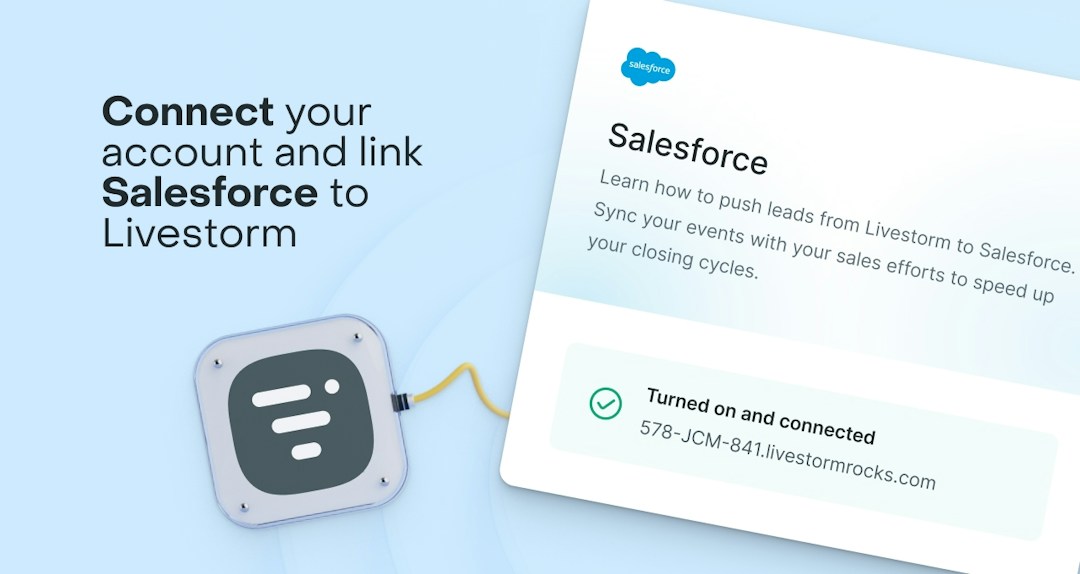
Overview
What is Salesforce?
Salesforce is the #1 global CRM solution that helps companies manage leads, contacts and accounts. With Salesforce you can create and manage campaigns. Salesforce’s integrated platform gives every department in an organization one single, shared view of a customer. This makes it easy for marketing, sales, customer support, and IT teams to manage information at scale.

It's really been a sea of change for us.
Previously, we were manually exporting CSV files and, in the end, we couldn't do anything with those contacts because of time constraints. Now, when someone registers for a webinar, we feed this data directly into our CRM. We don't need to connect multiple tools together to create registration pages or reminder emails. Livestorm offers a turnkey solution.
Customer Success

Key Features
Why integrate Salesforce with Livestorm?
By connecting your Salesforce account with Livestorm, you will be able to boost your conversion rates and save time on your sales processes.
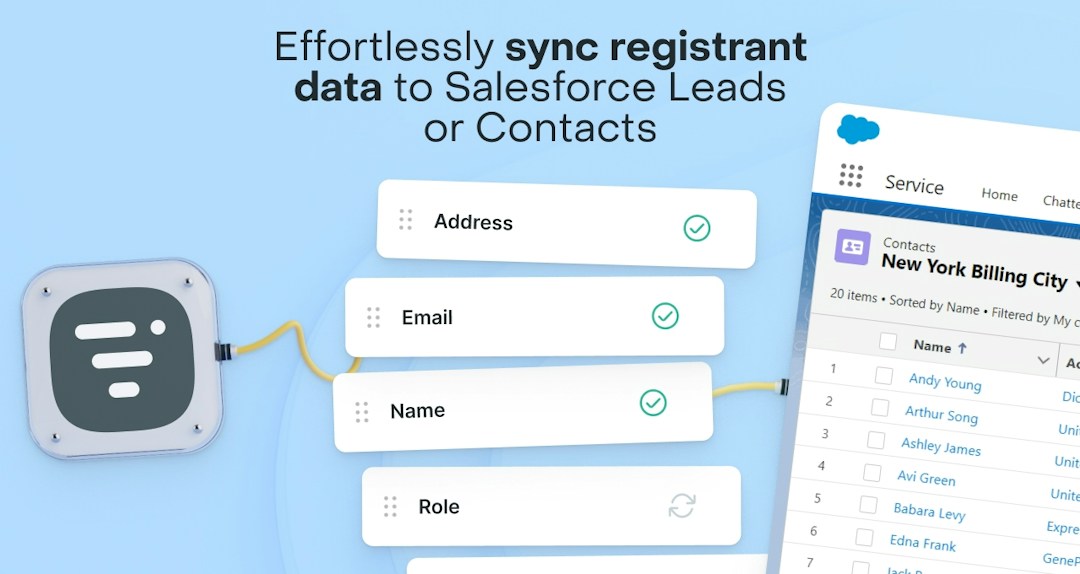
Sync registrant data effortlessly
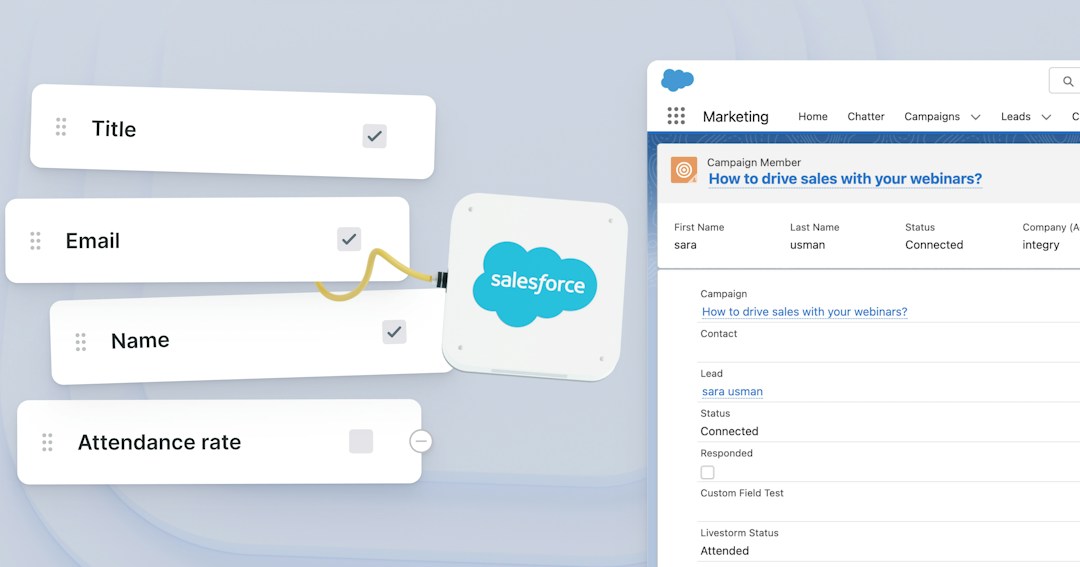
Easily sync Livestorm registrant and attendee data with Salesforce, and track event participation within Campaigns to enhance your campaign analytics.
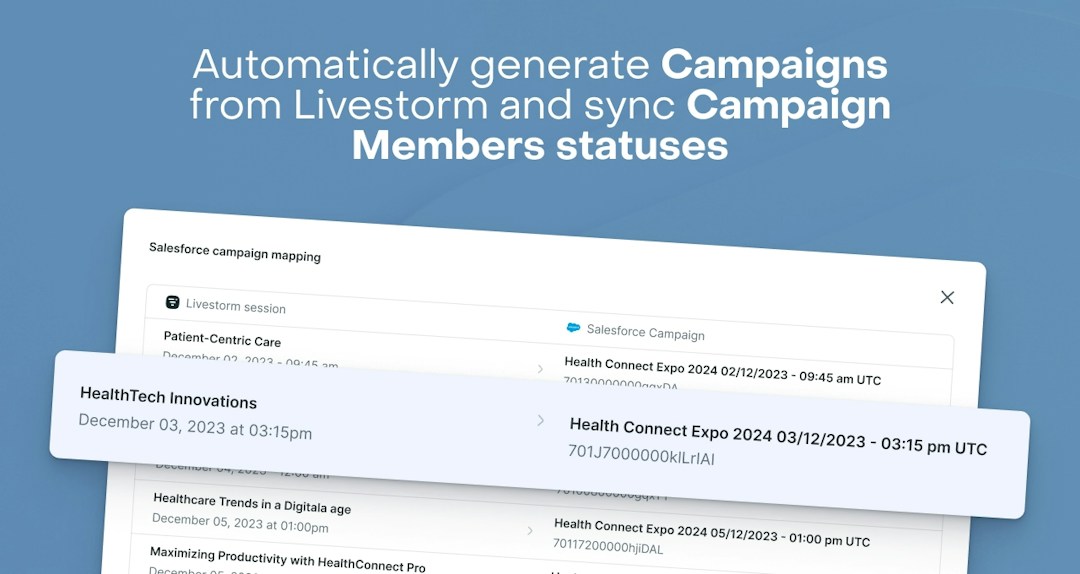
Your Campaigns are created automatically, no manual work needed
Automatically create Salesforce campaigns when Livestorm sessions are created.
All your events data in your Salesforce
Get an overview at a glance of your upcoming and past Livestorm webinars into your Salesforce.
Automate Campaign Member Status Updates
Live attendance and replay views will be reflected in the Campaign Members status automatically with a clear distinction between the two types of participation.
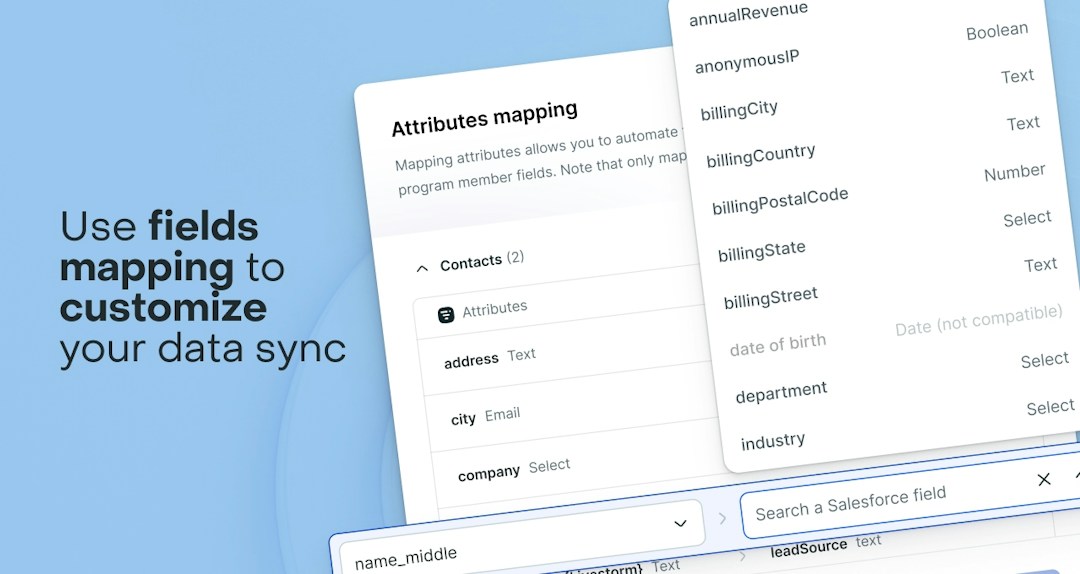
Advanced field mapping and composability
Seamlessly map standard or custom fields to Lead, Contact, Campaign Member Fields in Salesforce.
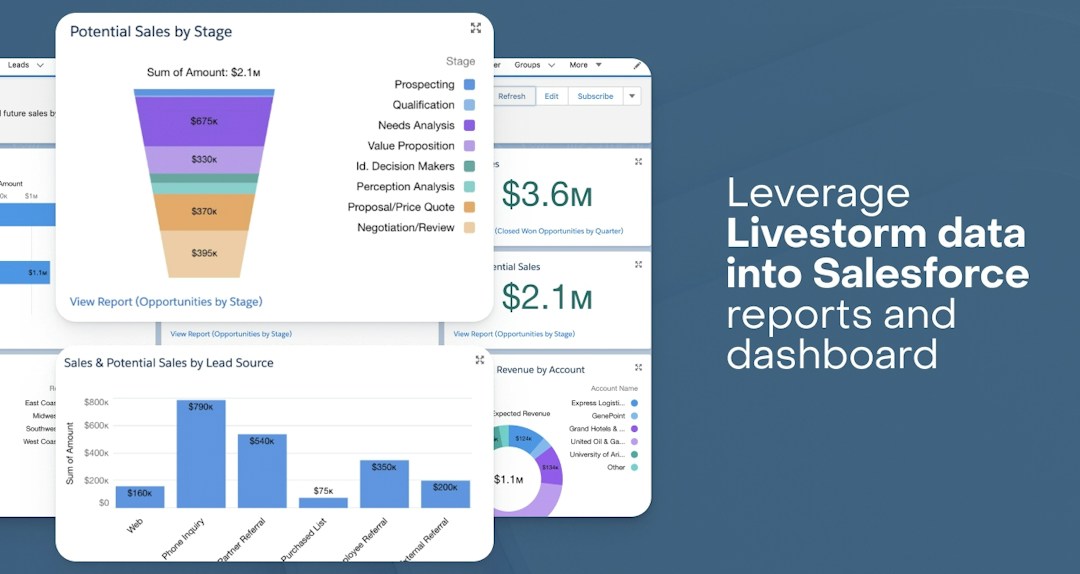
Leverage attendance & engagement data
Send aggregated attendee engagement data, like attendance rate and number of questions, from Livestorm to Salesforce to power personalized nurture campaigns.
Easily setup the integration
Easy to install, with expert support from the Livestorm Professional Services team.
Livestorm's Salesforce webinar integration: what syncs
Livestorm connects natively to Salesforce, with no Zapier, middleware or managed package. Each webinar session becomes a Salesforce Campaign and every registrant is added to it as a Campaign Member, so your sales team sees who registered, who attended and who watched the replay without exporting a single CSV.
| Salesforce object | Direction | What syncs |
|---|---|---|
| Campaign | Livestorm → Salesforce | A Campaign is created automatically for each upcoming or on-demand Livestorm session |
| Lead | Livestorm → Salesforce | New registrants are created as Leads by default, with their registration form answers mapped to Lead fields |
| Contact | Livestorm → Salesforce | Existing Contacts are matched by email and enriched. You can also choose to create Contacts instead of Leads |
| Campaign Member | Livestorm → Salesforce | Each registrant is added to the session's Campaign as Registered, then updated to Attended or Did not attend after the session |
| Campaign Member: Livestorm Replay Status | Livestorm → Salesforce | Replay views: Has watched replay, Has watched on-demand or Hasn't watched replay |
| Campaign Member: mapped fields | Livestorm → Salesforce | Engagement data (attendance rate, questions asked, poll answers, chat messages), UTM parameters and the personal connection link |
| Campaign Member: Livestorm Status | Salesforce → Livestorm | In 2-way mode, Campaign Members set to To Register are registered to the linked Livestorm session |
Livestorm matches people by email address, so registering for a webinar never creates duplicate Leads, Contacts or Campaign Members. Mapped fields only fill empty Salesforce fields, so your existing CRM data is never overwritten. See the field mapping guide for every field you can sync.
Watch the tutorial below to see the full setup, the Campaign sync and a Salesforce report of no-shows who watched the replay.
Two-way registration: register people from Salesforce
With 2-way mode, your team can register people to a Livestorm webinar without leaving Salesforce. Add them to the session's Campaign manually or with a Salesforce Flow, and Livestorm registers them automatically.
To set it up:
- In Livestorm, open the Salesforce app in the App Marketplace and turn on Register people from Salesforce in the general settings.
- In Salesforce, create a picklist field on Campaign Member named Livestorm_Status, with the values To Register, Registered and Ignored.
- Add people to an active Campaign linked to a Livestorm session, manually or with a Flow, and set their Livestorm Status to To Register.
Livestorm then registers each person with their email, first name and last name, and updates their Livestorm Status to Registered. If a registration doesn't go through, the status is set to Ignored so you can check it. Livestorm allows one registration per email address per session, so if the same email is added twice, only the first is registered.
For example, an SDR can register target accounts to next week's product demo, or a Flow can register every new MQL to your monthly onboarding webinar. Read the 2-way mode guide.
Use Cases
Every webinar format, synced to Salesforce
Marketing teams run webinars for lead gen, customer retention, training, or thought leadership. Livestorm adapts to every use case.
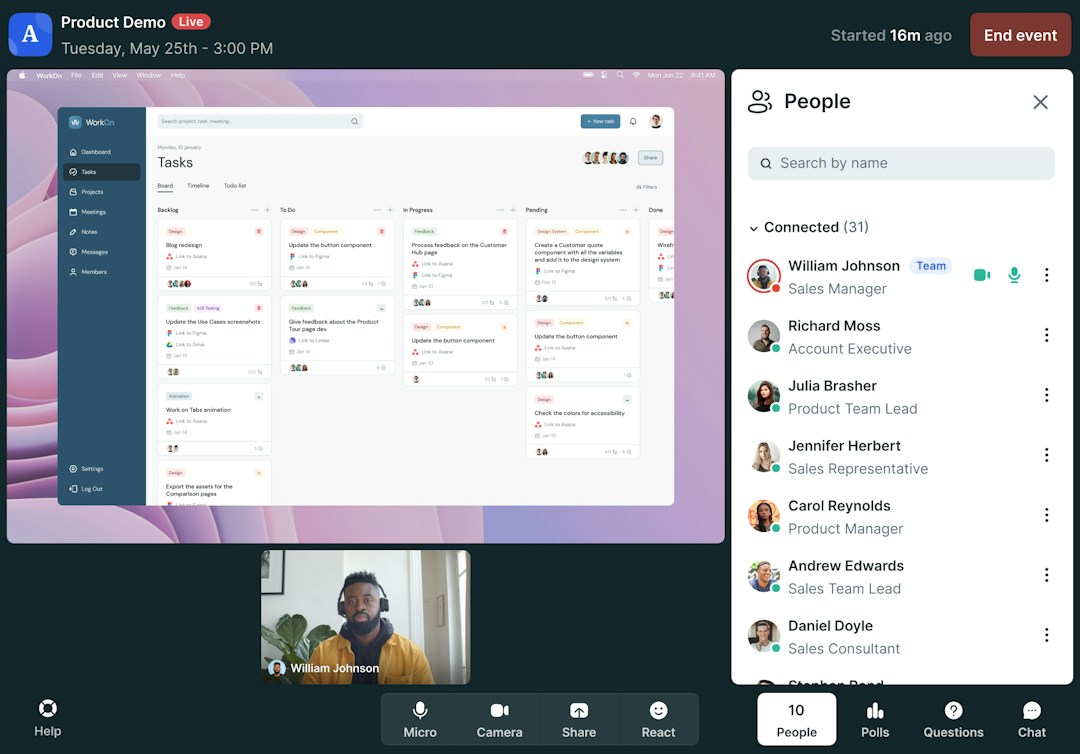
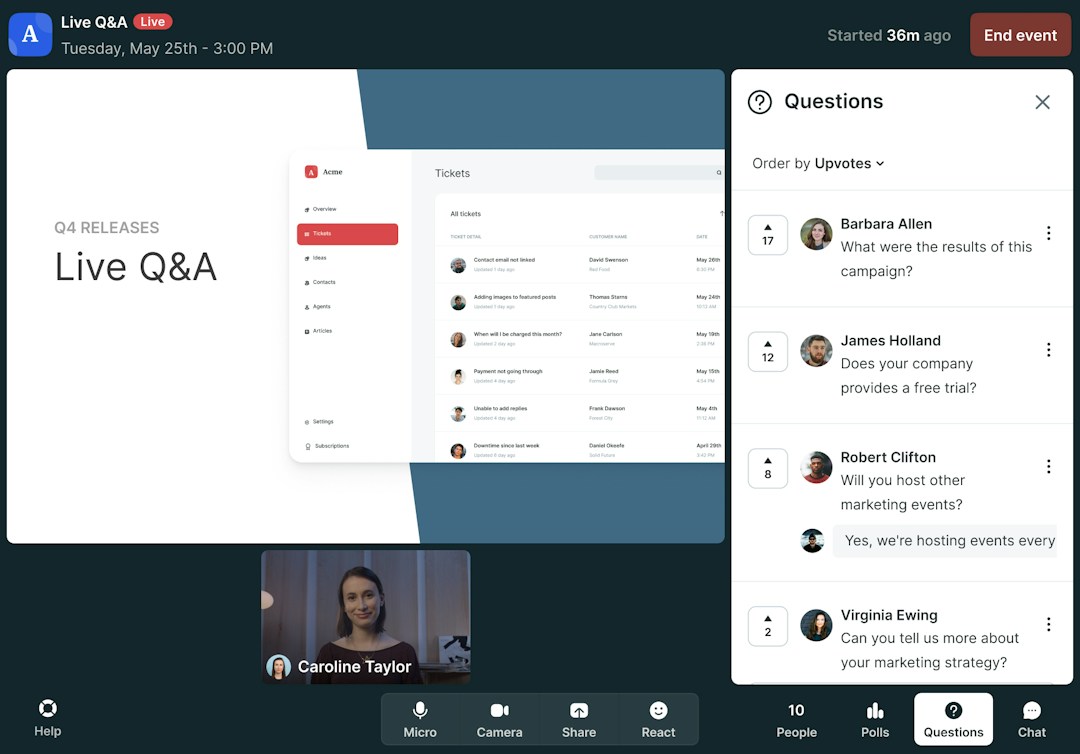
Live Q&As
Easily facilitate live Q&A sessions during online conferences with built-in engagement tools.
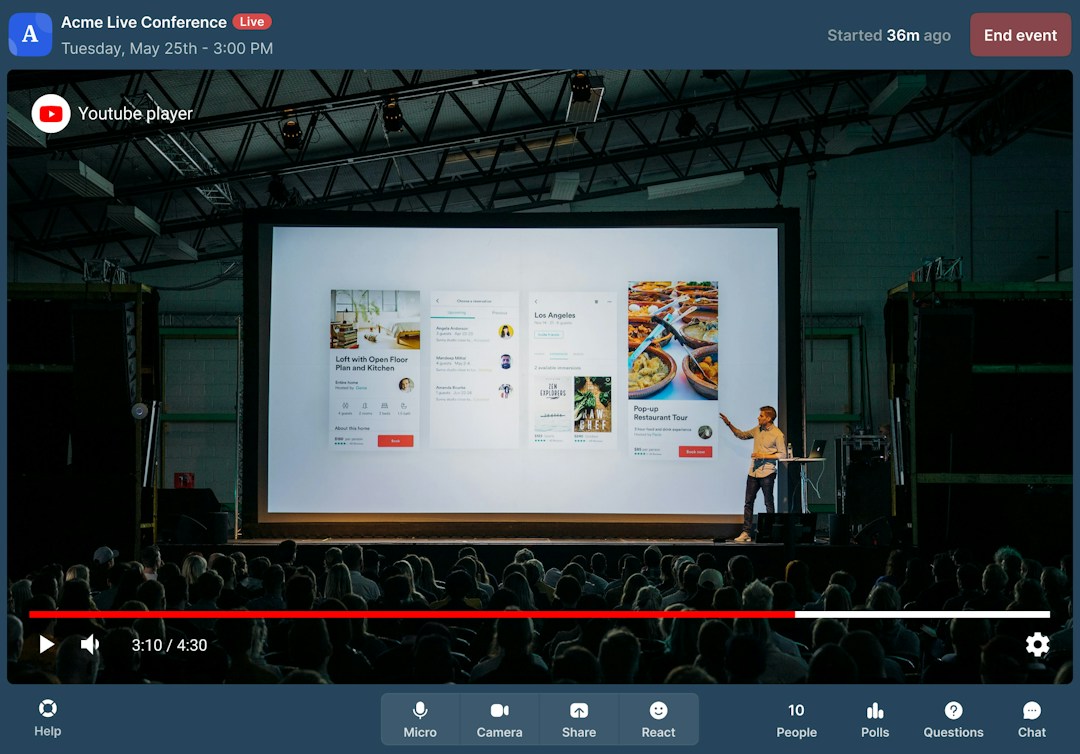
Learn moreOnline conferences and summits
Host professional online conferences and summits in minutes. Reach thousands on Livestorm and beyond.
Learn moreFAQ
Frequently Asked Questions
Get quick and easy answers to help you make the most of our Salesforce integration
Which Livestorm plan includes the Salesforce integration?
Do I need to install a managed package or custom objects?
No. The Livestorm Salesforce integration is 100% native: you connect your Salesforce org from the Livestorm App Marketplace and allow access, with no AppExchange package to install. Livestorm uses standard Salesforce objects (Campaigns, Campaign Members, Leads and Contacts). The only setup in Salesforce is one custom picklist field on Campaign Member, Livestorm Replay Status, plus Livestorm Status if you use 2-way registration.
How long does it take to set up the Salesforce integration?
A few minutes once your Salesforce permissions are in place: our video tutorial covers the full setup in about 4 minutes. There are three steps: check that the connecting user has the System Administrator profile (or a permission set with Read, Create, Edit and View All on Accounts, Campaigns, Contacts and Leads) and the Marketing User box ticked, create the Livestorm Replay Status field on Campaign Member, then connect Salesforce from the Livestorm App Marketplace.
Does the Salesforce integration work with a Salesforce sandbox?
Yes. When you connect, choose Connect to production or test on a sandbox. Testing on a sandbox first lets you check your field mapping, Campaign Member statuses and Flows before going live.
Does Livestorm create Leads or Contacts in Salesforce?
Leads, by default. Livestorm matches every registrant by email address: if a Contact or Lead with the same email already exists, it's updated and added to the Campaign, so no duplicates are created. If there's no match, Livestorm creates a new Lead, or a new Contact if you turn on Create contacts instead of leads in the integration settings.
Can I send the UTM parameters to Salesforce?
Yes. With field mapping, you can push UTM parameters and other technical data, like browser and country, to your Salesforce fields. See the field mapping guide.
Can I store the personal connection link of the registrant to automate on Salesforce?
Yes, all the session-related registrant info can be pushed to the Campaign Member fields.
What are the recent updates of this integration?
Now, new Contacts can be automatically created instead of Leads, ensuring a seamless workflow that adapts to your way of managing customer data into Salesforce objects.
Built by
Integrated with
Category


Need anything else?
Our seamless integration with tools like HubSpot and Intercom helps you manage all your insights in one place.
Browse all integrationsYou may also like


Enterprise plan only
Pardot
Connect Pardot with Livestorm to sync data easily and have more control over your marketing and sales. Increase marketing accountability and gain greater insights.
Marketing Automation, Emails

Enterprise plan only
Marketo
Send your contact’s data directly to Marketo after an action has occurred on Livestorm.
Marketing Automation, CRM, Emails, Landing Pages

Enterprise plan only