Engage your team
Host engaging meetings and events with Livestorm
Published on December 11, 2025 • About 6 min. read
Written by Molly Hocutt
50 Icebreakers for Virtual Meetings

Table of content
Share this article
Key Takeaways
Virtual lunch and learns are used to foster team connection, ongoing learning, and engagement among remote employees.
A variety of 75 topics covers professional skills, time management, personal development, digital skills, health, and fun activities.
Engagement features on meeting platforms like polling, Q&A, and breakout rooms are considered essential for interactive sessions.
Feedback collection after sessions is described as valuable for improving future lunch and learns and tailoring to employee interests.
A virtual lunch and learn is a great way to keep your team connected and engaged when working remotely. These are online sessions where employees learn about new topics, share insights, and connect with colleagues. There are many different types of virtual lunch and learns you can hold, and the topics you cover will depend on the interests of your team.
We have compiled a list of 75 virtual lunch and learn topics and a few actionable tips so you can host your own sessions for employee growth and development.
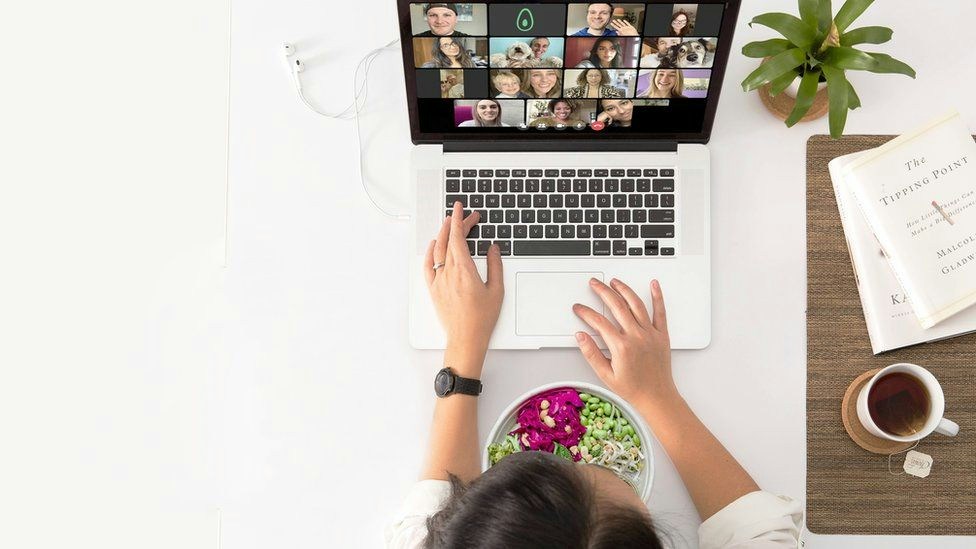
Here's our list of 75 lunch and learn topics to help you get started:
Emotional intelligence in the workplace
Diversity and cultural awareness
Teamwork and collaboration
Giving and receiving feedback
How to delegate tasks effectively
Internal communication tools and process improvement
Effective networking
Creating positive team dynamics
Public speaking and presentation skills
Active listening
Ability to work independently
Managing and meeting deadlines
Staying organized at work
Multitasking in the workplace
Effectively using a calendar
Eliminating time wasters at work
Creating a daily/weekly/monthly schedule
Setting goals
Making the most of time management tools
Taking breaks
Asking for help when needed
Techniques to minimize distractions
Email etiquette and making the most of Google Suite
Using social media for your personal and professional network
Simple website coding
Creating presentations
Cybersecurity in the workplace
Password management
Basic photo and video editing
Walk-through of management software
Setting and achieving goals
Building self-confidence
Overcoming procrastination
Improving communication skills
Eliminating negative thinking
Learning to accept criticism
Managing stress
Developing a growth mindset
Building positive relationships
Dealing with failure
Discovering visual thinking
Diversity and inclusion in the workplace
Unconscious bias
Climate change and sustainability
Animal welfare in the workplace
Philanthropy and volunteering
Political activism in the workplace
Creating a fitness routine that works for you
Quitting unhealthy habits
Cooking class for beginners
Taking care of your mental health
Dealing with stress in a healthy way
Finding time for self-care
Creating Boundaries
Avoiding burnout eating healthy at work
Guided meditation practice
Sleep and mindfulness
Supporting a coworker with depression or anxiety
Identifying stress triggers
Empathy and self-compassion
Tarot card reading for beginners
Journaling for stress relief
Basic gardening tips
Baking bread from scratch
Knitting for beginners
Choosing indoor plants that improve air quality
Cocktail making 101
Feng shui for your home office
Waste reduction tips for the home
Packing for a travel adventure
Book club
Organizing your home office
Dressing for your body type
Finding a hobby that brings you joy
Designing a t-shirt
Inviting industry experts, guest speakers, or certified trainers to lead a virtual lunch and learn on professional skills is a great way to help your team grow. Developing professional skills is a continuous process that does not happen overnight.
Here are examples of professional skills staff luncheon ideas for virtual learning:
1. Emotional intelligence in the workplace
2. Diversity and cultural awareness
3. Teamwork and collaboration
4. Giving and receiving feedback
5. How to delegate tasks effectively
6. Internal communication tools and process improvement
7. Effective networking
8. Creating positive team dynamics
9. Public speaking and presentation skills
10. Active listening
11. Ability to work independently

Feeling overwhelmed about meeting deadlines, organizing and prioritizing tasks, avoiding distractions, and procrastination are always a challenge. Also, attending virtual town hall meetings, all-hands meetings, and events can make it feel like there is not enough time in a day!
Learning how to make the most of time can help employees be productive at work and in their personal lives. If your team is struggling with time management, here are some examples of time management lunch and learn topics you can explore:
12. Managing and meeting deadlines
13. Staying organized at work
14. Multitasking in the workplace
15. Effectively using a calendar
16. Eliminating time wasters at work
17. Creating a daily/weekly/monthly schedule
18. Setting goals
19. Making the most of time management tools
20. Taking breaks
21. Asking for help when needed
22. Techniques to minimize distractions
From emails to spreadsheets to project management tools, using digital platforms and applications is integral. Helping employees explore the internal workings of the company's technology, department software, and more can empower them to use these tools more effectively.
23. Email etiquette and making the most of Google Suite
24. Using social media for your personal and professional network
25. Simple website coding
26. Creating presentations
27. Cybersecurity in the workplace
28. Password management
29. Basic photo and video editing
30. Walk-through of management software
Lunch and learns for personal development can help employees grow in their careers and feel more fulfilled in their lives. Building a positive mindset, developing healthy habits, and managing stress are all important aspects of personal development.
31. Setting and achieving goals
32. Building self-confidence
33. Overcoming procrastination
34. Improving communication skills
35. Eliminating negative thinking
36. Learning to accept criticism
37. Managing stress
38. Developing a growth mindset
39. Building positive relationships
40. Dealing with failure
41. Discovering visual thinking
Companies are increasingly focused on social responsibility and sustainability, and employees play an important role in this. From reducing waste to conserving energy, there are many things employees can do to make a difference. Helping your team learn about social responsibility and sustainability is a great way to engage them in these important topics.
42. Diversity and inclusion in the workplace
43. Unconscious bias
44. Climate change and sustainability
45. Animal welfare in the workplace
46. Philanthropy and volunteering
47. Political activism in the workplace
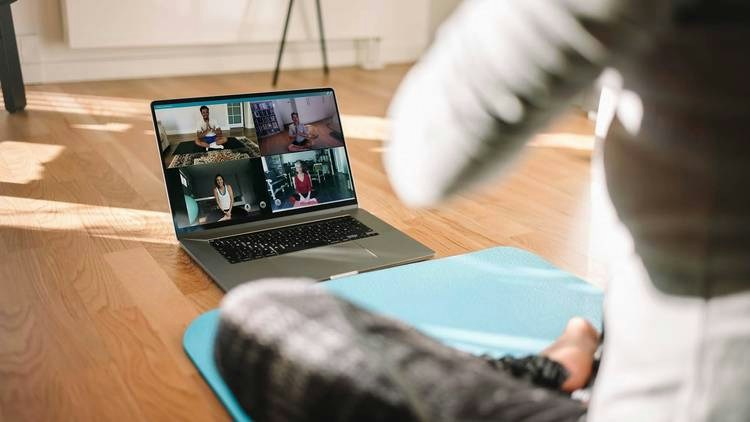
A healthy body and mind are essential for a productive and fulfilling life. From exercising to eating right, there are many things employees can do to improve their health and wellbeing. Virtual lunch and learns on health and wellness can help employees understand the importance of taking care of themselves and offer tips on how to do so.
48. Creating a fitness routine that works for you
49. Quitting unhealthy habits
50. Cooking class for beginners
51. Taking care of your mental health
52. Dealing with stress in a healthy way
53. Finding time for self-care
54. Creating boundaries
55. Avoiding burnout by eating healthy at work
56. Guided meditation practice
57. Sleep and mindfulness
58. Supporting a co-worker with depression or anxiety
59. Identifying stress triggers
60. Empathy and self-Compassion
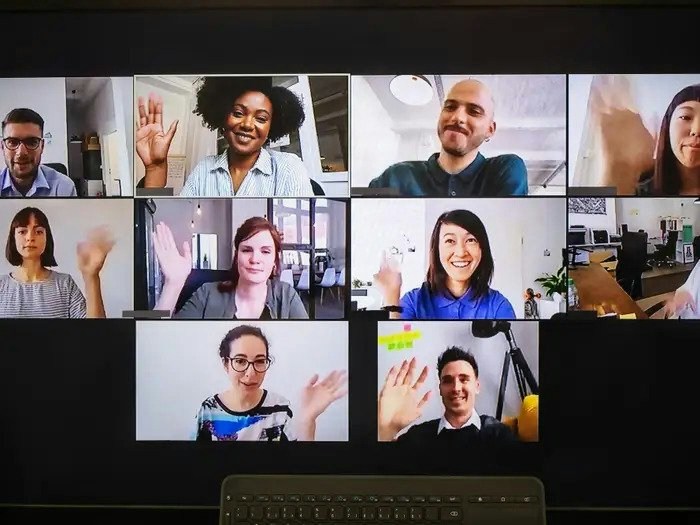
Not all virtual lunch and learns have to be serious! Take a break from work to have some fun so employees have a chance to relax and recharge. There are many ways to make a virtual lunch and learn enjoyable for everyone, from learning about different cultures to playing trivia.
Here are some creative lunch and learn ideas:
61. Tarot card reading for beginners
62. Journaling for stress relief
63. Basic gardening tips
64. Baking bread from scratch
65. Knitting for beginners
66. Choosing indoor plants that improve air quality
67. Cocktail making 101
68. Feng shui for your home office
69. Waste reduction tips for the home
70. Packing for a travel adventure
71. Book club
72. How improv comedy skills can help you communicate
73. What our pets say about us
74. Finding a hobby that brings you joy
75. Designing a t-shirt
A virtual lunch and learn is a great way to build relationships between remote teams. But they need to be engaging and different from other business meetings.
First, you need a virtual meeting platform like Livestorm. With Livestorm you can make the most of engagement features like polling and Q&A sessions to host highly interactive lunch and learn webinars. Get your teams involved with two-way communication, fun icebreakers, and growth mindset activities.
Asking for feedback and circulating a survey at the end of each session is a great way to get employees’ opinions on what they liked, didn’t like, and what they want to see in the next virtual lunch and learn. All of these come as a package when you use a video engagement platform like Livestorm.
A virtual lunch and learn is an online meeting or seminar that employees can attend, which includes a presentation from a speaker about a chosen topic, followed by a question and answer session, and may involve group activities or participation.
In a virtual lunch and learn, employees get together to facilitate a culture of learning and knowledge-sharing for team development, creating awareness, or simply for fun.
To make a virtual lunch and learn interesting, it is important to have employees engaged and participating with features like polls and Q&A sessions. Livestorm makes it easy to do all of this in one place.
To host a virtual lunch on Zoom, first, choose a topic for the session, then set a time and date for the meeting, send an initiation to those involved, and meet up virtually.
The best topics are practical, discussion-friendly, and easy to apply the same day, such as productivity tips, customer stories, tool demos, wellness, and communication skills. Pick one clear takeaway and build the session around it.
A common example is a 30–45 minute session where a team member demos a workflow followed by Q&A. Use a short agenda, light slides, and leave time for discussion.
Make it interactive by designing moments for participation every 5–7 minutes using polls, chat prompts, breakout discussions, and live Q&A. Ask attendees to submit questions upfront to guide the content.
Keep it short, set one learning goal, and promote it with a clear value-driven title. Use a simple structure: intro, main segment, interactive activity, Q&A, and wrap-up with follow-up to collect feedback.
Good activities include show-and-tell, quick skill swaps, mini case studies, trivia tied to the topic, or a lightning round of tips from attendees. Keep activities lightweight to fit a lunch break.
A fun, fast icebreaker is "This or That" where everyone votes on two options, or "Two truths and a lie" in chat with quick guesses. Keep it under 3 minutes to protect learning time.


50 Icebreakers for Virtual Meetings
Discover 50 ice breakers questions and games that will make your meetings engaging.
About the author
Molly Hocutt - Content Manager
Molly joined Livestorm in 2019 as a Content Manager and manages written content production. Her work focuses on lead generation and organic website traffic.
Related categories
Featured resource
50 Icebreakers for Virtual Meetings
Discover 50 ice breakers questions and games that will make your meetings engaging.