Engage your team
Connect your remote team with Livestorm meetings and events
Try Livestorm for freePublished on May 25, 2022 • About 2 min. read
Written by Molly Hocutt
50 Icebreakers for Virtual Meetings

Table of content
Share this article
Key Takeaways
Flexible remote work has been shown to boost productivity, improve retention, and support global collaboration.
Common virtual meeting challenges include tech failures and overexposure, mitigated by best practices like tech checks and background customization.
Transitioning back to the office can provoke adjustment issues such as routine disruption and anxiety, highlighting the need for effective communication.
Efficient meetings rely on focused agendas, asynchronous communication, and consideration of team members' schedules.
Virtual meetings offer valuable opportunities for team building, inclusive participation, and in-depth discussions.
Need a break from all that hard work? That’s what we thought – so take a minute out of your day to sit back and enjoy these virtual meeting memes. Also, we’ve thrown in some tips and recommendations along the way. You’re welcome!
Video conferencing platforms have made remote work possible for millions – allowing for greater freedom in the workplace, cost-saving, and global teams. What’s not to love?
Flexible working schedules increase productivity, improve staff retention, and help attract the best available talent.

Of course, even when you’re working from home, it’s important to keep up appearances.

You might be miles apart, but you can still gain valuable insights into what your team’s all about.

Nowadays, distance is no barrier to great teamwork.

But, ultimately, the true benefit of remote work lies in creating the ideal working environment – at home.

Even with all the best tech available, there are still pitfalls to avoid. So try following these best practices.
We recommend checking your audio and video settings before getting things underway.

There’s really nothing worse than turning on your cam just when you don’t mean to.
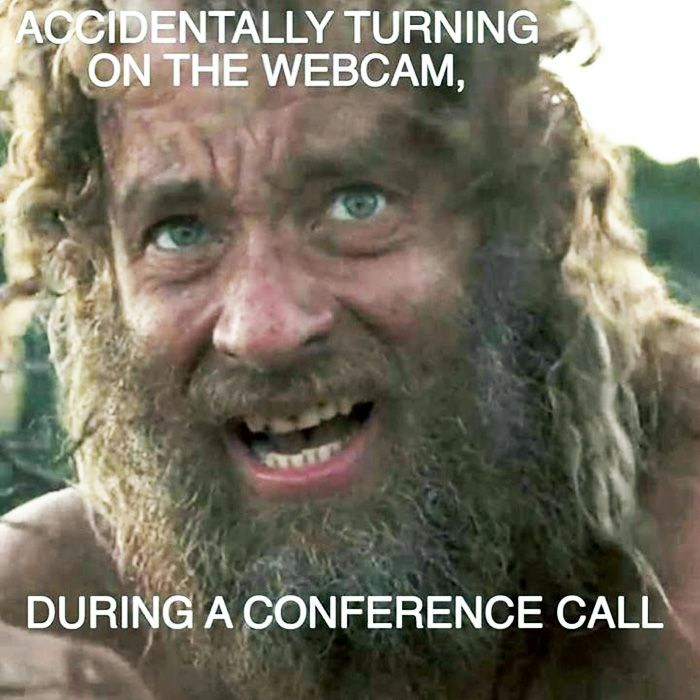
Well, maybe there’s one thing worse.

Have some fun with the team – just try not to freak them out.

If you’re returning to the office after some time away, you should be prepared for a short period of adjustment. Here are some of the main issues you could encounter.
Those early starts can be a challenge for even the best of us.

It’s hard to let go of established ways of working.

It’s probably best to limit expectations.

The key is to always communicate effectively with the team.

One issue that every team faces once in a while is overcommunication. Here are some tips on how to avoid spending too much time in virtual meetings.
You can often handle even the most pressing concerns using team communication apps or other software tools.
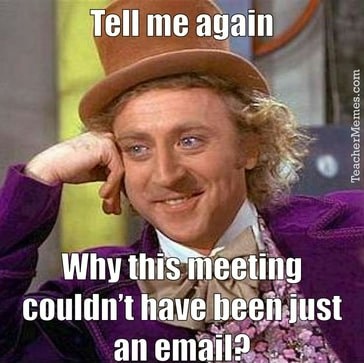
And when a meeting is required, be sure to stick to the topic in hand.

Don’t organize a meeting without checking through everyone’s calendars first.

At the end of the day, though, meetings are a tool for problem-solving, and a great way for the team to collaborate on achieving shared goals.

Virtual meetings are a fantastic opportunity for team building. Let’s take a look at what else your meetings should always seek to achieve.
The key to a successful meeting is giving everyone the chance to make their own special contribution.

After all, people need a place where they can fully express themselves, their thoughts, and opinions.

And if everyone’s involved, the whole team benefits.

Buddy, we love virtual meetings, too.

And now you’ve enjoyed some of our favorite virtual meeting memes, it must be time for a hard-earned lunch. Bon appétit!

Use memes, GIFs, and humor to break the ice and keep energy up. Mix in polls, chat prompts, and quick reactions every few minutes to maintain attention and participation.
Try a quick poll asking participants to choose their mood or drop a meme in chat that represents how they're feeling. Keep it fast and optional so you can move into the agenda without losing momentum.
Open with a 60-second warm-up like a meme slide, a one-question poll, or a two-word check-in. This signals energy and sets a positive tone before diving into the agenda.
Avoid multitasking, talking while unmuted with background noise, and sharing your screen with sensitive tabs open. Don't let the meeting drift without clear roles or timing.
Position your camera at eye level, face a soft light source, and use a clean background. Test your audio and video setup before joining to avoid technical issues.
Choose a short, specific name that hints at the purpose, like "Meme Check-In" or "Coffee & Commitments." Tie it to the outcome so it feels purposeful, not gimmicky.


50 Icebreakers for Virtual Meetings
Discover 50 ice breakers questions and games that will make your meetings engaging.
About the author
Molly Hocutt - Content Manager
Molly joined Livestorm in 2019 as a Content Manager and manages written content production. Her work focuses on lead generation and organic website traffic.
Related categories
Featured resource
50 Icebreakers for Virtual Meetings
Discover 50 ice breakers questions and games that will make your meetings engaging.