
|
|
Discover how to craft effective webinar confirmation emails that provide attendees with all the necessary details for a successful online event.
|
|
|
|
|
|
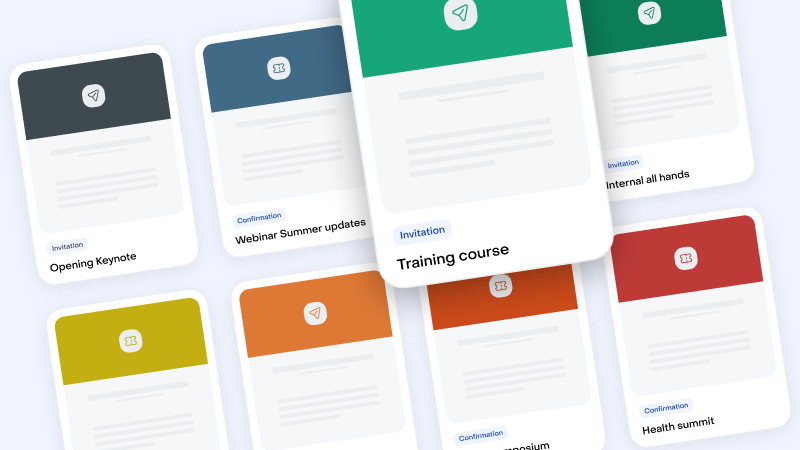
Select your Email Templates in this Library
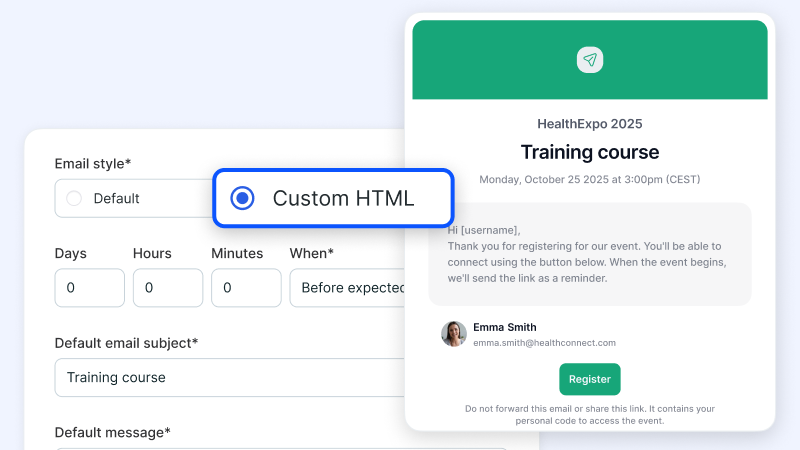
Import the Templates and Export it into Livestorm "Custom HTML"
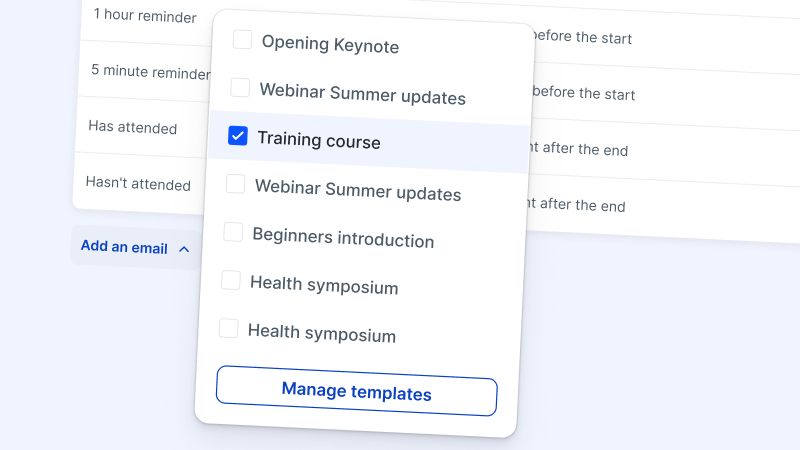
Manage your Templates within Livestorm
Try Livestorm for free
Get started in minutes and run your first engaging webinar today.
A webinar confirmation email is an automated message you sent to registrants, verifying that you’ve saved their spot in an upcoming online event. Think of it as a digital acknowledgment and receipt of their interest and commitment to attend.
The best webinar confirmation emails provide logistical details like the date, time, and access link. It can also set the tone for the event, reinforcing your brand's reliability and professionalism as well as the value the webinar will provide.
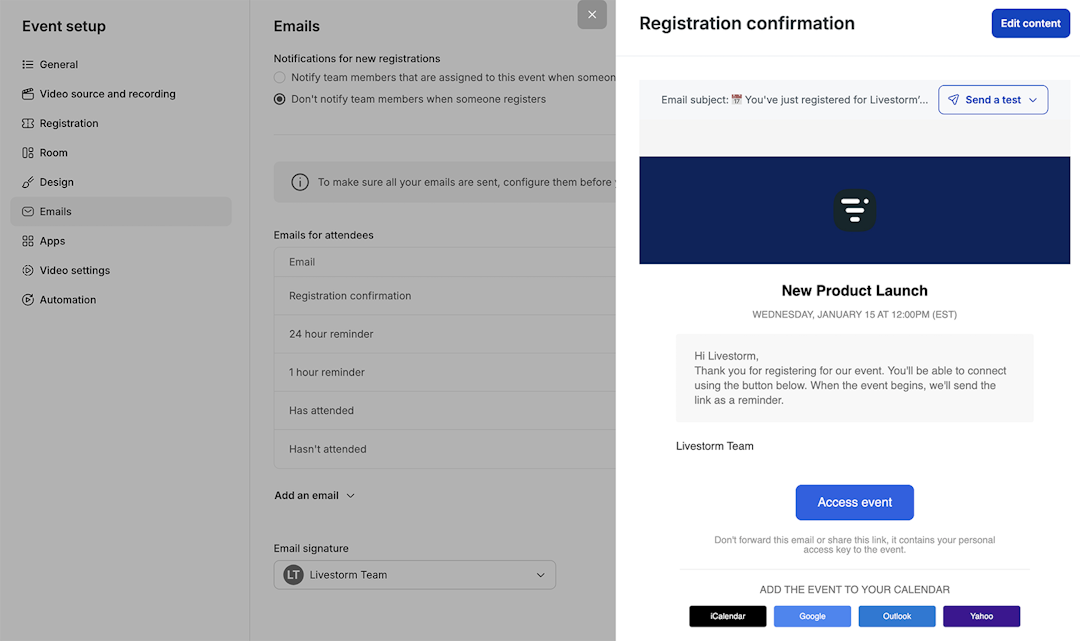
A confirmation email assures participants that they’ve successfully secured a spot for the upcoming webinar. It should enhance their trust in your brand and increase their likelihood of attending.
It also gives you an opportunity to recap the benefits of the webinar, which can increase anticipation. As a result, this email helps participants prepare for the event, ultimately contributing to higher attendance rates and more successful webinars.
Timing webinar email confirmations correctly can maximize their impact. It's best practice to send a confirmation immediately following the webinar registration to acknowledge the signup and reduce any potential uncertainty or confusion.
Consider sending an additional webinar reminder email a day before the event to help attendees prepare. This also keeps the event top of mind and lowers the risk of forgetfulness or last-minute no-shows.
A well-crafted webinar email confirmation should be clear, concise, and engaging. Start by automatically personalizing the message with the registrant's name.
Then, provide essential information. Clearly state the date, time, and time zone of the event to avoid any miscommunication. Recap the agenda and any guest speakers.
Include a direct link to access the webinar. Advise attendees if they need to download any software or set up an account in advance. As a browser-based webinar software platform, Livestorm doesn’t require downloads, making it easier for attendees to join the webinar.
Add a calendar link so webinar attendees can easily block the time in their schedule. Consider including contact information or a help link to make it easy for participants to ask questions or get assistance with technical issues.
Explore our guides to build video engagement