
|
|
Learn how to write a concise yet compelling webinar thank you email to express gratitude and engage participants after an online event.
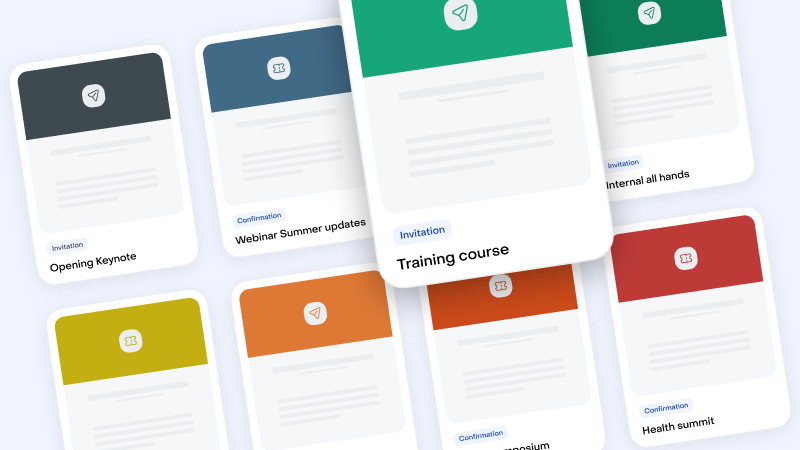
Select your Email Templates in this Library
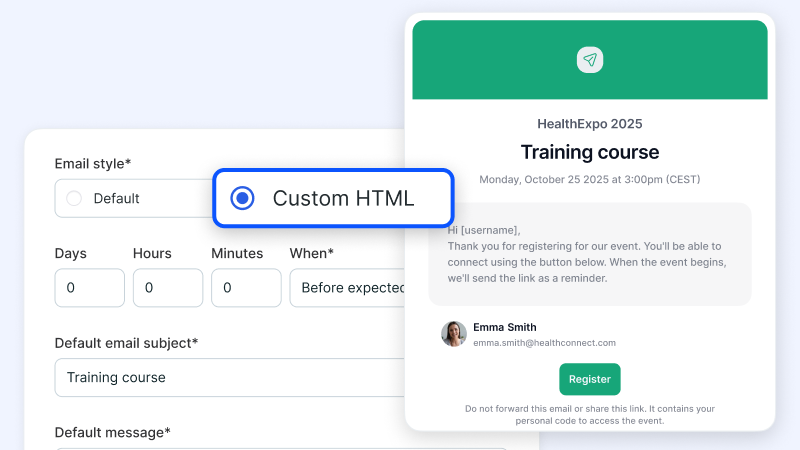
Import the Templates and Export it into Livestorm "Custom HTML"
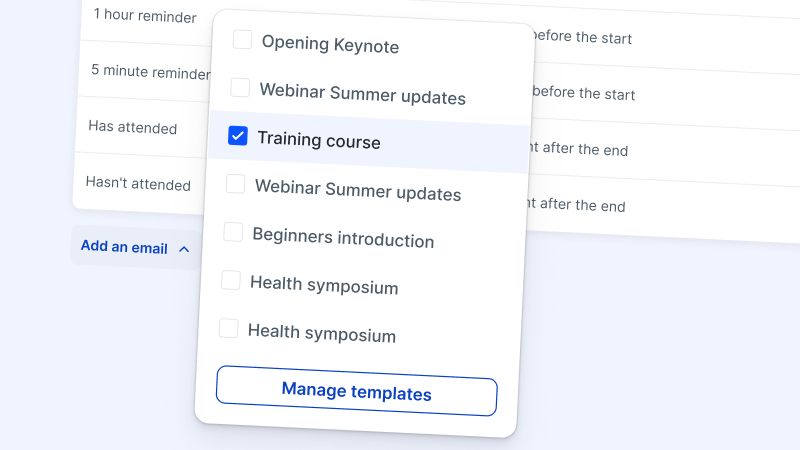
Manage your Templates within Livestorm
Try Livestorm for free
Get started in minutes and run your first engaging webinar today.
A webinar thank you email is a follow-up message you send to participants after they attend your virtual event. It typically expresses gratitude for their time and engagement while also reinforcing the connection you made during the event.
Many webinar follow-up emails also provide access to additional resources. This way, they reaffirm the value of the event while strengthening the relationship between your brand and your audience.
Sending a webinar thank you email is essential for demonstrating appreciation for the time attendees dedicated to your event. It also gives you an opportunity to continue the conversations you started when you hosted the webinar.
The best webinar thank you emails often include links to the webinar recordings and any other resources mentioned during the event. By providing this added value, you can make the event more impactful for attendees.
Many thank you emails also encourage feedback, which can be invaluable for improving future webinars. Plus, engaging with attendees post-event solidifies your brand's impression as attentive and customer-focused, which fosters loyalty.
Like all event messaging, timing is key with thank you emails. Aim to send this follow-up email within 24 hours of the event’s conclusion. This way, you can continue the discussion while the experience is still fresh in participants’ minds.
Sending thank you emails relatively quickly reinforces your brand’s proactivity and dedication. It also helps maintain momentum, which can prompt attendees to take the next steps you suggest in the email and drive conversions.
Begin by expressing genuine gratitude for attendees’ participation. Then, recap takeaways from the webinar to remind participants of the value the event delivered. Consider including a summary of the webinar content, such as questions the speakers addressed and insights they shared.
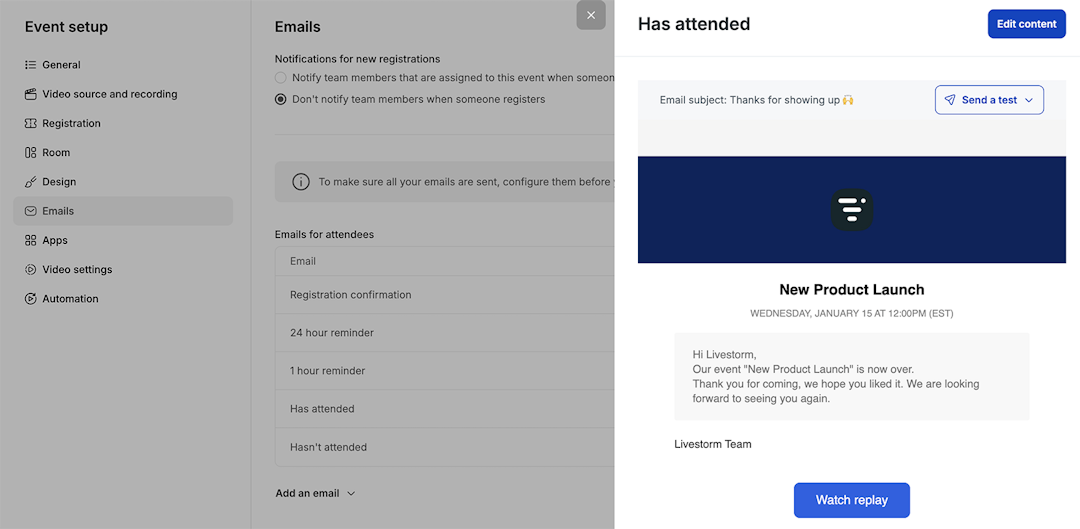
Provide a link to the webinar recording in your post-webinar emails. This allows attendees to rewatch the event at their convenience and reinforce what they learned.
End your webinar follow-up email by linking to a survey or feedback form. This way, you can gather insights and make the next event even better.
Take things a step further by inviting attendees to your next webinar. Adding this final call to action (CTA) creates a springboard for continued engagement.
Explore our guides to build video engagement