
|
|
Learn how to create a follow-up email template to engage participants who missed your webinar and increase the ROI of the event.
|
|
|
|
|
|
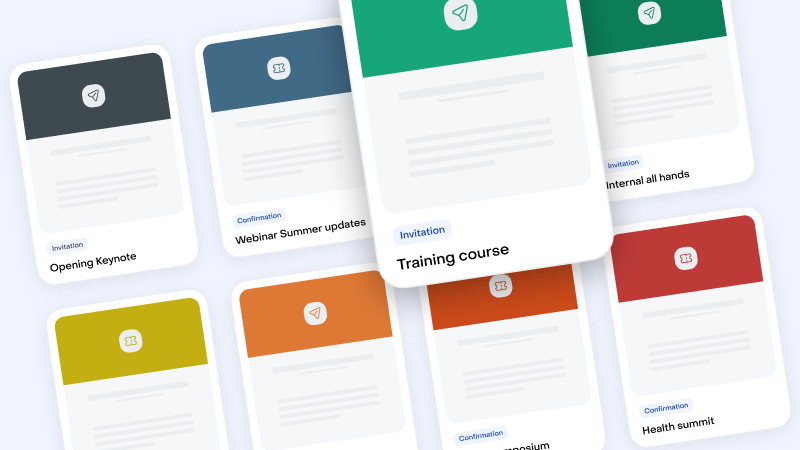
Select your Email Templates in this Library
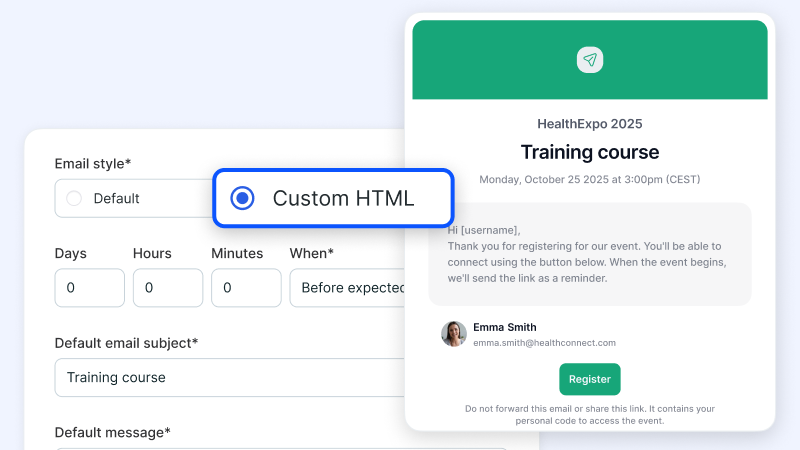
Import the Templates and Export it into Livestorm "Custom HTML"
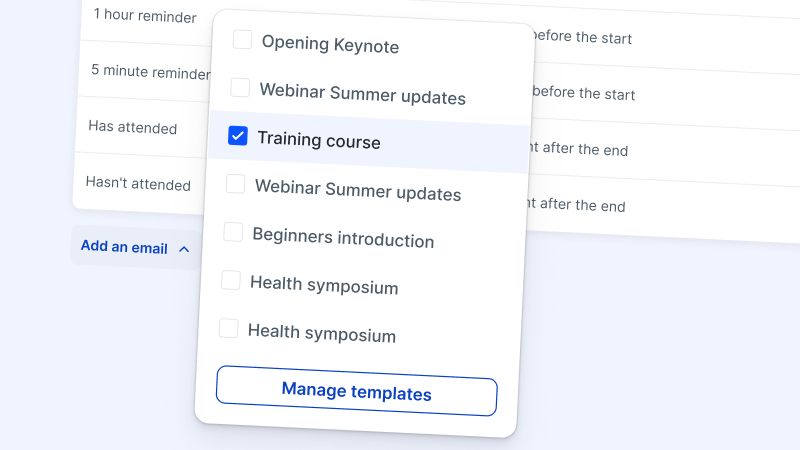
Manage your Templates within Livestorm
Try Livestorm for free
Get started in minutes and run your first engaging webinar today.
A webinar didn't participate email template is a follow-up message that you automatically send to people who registered for a webinar but didn’t attend the live session. It acknowledges their initial interest and aims to re-engage them with the content they missed.
By providing an overview of what you covered during the event, this email keeps the conversation open. It also invites webinar attendees to watch the recording, ensuring that they still have the opportunity to experience the webinar benefits and the valuable insights.
Sending a webinar didn't participate email nurtures relationships with registered participants who were unable to attend the webinar. It reaffirms their interest and gives them another opportunity to engage with your material.
Ideally, it turns non-attendees into on-demand webinar viewers. By providing a playback link, you also maximize the reach of the event and increase its impact beyond the live webinar. This can improve the ROI of the event and generate more value for your company.
Timing is key for sending webinar didn't participate emails. It's best practice to send this webinar follow-up email within 24 to 48 hours after the event has concluded.
This quick turnaround helps to capitalize on the event's immediate value and keeps the topic relevant to the registrant. Sending the email soon after hosting the webinar can remind registrants of the benefits they initially found appealing, encouraging them to watch the recording.
Start by acknowledging the registrant's interest and expressing your understanding of their non-attendance. Provide a brief but compelling summary of the main topics and insights shared during the webinar to demonstrate the value they missed.
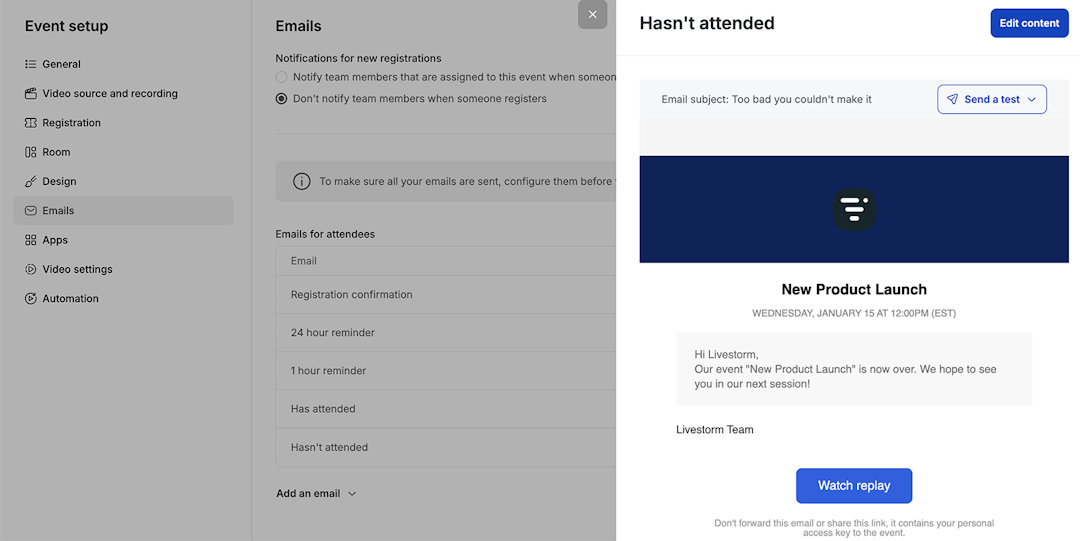
Include a direct link to access the webinar recording, including any time limits for watching the video. Share any accompanying materials or downloads.
Encourage future engagement by highlighting your next webinar, other upcoming events, or related content that aligns with their interests. Invite registrants to reach out with questions or for information tailored to their needs.
Explore our guides to build video engagement