
|
|
Discover a simple and effective webinar reminder email template to boost attendance and engagement for your next online event.
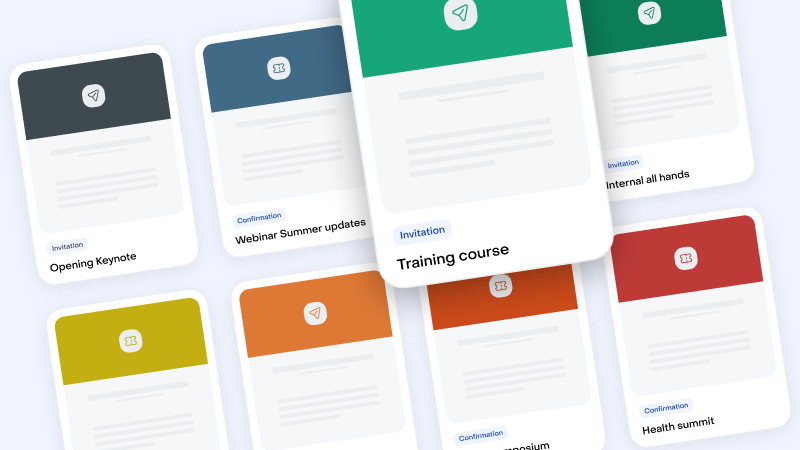
Select your Email Templates in this Library
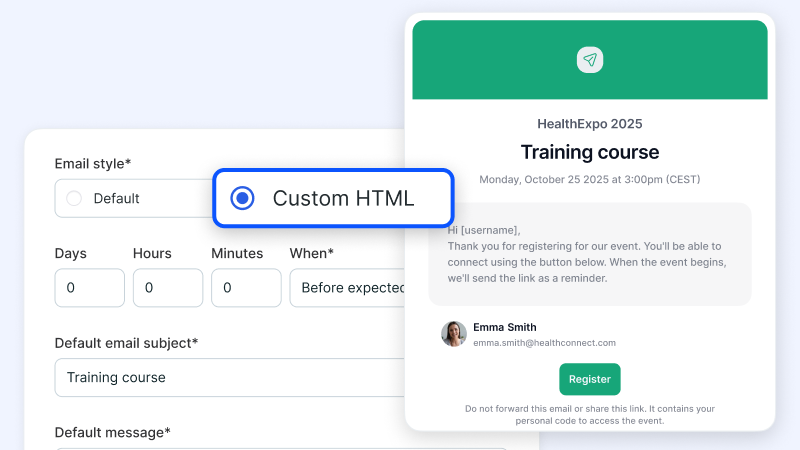
Import the Templates and Export it into Livestorm "Custom HTML"
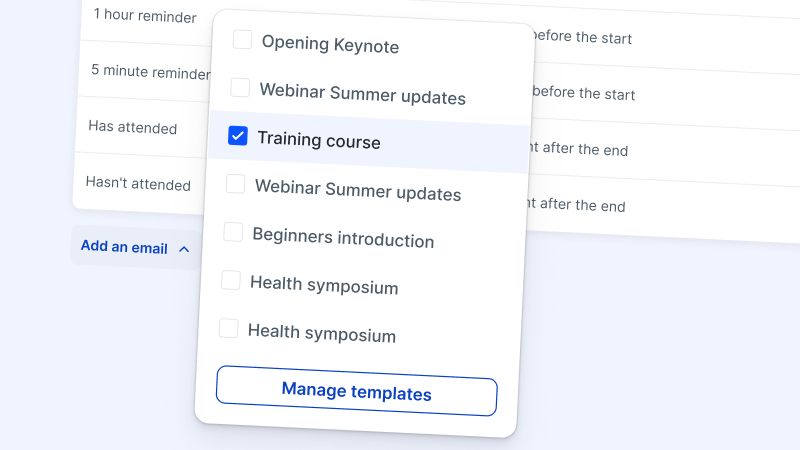
Manage your Templates within Livestorm
Try Livestorm for free
Get started in minutes and run your first engaging webinar today.
A webinar reminder email is a message that encourages your audience to remember webinar details, including the date, time, and topic. It’s a powerful tool for minimizing no-shows and boosting engagement at upcoming events.
These emails serve as timely nudges to prioritize participation. They also offer opportunities to share additional resources or FAQs, helping attendees prepare for your event.
Timing is key. Sending event reminder emails one week, one day, and one hour before the webinar keeps your event top of mind with your audience.
Optimize your reminder email strategy by ensuring the content is engaging, informative, and tailored to your audience's needs.
The main goal of an event reminder email is to increase attendance rates by increasing recall and encouraging participants to join. It also builds anticipation and highlights key points or webinar benefits.
With a webinar reminder email template, you can easily check in with guests before a scheduled webinar and provide essential details. The most effective templates include the date, time, event name, and instructions to join the webinar.
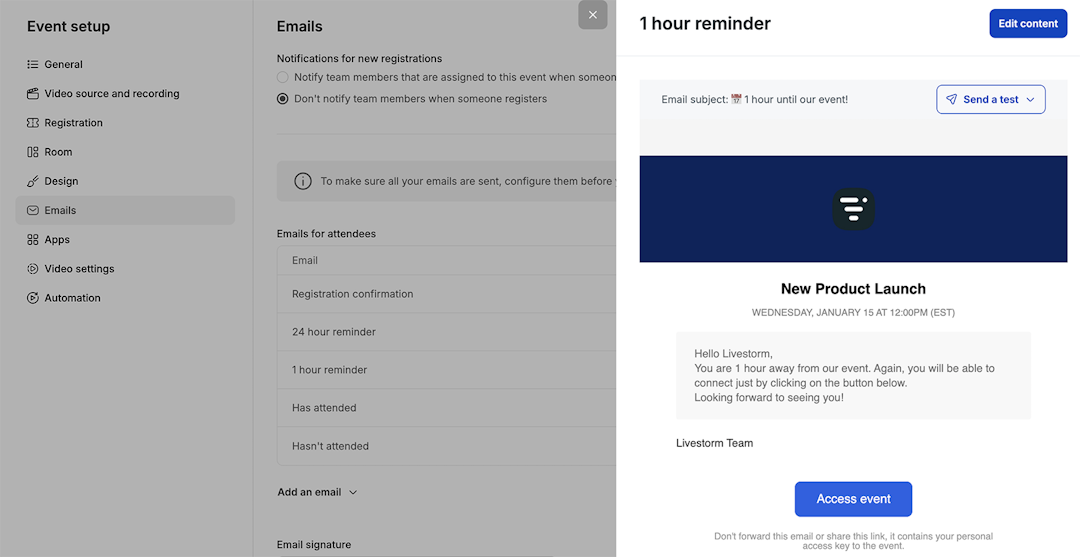
For best results, send email sequences to remind attendees about the webinar. Schedule emails for one week, one day, and one hour before the webinar. This strategic timing keeps your event fresh in attendees' minds and helps reduce no-shows.
Explore our guides to build video engagement