AI Studio is an add-on for Pro and Enterprise plans. It costs €2,000 per year, billed annually, with unlimited use.
Engage
Livestorm AI Studio: turn your webinars into social clips
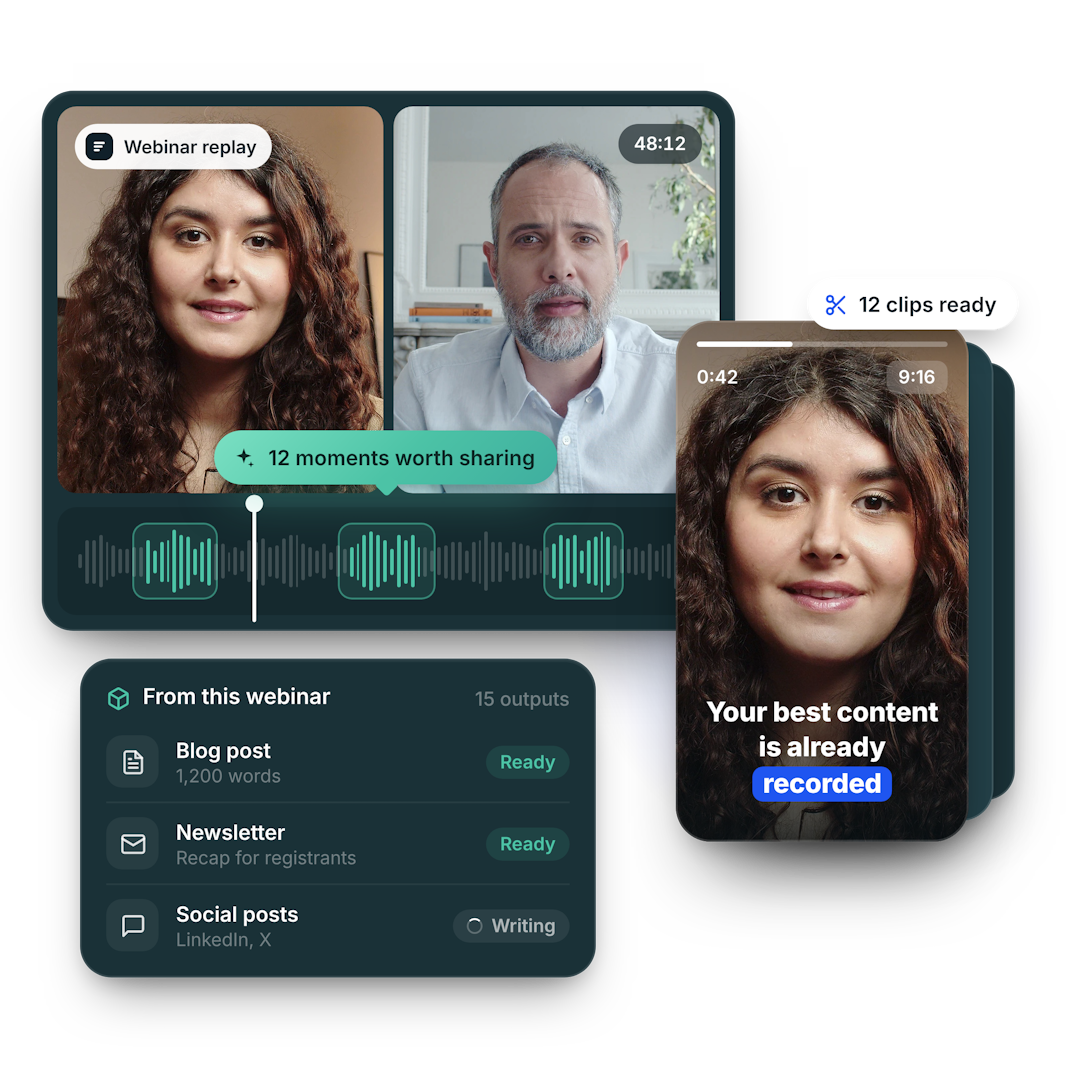
Livestorm AI Studio is webinar clipping built into your webinar platform. It finds the moments worth sharing in your replays and turns them into weeks of clips, ready to publish. Your best content is already recorded.
Features
One webinar. Weeks of clips.
Livestorm AI Studio finds your strongest moments and delivers publish-ready clips, in minutes.
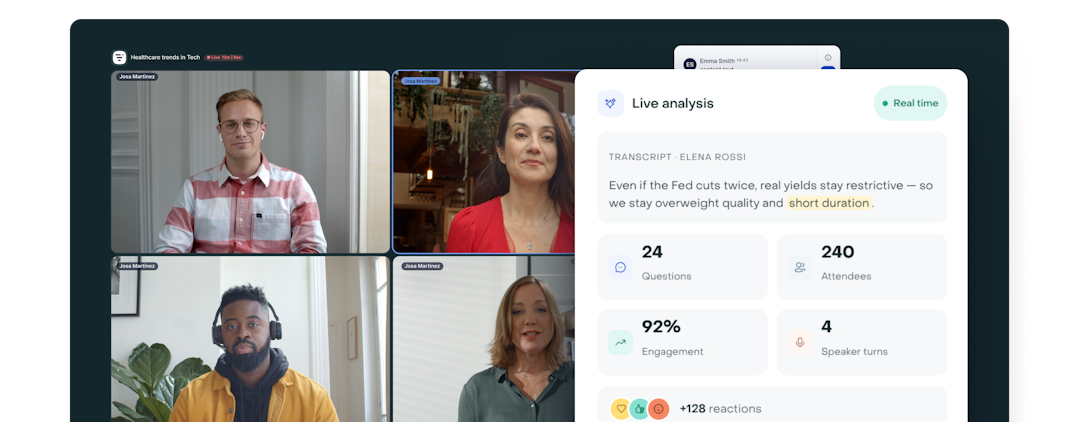
Live webinar analysis
Transcript, Q&A, attendance, speaker turns and engagement reactions all get tracked in real time.
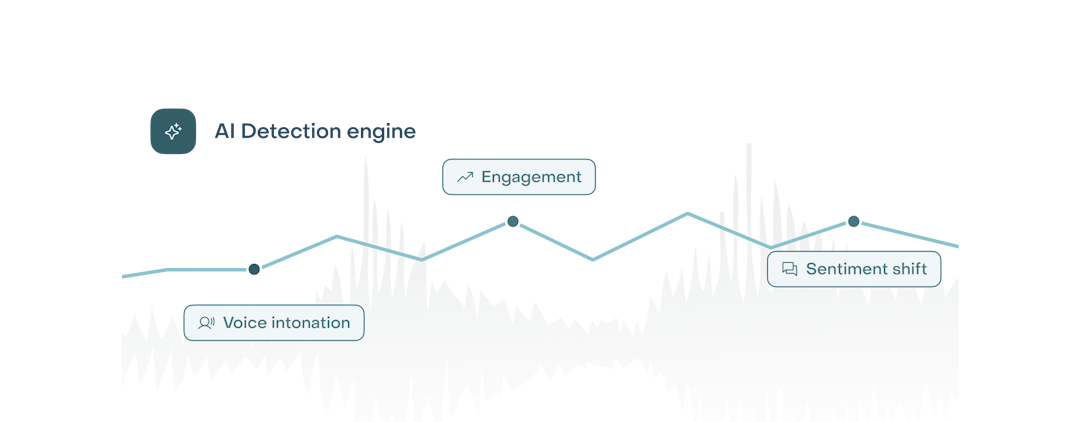
AI highlight detection
Q&A spikes, engagement jumps, speaker handoffs and topic shifts surface automatically.
Automatic clip generation
Each detected highlight is cut into a standalone clip: auto-titled and captioned.
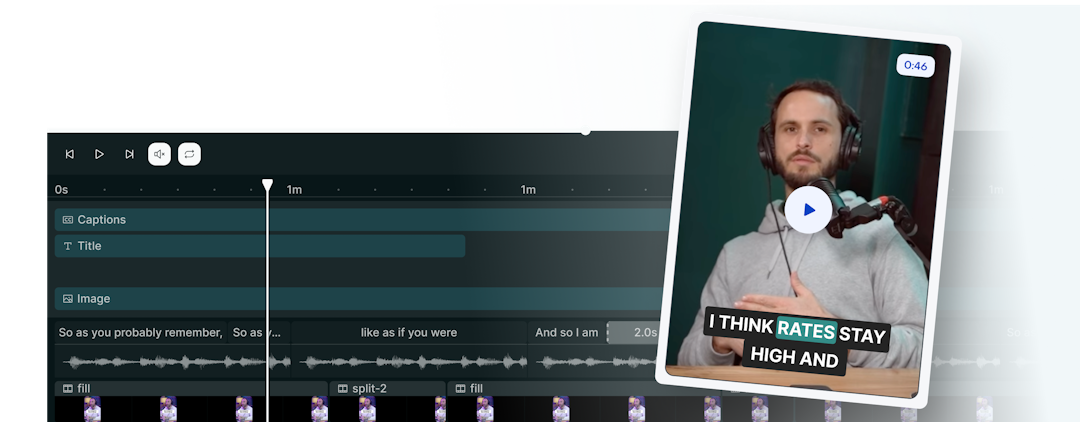
Multi-channel publishing
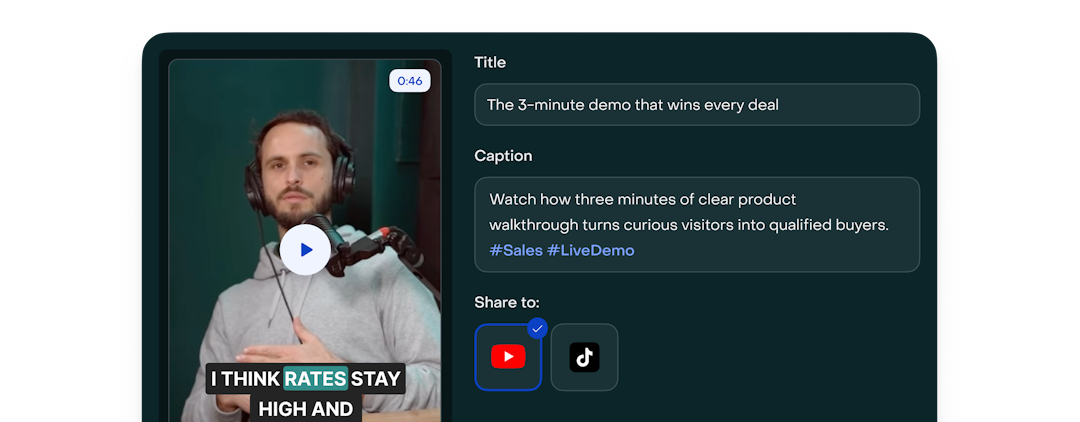
Refine titles, edit AI captions, and share it straight to your channels.
Benefits
Why you'll love it
The 60 seconds that matter the most
AI Studio reads engagement signals, context detection, and voice intonation to surface the moments your audience actually leaned into, not random highlights.
Live to publish in under 5 min
Ready-to-post clips, captions and highlights the moment your webinar ends.
Turn one event into a month of content
Every webinar becomes teasers, social clips and on-demand hooks that keep driving registrations and replays long after the live date.
Built into your webinar platform
No exports, no third-party clipping tool, no re-uploading. Your webinars and your clips live in the same place, so clipping starts the moment your session ends.
Try Livestorm AI Studio
Don’t let your event’s value fade after the live session ends. Transform it into high-impact content and keep the conversation going!
Frequently Asked Questions
How much does Livestorm AI Studio cost?
Which languages does AI Studio support?
AI Studio works in 7 languages at launch: English, French, Spanish, German, Dutch, Portuguese and Catalan. Both the captions and the moment detection adapt to the language of your webinar. More languages are on the roadmap, we'll keep adding them based on what our customers need most.
Can I edit a clip before sharing it?
Yes. You stay in control of every clip before it goes out. You can change the aspect ratio to fit any channel (vertical Shorts, square for LinkedIn, horizontal for YouTube), edit or restyle the captions, and make basic tweaks. More editing options are coming soon!
When can I start using Livestorm AI Studio?
Private beta starts in July, with waitlist users and our most active accounts going first.
Can I edit the whole video, without using the highlight recommendations?
Yes. Beyond AI-suggested highlights, AI Studio lets you edit your full webinar recording manually, for example to trim the beginning or end before sharing the complete replay.
Here's how:
- Once your session has ended, go to your session page.
- Click the dropdown button next to the replay actions (alongside Download and Watch replay).
- Select the ✂️ Edit option. This opens your entire recording directly in the AI Studio editor, where you can trim, cut, and adjust it as you wish.
Note that processing the full video takes a bit longer than generating a clip (roughly the duration of the video itself), since our AI analyzes the entire recording.
Not done exploring
Discover more powerful AI features to enhance your webinars or suggest what you’d love to see next !