Claude connects to Livestorm through OAuth, with the same permissions as the Livestorm user who authorizes it. It can read events, sessions, registrants and engagement data, and perform actions such as registering attendees. You can disconnect it at any time from your Claude connector settings.

Claude
Connect Livestorm to Claude with the Livestorm MCP connector. Access your real-time event data directly in Claude to automate workflows, analyze your webinars and unlock deeper insights.
Sign up to install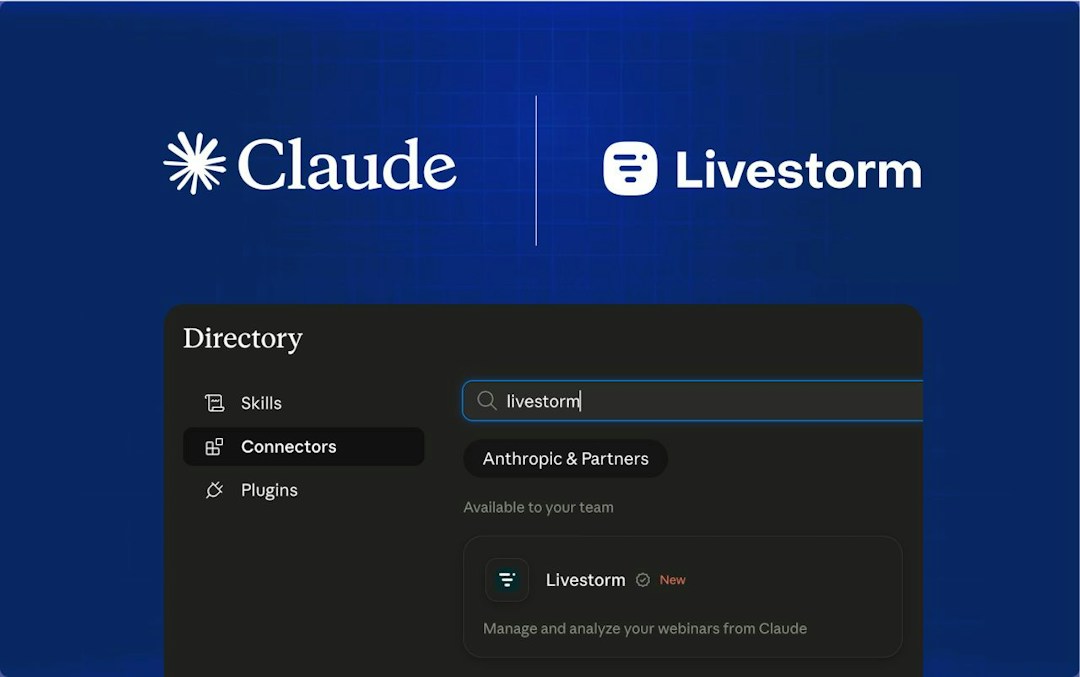
What is Claude?
Claude is the AI assistant built by Anthropic. Teams use it to write, analyze, research and automate their work, on the web, on desktop and in Claude Code.
The Livestorm connector is a verified connector in Claude's directory, which means Anthropic reviewed it for quality and compatibility. It's built on the Livestorm MCP (Model Context Protocol), which lets Claude securely read and act on your Livestorm data in real time, with the permissions of your account.
Why integrate Claude with Livestorm?
Connecting Claude to Livestorm turns your webinar data into a conversation. Instead of clicking through setup screens, exporting CSV files and building reports by hand, you ask Claude and it does the work.
Plan your events from Claude
Create a new webinar, schedule its sessions and register your attendees without leaving the conversation. Ask Claude to set up next month's product demo, add a second session at another time, or register a list of contacts in one go.
Get webinar reporting in seconds
Ask Claude for attendance rates, drop-off points or chat activity on any event. It pulls the numbers from Livestorm and summarizes them for you, so you can skip the spreadsheet exports.
Follow up with the right people
Score engagement and segment your audience based on what attendees actually did: who attended, who stayed until the end, who asked questions, who registered but didn't show up. Then push that data to your CRM or use it to write targeted follow-up emails.
What you can do with Claude and Livestorm
Once connected, you can ask Claude to:
- List your upcoming events and sessions
- Create events and schedule new sessions
- Register attendees, one by one or in bulk
- Get attendance, drop-off and chat activity metrics
- Push registration and engagement data to your CRM
- Score engagement and segment high-value leads
Try prompts like "Create a webinar next Tuesday at 3pm and register these contacts", "List my webinars this month" or "Who attended my last webinar but did not convert?"
How to connect Claude to Livestorm
- Open the connectors directory in Claude, or go directly to claude.ai/directory/livestorm.
- Click Connect and log in to your Livestorm account to authorize access.
- Start asking Claude questions about your events.
The connector works with Claude on the web and desktop (Free, Pro, Team and Enterprise plans) and with Claude Code. It's available on all Livestorm plans, including Free. For step-by-step instructions, check our documentation.


Need anything else?
Our seamless integration with tools like HubSpot and Intercom helps you manage all your insights in one place.
Browse all integrationsYou may also like


New
Livestorm MCP
Connect Livestorm to Claude, ChatGPT and other AI assistants with the official Livestorm MCP server.
API, Marketing Automation, Collaboration Tools

Livestorm API
The Livestorm team has developed an API that gives you endless possibilities to access, manage and customize your data. Livestorm’s API enables countless automation scenarios with internal systems, back offices, and 3rd-party applications.
API

Zapier
Connect your Livestorm account to any app in the Zapier directory. You'll have instant access to over 3,000 apps to help you automate everything from your CRMs to analytics software. Get your data flowing through your marketing stack and automate events, webinars, and meetings with Zapier.
No-code automation tools