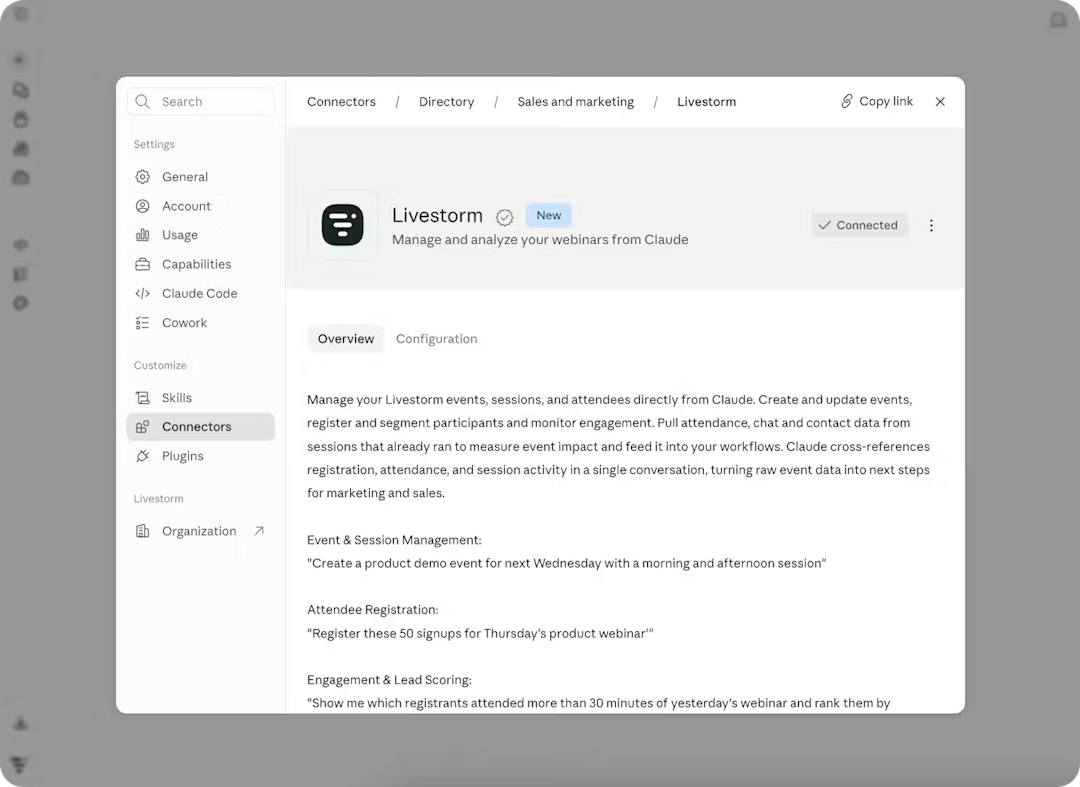
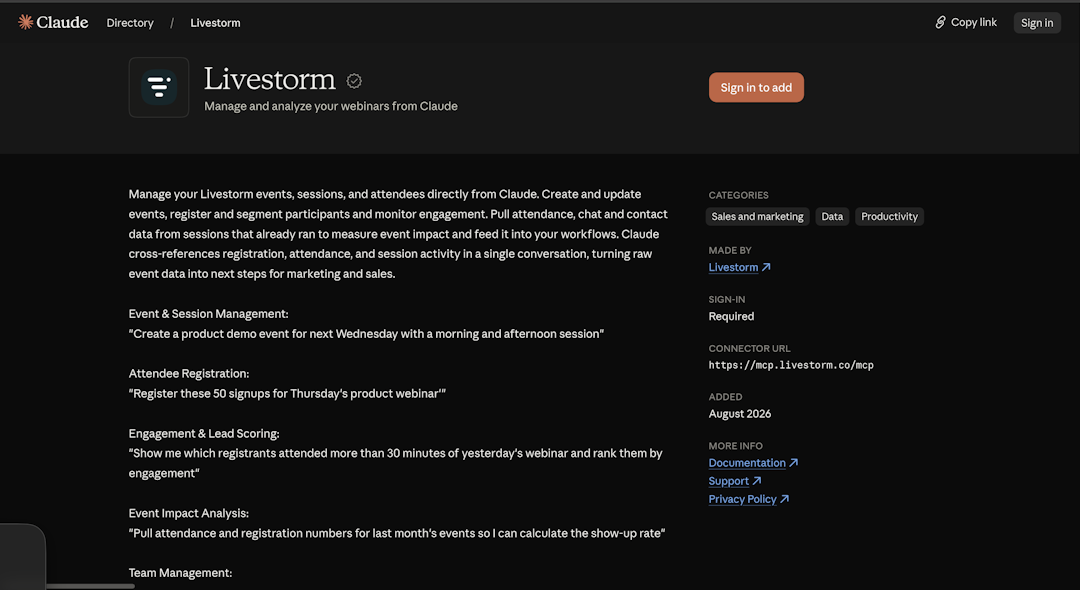
Yes. Livestorm is a verified connector in Claude's directory, so you can connect your webinar and event data to Claude and work with it in plain language. You can list events, pull engagement analytics, register attendees and, with your CRM connector, sync data to your CRM.
Company updates
Livestorm is now a verified connector in Claude's directory
Published on August 31, 2026 • About 2 min. read
Written by Olivier Thomas
The Pipeline Truth: 2026 Webinar Benchmark Report
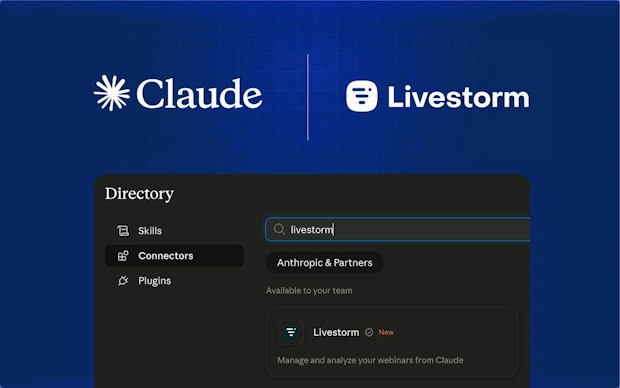
Table of content
Share this article
Key Takeaways
Livestorm is the first webinar platform verified connector in Claude's directory.
The setup to Livestorm through Claude is a one-click login.
Verified means Anthropic tested the connector for quality and compatibility.
Claude can list events, pull engagement data, register attendees, and sync to your CRM.
It works across Claude, Claude Code and ChatGPT, plus Microsoft 365 Copilot, Cursor and other MCP clients, using your Livestorm account.
The connector pays off on three jobs: reporting, follow-up, and repurposing.
Livestorm is now a verified connector in Claude's directory. You can connect your Livestorm webinar and event data to Claude in one click, then ask questions and take action in plain language, from listing upcoming events to pulling engagement data and registering attendees. Verified means Anthropic has tested the connector for quality and compatibility.
This moves the Livestorm and Claude integration from a developer-only setup to a one-click login. It is built for the marketers who already run their webinars on Livestorm and want event data where they now do their thinking.
What the Livestorm connector lets Claude do
The connector does more than let Claude read your event data. It can act on it.
Once you connect it, you can ask Claude in plain language to:
list your upcoming events and sessions
pull attendance, drop-off, and chat-activity analytics without manual exports
register attendees individually or in bulk
push registration and engagement data into your CRM, through a Livestorm webhook or your CRM connector
score engagement and segment your highest-value leads
That mix of reading and acting is where the value sits, because most teams still keep webinars outside their AI work. For the full setup and the current list of actions, see the Livestorm MCP docs.
How to connect Livestorm to Claude
Because it is a verified directory connector, setup is a login, not a developer project.
Open Claude's connector directory and find Livestorm, or go straight to claude.ai/directory/livestorm.
Click Connect and complete the secure sign-in with your Livestorm account.
Start asking. Try "list my webinars this month" or "who attended but did not convert."
The connector works across Claude's web and desktop apps, Claude Code, and ChatGPT, plus other tools that support the same standard. For a worked example of what to ask, read how Livestorm's MCP connector makes webinar planning easier.
What marketers can do with it
The connector earns its keep on three jobs: reporting, follow-up, and repurposing.
Reporting gets faster: instead of exporting a spreadsheet, you ask for the numbers you need, like registrations, show-up rate, and average watch time across last month's sessions, and read them back in a sentence.
Follow-up gets sharper: lead generation is the top webinar use case at 69.4%, and webinar participants converted at 4x the rate of non-participants, per Livestorm's 2025 internal data. When Claude can see who engaged, you can build a follow-up list around attention, not just attendance.
Repurposing gets easier: point Claude at a past session and turn the transcript into first drafts of your blog post, email, and social copy. Our guide to repurposing one webinar into more content shows the wider workflow.
Why this matters
AI assistants are becoming where marketers ask questions and get work done. Putting your webinar data where that work happens keeps events in the loop instead of stranded in a separate dashboard.
The shift is already showing up in demand. The way to stay in those answers is to be genuinely useful inside the tools people ask, and your own event data is part of that.
What's next
This connector is the first step in bringing Livestorm into your AI workflows. AI Studio, which turns webinar replays into ready-to-publish clips, is on the way for teams that want to go from event to content without the manual edit.
To try it, connect Livestorm to Claude from the directory, then explore Livestorm's AI features to see what else you can automate.
Frequently asked questions
Does Livestorm work with Claude?
How do I connect Livestorm to Claude?
Open Claude's connector directory, find Livestorm, and click Connect, then sign in with your Livestorm account to authorize access. Setup is a login rather than a developer project because the connector is verified in the directory. Once connected, you can ask Claude about your events right away.
What does "verified connector" mean in Claude's directory?
Verified means Anthropic tested the connector for quality and compatibility, and it met the directory's requirements at the time of review. It is a trust signal rather than a security audit, and it does not change what the connector can access once you connect it. Claude's directory also lists community connectors, which are not tested the same way.
What can Claude do with my Livestorm data?
Claude can list your upcoming events, pull attendance, drop-off, chat and Q&A activity, register attendees individually or in bulk, and tag people to segment high-value leads. With a Livestorm webhook or your CRM's connector, it can also send that data to your CRM. It reads your event data and acts on it in the same conversation.
Do I need a paid plan to use the Livestorm connector?
No. The Livestorm connector is available on all Livestorm plans, including Free. You sign in with OAuth, so there is no API key to manage; if the Public API isn't enabled on your workspace yet, ask Livestorm support to turn it on. Workspace owners and admins can connect it. A paid plan helps if you want to run more events and collect more data to work with, but it is not required.
Is my webinar data safe when I connect it to Claude?
You authorize the connection through OAuth, so you grant access with your own login and can disconnect it at any time. Claude only reaches the data you allow through the connector. Treat it like any integration and review the access you grant before you confirm.


Reports
The Pipeline Truth: 2026 Webinar Benchmark Report
Drive more registrations, boost attendance & multiply content 13x. Based on 7M+ registrations, 33K sessions + 850 go-to-market leader insights.

About the author
Olivier Thomas - Senior Product Marketing Manager
Before joining Livestorm, Olivier built over 10 years of experience shaping go-to-market strategies and driving growth in complex tech environments. At Livestorm, he leads enterprise product marketing, structuring high-impact use cases, and building strategic positioning across industries. He also drives the go-to-market strategy for new features and integrations, ensuring launches translate into adoption and revenue impact.
Related categories
Featured resource
Reports
The Pipeline Truth: 2026 Webinar Benchmark Report
Drive more registrations, boost attendance & multiply content 13x. Based on 7M+ registrations, 33K sessions + 850 go-to-market leader insights.
Newsletter