Choose a topic and time slot for a webinar
Pick the topic, day, time and title of your next webinar from how your past webinars performed.
Ready-to-use prompts that run on your own Livestorm data.
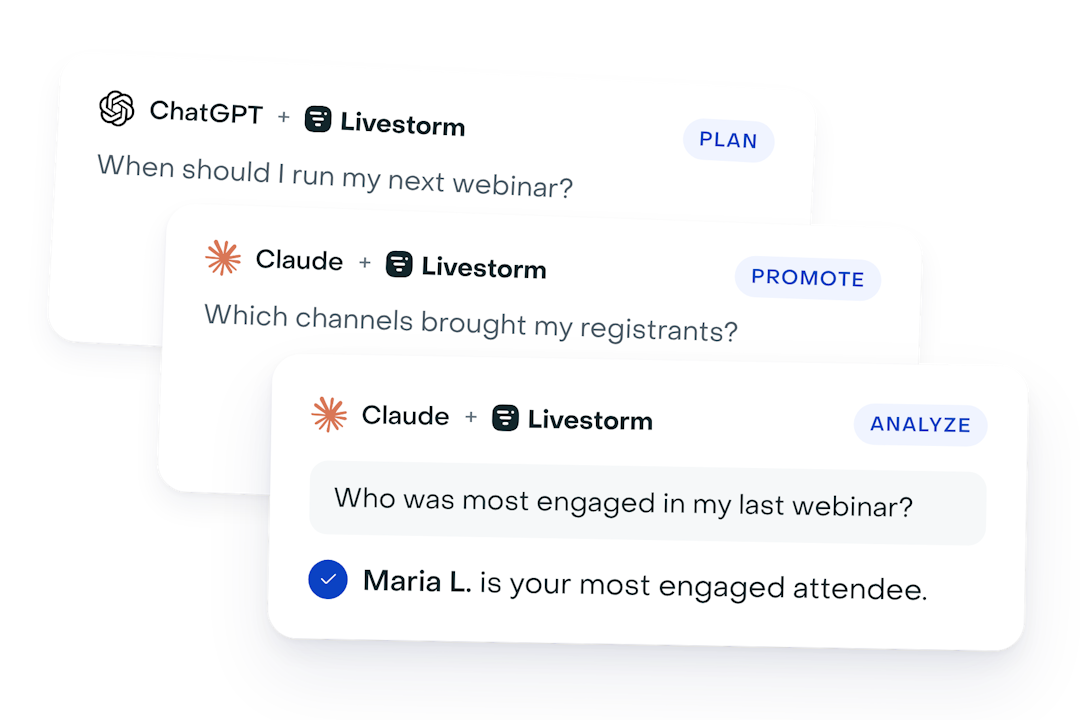
Ready-to-use AI prompts for every stage of your webinar, from picking a topic to reporting on results. Search, or pick a stage.
Shape the event before anything goes live: format, agenda, speakers and timing.
Pick the topic, day, time and title of your next webinar from how your past webinars performed.
Set up a new webinar in Livestorm in a few minutes, as a draft you check before anything goes out.
Find your best-attended webinar and set up a rerun in minutes, as a draft you review before anything goes out.
Find what your audience keeps asking about, so your next webinar answers it.
See everything already scheduled before you pick a date, so two webinars don't compete for the same audience.
Get 5 new titles and a clearer description for your webinar, based on what made your past webinars work.
Fill the room: track registrations, see where they come from and invite the right people.
See whether your next webinar is on track for registrations, compared with past ones at the same point.
See which channels bring your webinar registrants, and which ones bring people who show up.
Register a list of contacts in one go, with their source recorded so they show up in your attribution.
Split your registrants into groups worth messaging differently, using what they told you on the registration form.
Get the session ready and keep it running smoothly: checks, last-minute guests and live questions.
Catch problems with your next webinar while there's still time to fix them.
Register a speaker or VIP who missed the form and get their personal joining link in seconds.
Turn your next webinar into a timed run of show for your host and speakers, built from its event page and registrants.
Get the lines, Q&A rules and backup plans your moderator needs to run your next webinar smoothly.
Turn what happened in the session into follow-ups and content: FAQs, posts, replies and replay emails.
Send attendees and no-shows the follow-up that fits them, built from what really happened in the session.
Turn what was said and asked in a webinar into quotes, an FAQ, social posts and a recap, without rewatching it.
Send a personal answer to everyone who asked a question, with the ready ones out within the hour.
Find which no-shows caught up on the replay, and follow up differently with those who didn't.
Turn attendance and engagement into decisions for your next event.
See who was most engaged at your last webinar, pick giveaway winners and share a recap with your team.
Sort every registrant into a follow-up tier, ready to hand to sales or import into your CRM.
See how your recent webinars stack up and what the best ones have in common.
Find out whether people who register early actually show up, and when your reminders matter most.
Get a ready-to-share summary of how your webinars did this period compared with the one before.
Report on one webinar to your manager in five sentences, with the numbers pulled straight from Livestorm.
See which companies engage most with your webinars, which ones are new, and who attended from each.
See who comes back to your webinars, which webinars turn first-timers into regulars, and invite them to the next one.
Package your favorite prompts as reusable skills your whole team can run.
Try Livestorm for free
Get started in minutes and run your first engaging webinar today.
Already a Livestorm customer? Connect the MCP and try your first prompt.