Yes. Tools like OpusClip, Vizard, Descript, Goldcast, Riverside, and Choppity all offer free plans with monthly upload or credit limits. Free tiers often cap resolution or add watermarks, so check the limitations before relying on a free option.
Webinar
What Is the Best Webinar Clip Maker? 2026 Comparison
Published on August 25, 2026 • About 7 min. read
Written by Brillixa Herdhiana
The Content Repurposing Guide: turn 1 webinar into 10+ marketing assets

Table of content
Share this article
Key Takeaways
AI-powered webinar clip makers reduce manual content creation time from five hours to approximately 30 minutes per recording, yielding significant time savings of 45 hours annually across 10 webinars
Effective clip makers must feature AI-powered highlight detection, accurate transcription with speaker identification, seamless platform integration, and support for vertical video formatting to meet professional content standards
Native tools built into webinar platforms offer streamlined workflows without export requirements, while standalone tools provide greater flexibility for organizations with diverse video content beyond webinars
Eight leading solutions range from €2,000/year add-ons to free plans, with paid options starting between $14-24/month, allowing teams to select based on budget, video volume, and content distribution needs
A single webinar can fuel weeks of social content, as long as you have the right tool. Creating clips manually takes about five hours per recording, while AI-assisted tools bring that down to about 30 minutes. Across 10 webinars a year, that's 45 hours back.
A good clip maker finds the strongest moments in a recording, adds captions, and formats everything for social in minutes. The challenge is choosing the right tool. I'll walk you through eight of the most popular options, comparing them on features, limitations, and pricing.
How to choose a webinar clip maker
Webinar clip makers typically fall in one of two categories. Native tools are built into your webinar platform, so they work directly on your recordings without exports or uploads. Standalone tools are separate products. You record wherever you like, then upload the file for clipping.
No matter which category you gravitate toward, the tool you choose should have these capabilities:
AI-powered features that scan the full recording and surfaces the moments worth sharing, with enough control to adjust clip boundaries or search the transcript for a moment you remember
Solid handling of lengthy recordings, including accurate speaker detection, layouts that reframe panels for vertical video, and no upload cap that cuts off an hour-long session
A direct integration with your webinar platform (or a native tool), so recordings arrive without downloads and re-uploads
Accurate transcription and captions, tested on a real recording with your speakers, product names, and industry terms
The 8 best webinar clip makers, compared
The eight most popular tools in this category include everything from add-ons built into webinar platforms to standalone clippers with their own publishing calendars. Here's how they compare at a glance.
|
Tool |
Type |
Best for |
Free plan |
Paid pricing starts at |
|
Livestorm |
Native |
Webinar-focused repurposing |
No |
Livestorm plan (from €2.50/attendee) plus €2,000/year add-on |
|
OpusClip |
Standalone |
Clipping various types of video |
Yes |
$15/month |
|
Vizard |
Standalone |
Support for very long recordings |
Yes |
$14.50/month (billed annually) |
|
Descript |
Standalone |
Transcript-based editing |
Yes |
$16/month (billed annually) |
|
Sequel |
Native |
Webinars embedded on your website |
No |
$833/month (billed annually) |
|
Goldcast |
Native |
Written content plus clips |
Yes |
Custom |
|
Riverside |
Native |
Podcasters who also run webinars |
Yes |
$24/month (billed annually) |
|
Choppity |
Standalone |
Clipping plus social publishing |
Yes |
$14/month (billed annually) |
1. Livestorm
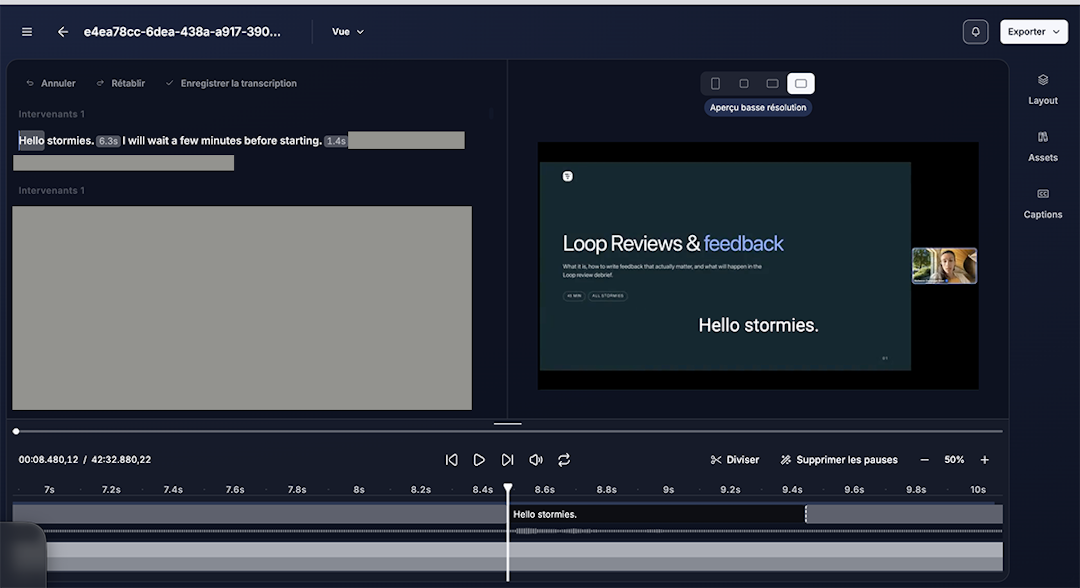
Livestorm is a webinar platform that offers AI Studio, an in-app add-on that turns webinar recordings into short video clips and repurposed assets. It can generate a month's worth of social-ready content from a single webinar, reducing your manual repurposing workload from five hours to about 30 minutes.
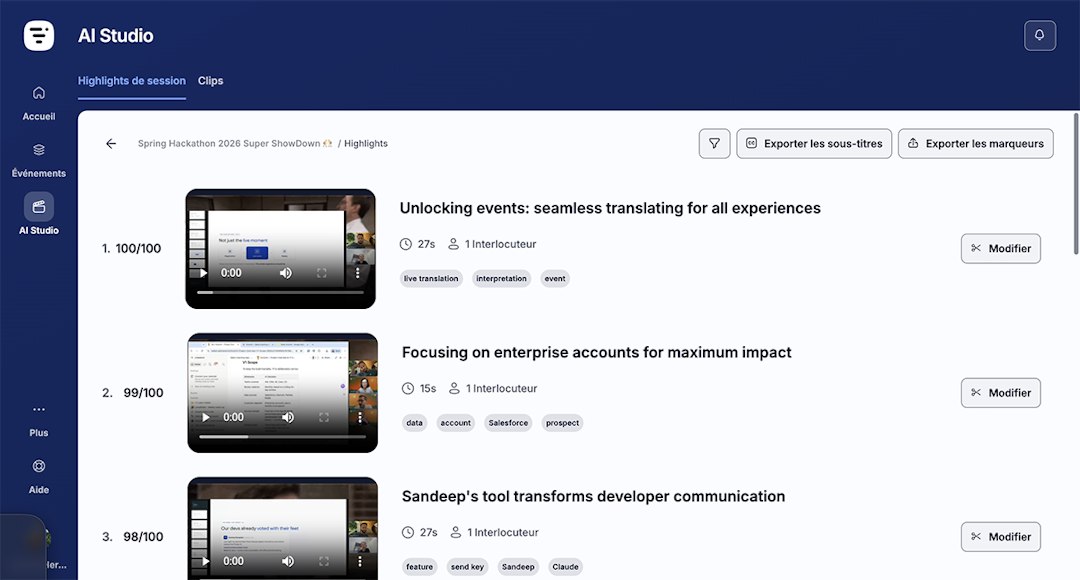
While many clipping tools are designed for any kind of video content, AI Studio helps you get more mileage from every webinar. And since it's part of the Livestorm ecosystem, it lets you use AI in your webinars without re-uploading content or subscribing to third-party tools.
Key features:
AI‑driven highlight detector that scans every element of your webinar, from intonation to chat reactions, to surface the strongest moments
Clip generator that creates up to 10 highlights per session with captions and AI-generated titles in your choice of tone
Editor that lets you adjust clip start and end points, rewrite titles, add images or branding, and choose output aspect ratios
Multi-language support for English, French, Spanish, German, Dutch, Portuguese, and Catalan
Livestorm's AI Studio is best for marketers who manage webinar programs and who need a dedicated tool for content repurposing and distribution. But keep in mind that it isn't designed to clip generic video content.
Pricing: Requires a Livestorm plan (starting at €2.50/attendee) plus a flat fee of €2,000 / year for the add-on.
2. OpusClip
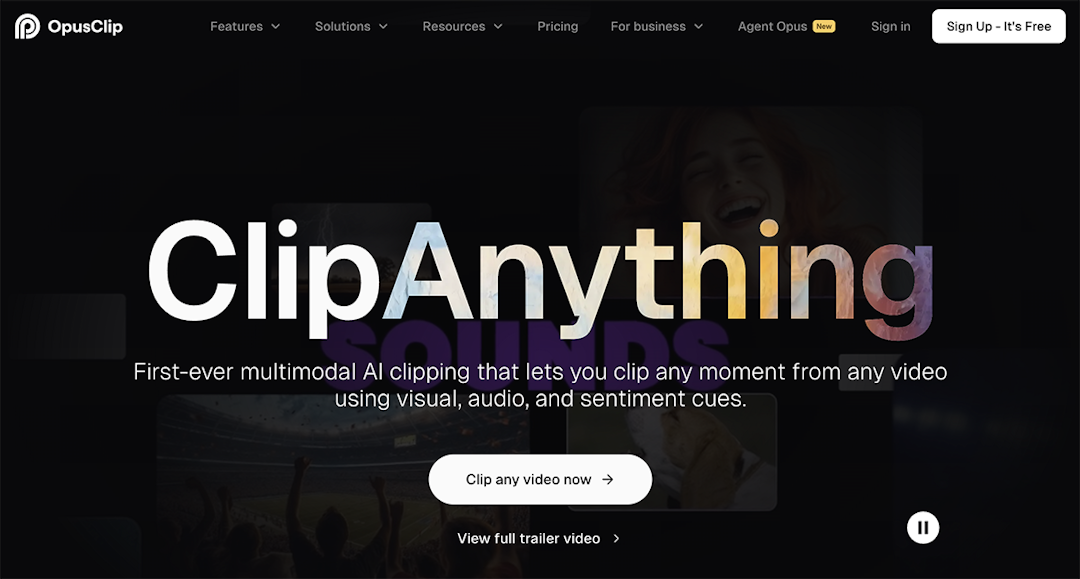
OpusClip is a standalone AI clipping tool. It identifies key moments by analyzing the transcript, on-screen visuals, and audio cues. You can also direct it with text prompts to pull out particular topics, speakers, or moments. OpusClip scores each clip on virality potential to help you decide what to publish first.
Key features:
Prompt-based clipping and the ability to create highlight reels from multiple moments across a recording
Clip lengths from under a minute to 15 minutes, covering both short social clips and longer session recaps
Reframing to vertical, square, and widescreen that follows the active speaker and keeps screen shares readable at small sizes
Publishing and scheduling to YouTube Shorts, TikTok, Instagram Reels, LinkedIn, Facebook, and X without leaving the tool
Imports directly from Zoom, YouTube, Google Drive, Dropbox, and Vimeo, skipping the need to download and re-upload
OpusClip is best for teams that clip more than webinars. If your recordings span podcasts, event footage, and product videos, one tool covers all of it. That said, clips top out at 15 minutes, so it can't produce longer cuts like condensed session replays.
Pricing: Free plan available, and paid plans start at $15/month.
3. Vizard
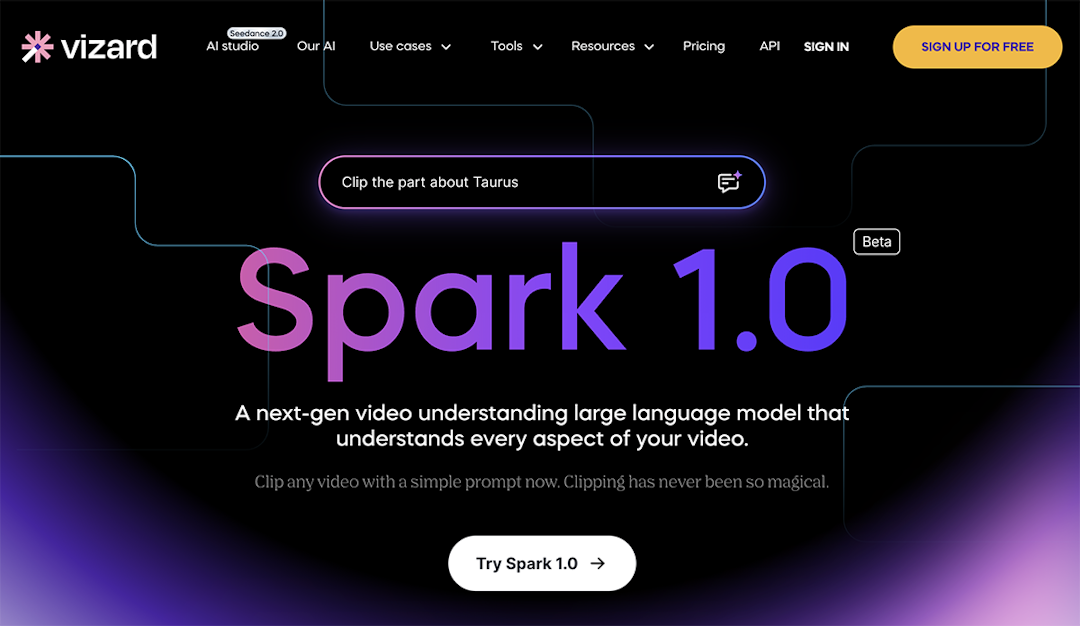
Vizard is an AI tool that generates short clips from uploaded recordings. One-click mode turns webinars and interviews into finished clips with minimal input. Prompt mode lets you type instructions, like splitting a talk into separate clips by topic, and then revise the prompt and regenerate as necessary.
Key features:
One-click clipping for speech-driven recordings, so a webinar upload produces a batch of clips with no configuration
Prompt mode for precise requests, like pulling every audience question or splitting a talk into one clip per topic
Supports uploads up to 600 minutes and 30 GB, which accommodates multi-hour virtual events
Subtitles with automatic translation, plus TXT and SRT transcript downloads you can repurpose into posts or articles
API that accepts recordings and returns clips, for teams that want clipping inside their own workflow rather than a separate app
Vizard is best for teams that want a low-effort workflow, since the one-click mode handles webinar recordings without prompting. On the other hand, every minute you upload consumes a credit, so lengthy webinars draw down your monthly allowance even when you only keep a few clips.
Pricing: Free plan available with 60 monthly credits, and paid plans start at $14.50/month (billed annually).
4. Descript
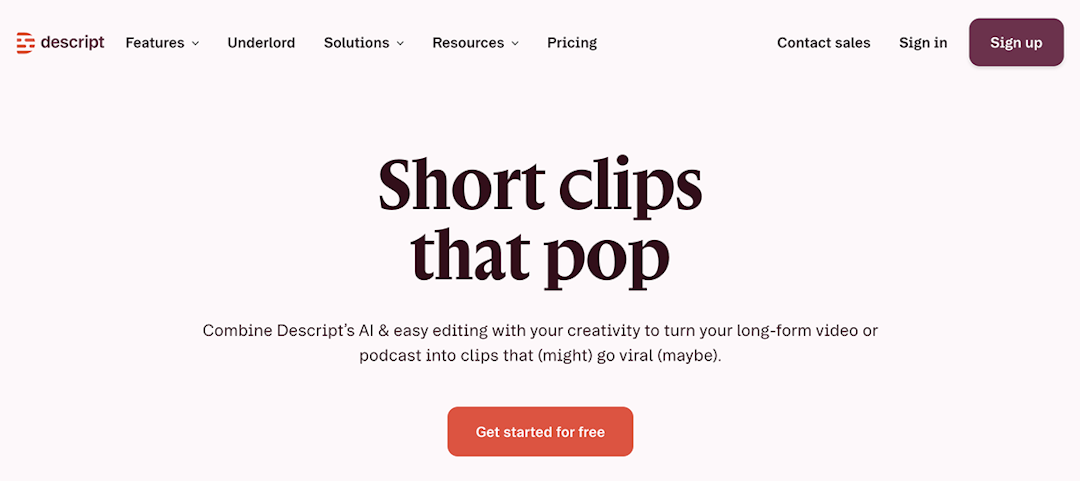
Descript is a video and podcast editor that treats your recording like a text document. Edits to the transcript apply to the footage, so deleting a sentence removes those seconds of video. The built-in clip maker reads the whole recording and pulls out the moments worth posting, ready for you to trim in the transcript.
Key features:
Clip generation that scans a webinar, podcast, or interview recording and suggests short segments for social
Editing by transcript, so you find and cut moments by reading rather than scrubbing a timeline
Automatic filler word removal, which cleans up your clips and saves you time
Audio processing that reduces noise and evens out voice quality, useful when speakers join from laptop mics
Screen and remote recording, so you can capture demos and interviews in the same tool where you edit
Descript is best for teams that want an editing tool first and a clip maker second. But keep in mind that the clip maker sits inside a full editing suite, so you take on the whole editor's learning curve even if clips are all you need.
Pricing: Free plan available with one media hour per month, and paid plans start at $16/month (billed annually).
5. Sequel
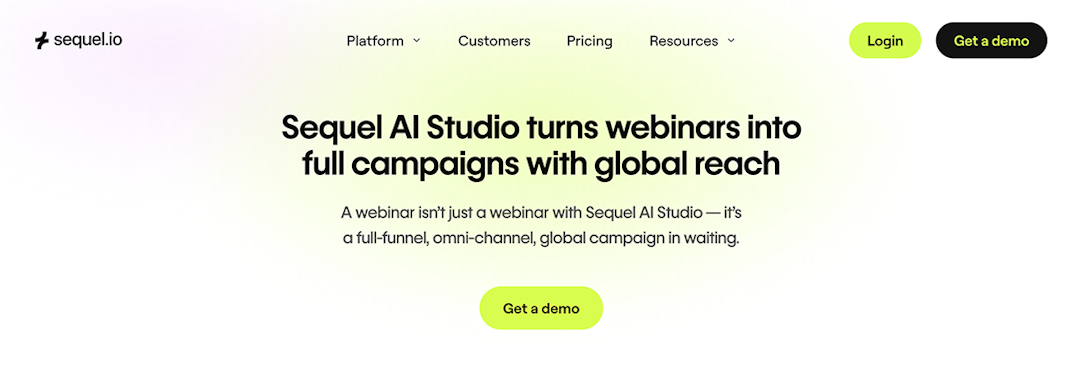
Sequel is a webinar platform with built-in AI-powered clipping. When a webinar session ends, the AI picks out the strongest moments and cuts them into clips for you to review. It can also clip video content created outside of Sequel.
Key features:
Clip generation that scans an event recording and returns a set of short segments, each editable before export
Dubbing into more than 30 languages while preserving the speaker's voice, for teams with international audiences
Generates blog articles and social posts from the recording, with control over tone and keywords
Prompt templates for common requests like customer stories and highlight compilations, so you don't have to write prompts from scratch
View-only clip links for stakeholder review
Sequel is best for teams that run webinars embedded on their own website and who want hosting, recording, and clipping handled by one platform. But since clipping comes bundled with the platform, it's hard to justify if you only want a clip tool rather than a new place to host events.
Pricing: Paid plans start at $833/month (billed annually).
6. Goldcast
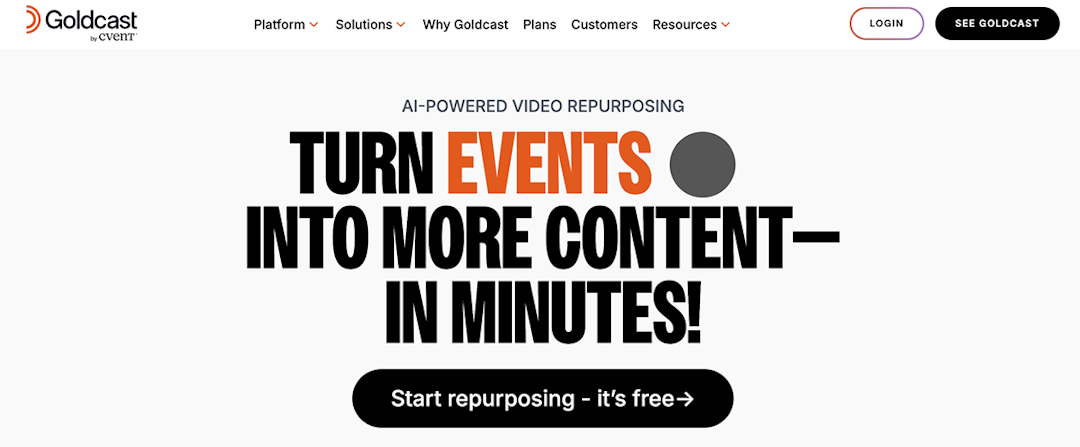
Goldcast is a webinar and events platform that turns recordings into more than clips. Each event also produces written assets, including blog posts, social posts, and email copy generated from the same recording. You can upload videos from anywhere, so hosting your webinars on Goldcast isn't required.
Key features:
Clip generation that pulls short segments from an event recording or any video you upload
Blog posts that mix text with embedded clips from the recording to improve search visibility
Social posts, emails, and key takeaway summaries generated from the same recording in one click
Brand voice training, so written output matches how your company sounds rather than generic AI copy
AI search across your video library, so you can find a moment from a past event without rewatching it
Goldcast is best for marketing teams that want to turn webinars into both video and written content. One recording can feed your blog, the newsletter, and the social calendar. But keep in mind that Goldcoast has a broad offering, so teams that only want video repurposing end up navigating (and paying for) a fully featured suite.
Pricing: Free plan available, and paid plans use custom pricing.
7. Riverside
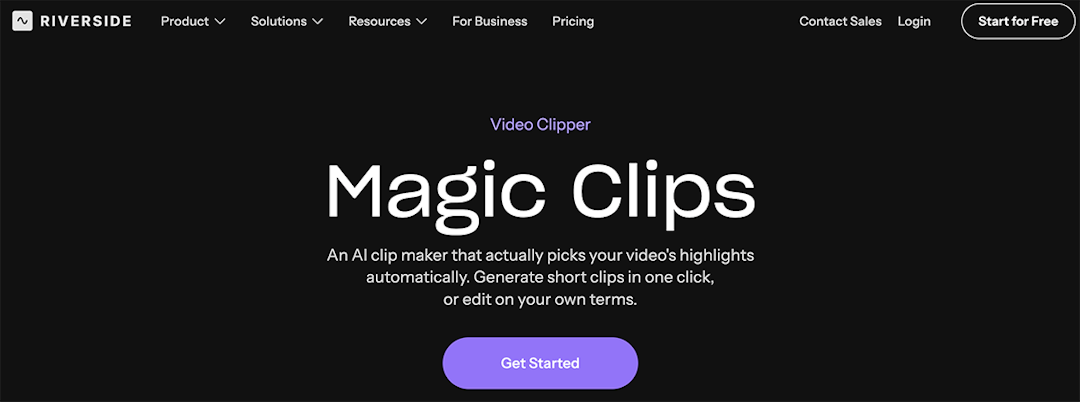
Riverside is best known as a recording tool. It's popular with podcasters and marketers, who use it to capture interviews and webinars. Its clip maker works on those recordings or on files you upload, suggesting highlights that you can adjust by duration, layout, and focus speaker.
Key features:
Highlight detection that suggests clips from a recording, with control over which speaker or topics each clip centers on
Recording in up to 4K with separate tracks per participant, so clips come from clean source files
Transcript-based clipping, where you select a quote in the text and export that passage as a clip
Webinar hosting on higher tier plans, if you want events and clipping under one subscription
Riverside is best for teams that want to do more than just clip or host webinars. The product is oriented toward podcast and interview recording.
Pricing: Free plan available, and paid plans start at $24/month (billed annually).
8. Choppity
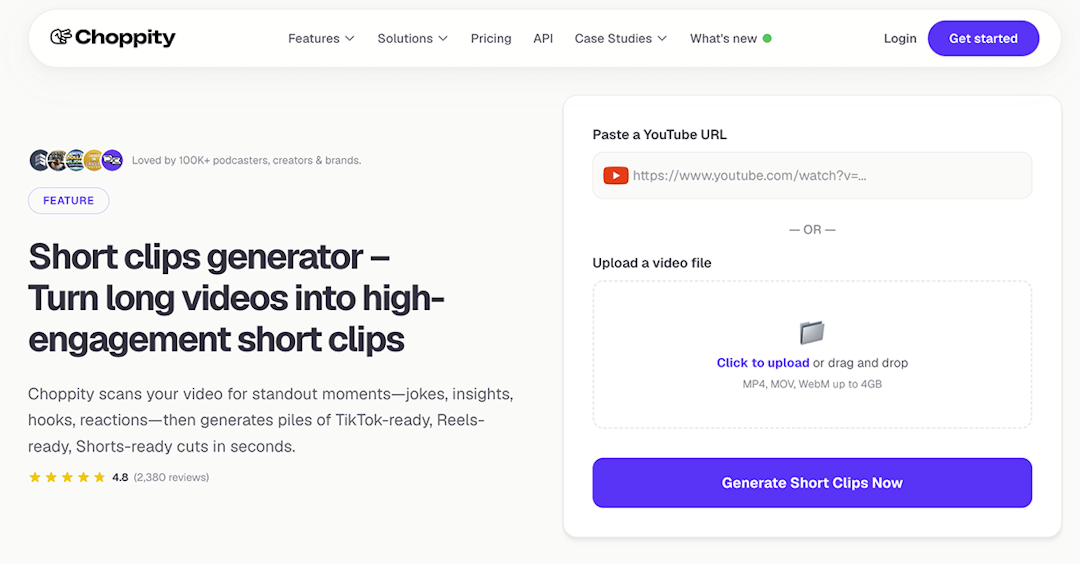
Choppity is a standalone clipper designed for webinars, podcasts, interviews, and tutorials. Give it a YouTube URL or an uploaded file, and it returns a batch of clips with a relevance score on each. An optional text request steers the results, like pulling every moment a certain product comes up.
Key features:
Clip generation with a relevance score on each result, so the strongest moments filter to the top
Text requests that focus clipping on a topic, speaker, or product mention
Profanity censoring that catches swearing and mutes or bleeps it automatically, which keeps clips advertiser-safe
Content planner, calendar, and one-click posting or scheduling to YouTube, TikTok, Instagram, Facebook, X, and LinkedIn
Choppity is best for small teams and solo marketers who handle publishing themselves. The built-in planner, calendar, and scheduler cover the posting side once the clips are cut. However, video analysis tops out at five hours per month on standard plans. While add-on packs go further, they add to your cost.
Pricing: Free plan available, and paid plans start at $14/month (billed annually).
Which webinar clip maker is right for you
The right tool depends on the type of videos you want to clip and how you want to repurpose content and distribute it. If webinars are your main content source, a native tool automatically turns every event into clips. Standalone tools often fit teams whose video library extends well beyond webinars.
Curious how Livestorm's AI Studio works for your team? Sign up for Livestorm and get started with AI Studio today.
Frequently asked questions
Is there a free tool that can turn a webinar recording into clips?
How many clips can I get from a 30-minute webinar?
The number of clips you can extract from a webinar depends on the tool and the content. Livestorm's AI Studio automatically generates up to 10 highlights per session.
Can webinar tools automatically create social media clips?
Yes. Native tools like Livestorm, Sequel, and Goldcast clip event recordings automatically, complete with captions and vertical formats for social. Standalone tools like OpusClip, Vizard, and Choppity add direct posting and scheduling, so clips can go live on social without leaving the tool.


Ebooks
The Content Repurposing Guide: turn 1 webinar into 10+ marketing assets
Turn a single webinar into 10+ marketing assets with the content repurposing method: SEO blogs, video clips, LinkedIn posts, newsletters. Free guide.

About the author
Brillixa Herdhiana - Senior Growth Manager
Brillixa joined Livestorm as Growth Manager in 2021. Her experience enables her to contribute to business growth through lead generation from ads and organic channels.
Featured resource
Ebooks
The Content Repurposing Guide: turn 1 webinar into 10+ marketing assets
Turn a single webinar into 10+ marketing assets with the content repurposing method: SEO blogs, video clips, LinkedIn posts, newsletters. Free guide.
Newsletter