Live, on-demand and automated webinars in one browser-based tool
Run your next webinar with Livestorm
Registration pages, emails, the live room and CRM sync in one place, right in your browser.
Try Livestorm for freeCompare 8 Crowdcast alternatives on pricing, paid events, audience size and ratings, from creator tools to webinar platforms.
Key Takeaways
Crowdcast is a browser-based live video platform that creators, communities and educators use for live shows, classes and paid events. It's quick to set up, attendees join with nothing to install, and Stripe checkout and multistreaming are built in. But its plans cap streaming hours, session length and live attendees, and it has no native CRM sync, which starts to matter as your sessions grow.
We compared 8 alternatives on features, pricing, audience size and user ratings. Livestorm is our product, so it comes first, but every tool below has real strengths, and we say where each one fits better.
Quick answer: the best Crowdcast alternatives and competitors in 2026 are Livestorm for marketing webinars, Riverside for podcasts and studio-quality recording, WebinarJam for sales and launch webinars, ClickMeeting for training and paid webinars, WebinarGeek for evergreen and paid webinars, Zoom Webinars for teams already on Zoom, Zoho Webinar for teams on Zoho CRM and BigMarker for large virtual summits.
Crowdcast gets a lot right for its audience. Hosts and attendees join from the browser, hosts can bring attendees on screen, registrations are unlimited, and you can sell tickets through Stripe or open events to your Patreon supporters. It averages 4.6/5 on G2 and Capterra (200+ reviews). Teams usually start looking elsewhere when their sessions grow or turn into a business channel:
Usage caps: every plan caps monthly streaming hours, from 10 on Lite to 40 on Business, with paid top-ups, and sessions last two, four or six hours at most depending on the plan.
Audience and team limits: plans include 100, 250 or 1,000 live attendees, with overage fees above the cap, and a limited number of team seats.
Fees on top of the plan: Crowdcast takes 5% of ticket sales on Lite and Pro and 2% on Business, plus Stripe fees. Each extra live attendee costs $0.15 and each extra seat $29 (as of September 2026).
No native CRM sync: there's no native HubSpot or Salesforce integration, so attendee data reaches your CRM through Zapier, and analytics stick to core attendance data.
Live-first formats: Crowdcast centers on live sessions and replays, and it doesn't document automated, pre-recorded webinars that keep running after the live date.
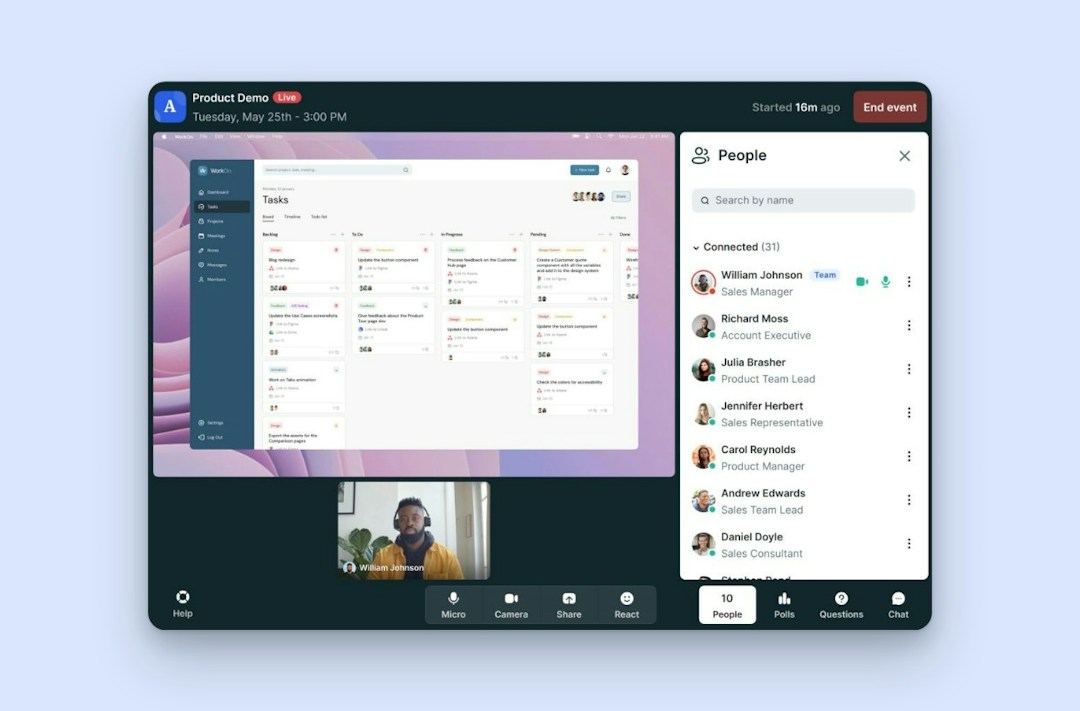
The Livestorm event room, in the browser.
Livestorm is a browser-based webinar platform for marketing, sales and training teams whose live sessions feed pipeline or customer education. Like Crowdcast, it runs in the browser with nothing to install, but it adds on-demand and automated webinars and native CRM sync, and it charges only for the attendees who join, while Crowdcast sells plans capped by live attendees, streaming hours and seats. On average, 47.7% of registrants show up live (Livestorm 2026 Webinar Benchmark Report, 33,786 webinars).
Key features:
Live, on-demand and automated webinars in one product, with branded registration pages and event rooms for up to 3,000 live attendees per event.
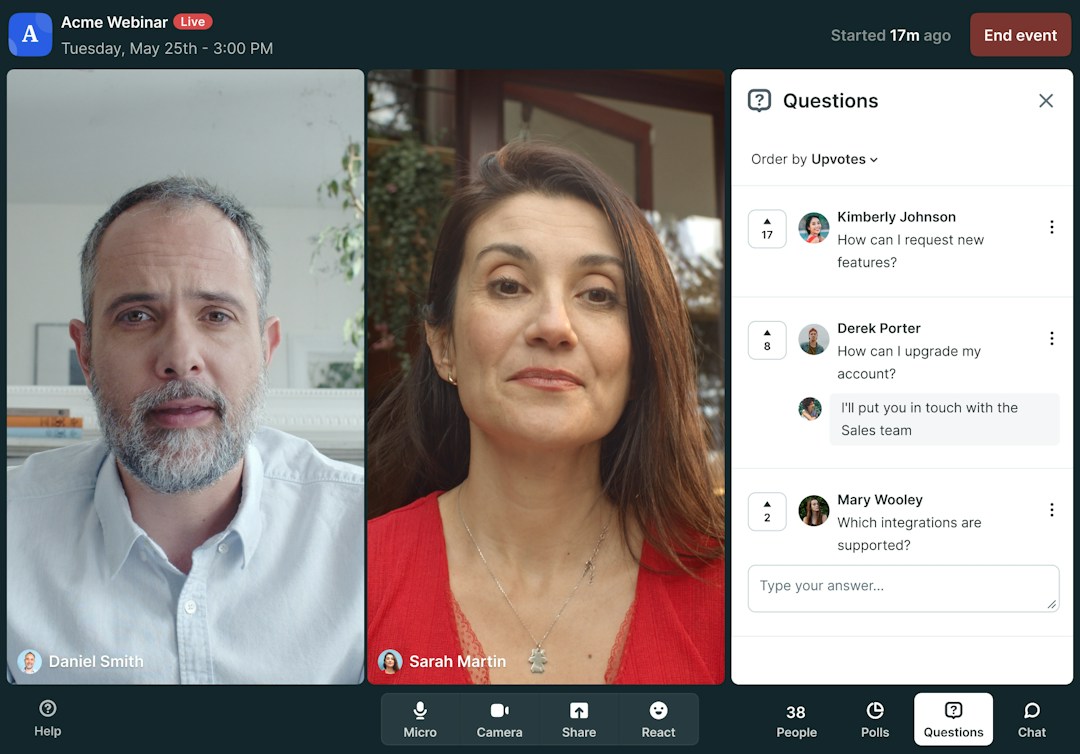
Engagement tools: polls, Q&A with question upvotes, emoji reactions and live CTAs, plus automated reminder and follow-up emails.
Native CRM sync: HubSpot on Pro (Livestorm is a HubSpot Leading Technology Partner), and Salesforce, Marketo, Pardot and Microsoft Dynamics on Enterprise. Zapier and Make connect 3,000+ other apps, and they're also how you set up paid ticketing.
AI tools: a verified Claude connector (MCP) lets AI assistants work with your webinar data, and AI Studio turns replays into short clips (paid add-on).
Pricing: Livestorm has a free plan (limited, good for testing). Pro uses attendee credits, from $3.00 per attendee on the 400-credit annual pack, and hosts, moderators and no-shows don't use credits. Enterprise is custom (as of September 2026). See Livestorm pricing.
Livestorm
Marketing webinars
Live, on-demand and automated webinars in one browser-based tool
Native HubSpot sync on Pro; Salesforce, Marketo, Pardot on Enterprise
Pay for attendees who join: hosts, moderators and no-shows are free
Paid ticketing runs through Zapier or Make, not built in
Live events cap at 3,000 attendees
SAML SSO is a paid add-on
See the full Livestorm vs Crowdcast comparison.
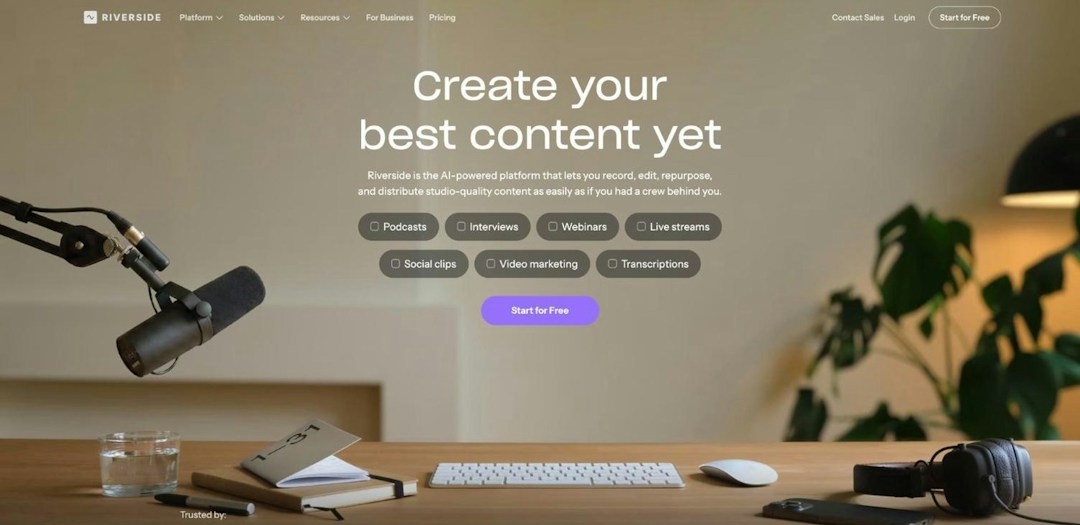
Source: riverside.com, October 2026.
Riverside is a recording and content creation studio that adds webinars and live streaming on top. It suits creators, podcasters and video teams who want every session to become polished content. Compared with Crowdcast, it puts recording quality and AI repurposing first, while its Webinar plan targets smaller audiences, up to 100 registrants.
Key features:
Studio recording: each participant is recorded locally in up to 4K video and 48kHz audio.
Webinars: registration forms, reminder emails, Q&A and polls on the Webinar plan, plus chat, reactions and live call-ins.
Live streaming: multistreaming to YouTube, LinkedIn and custom RTMP destinations.
AI content and integrations: Magic Clips and Co-Creator turn sessions into clips, posts and show notes. HubSpot syncs on the Webinar plan, and Salesforce and Marketo on Business.
Pricing: Riverside has a free plan, and Pro costs $24 per month billed annually. The Webinar plan costs $79 per month billed annually ($99 monthly) for up to 100 registrants, and Business, for up to 10,000 registrants, is custom priced (as of September 2026).
Riverside
Podcasts & recording
Local recording in up to 4K video and 48kHz audio
Magic Clips and Co-Creator turn sessions into clips and posts
Multistreams to YouTube, LinkedIn and custom RTMP destinations
Webinar plan caps at 100 registrants; 10,000 needs Business
Salesforce and Marketo sync only on the custom-priced Business plan
Reviewers often report upload, sync and processing glitches
Related comparisons: Livestorm vs Riverside
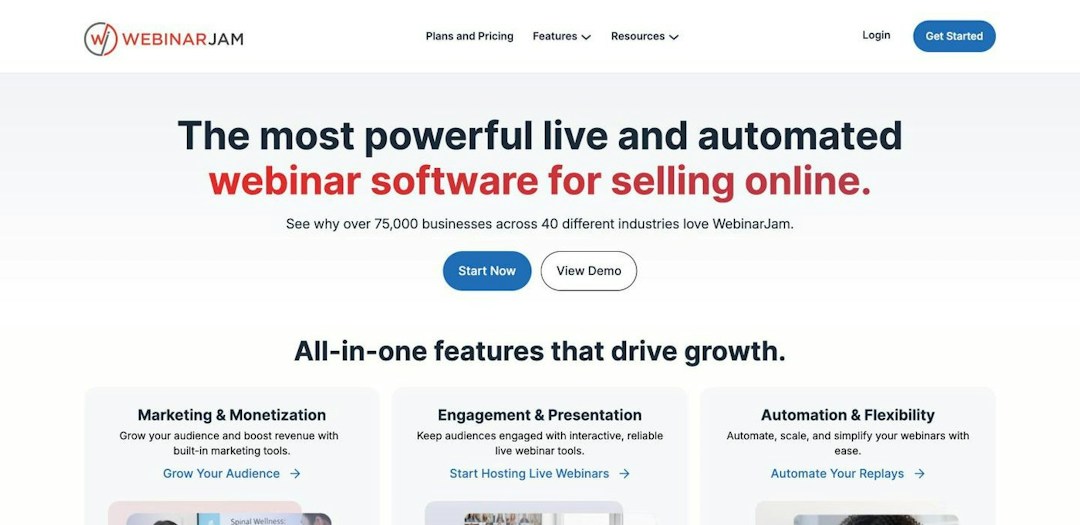
Source: webinarjam.com, October 2026.
WebinarJam is a sales-funnel webinar tool for creators, coaches and small teams who sell through live and automated webinars. As on Crowdcast, attendees join from a browser with nothing to download, and sessions can go out live to Facebook and YouTube. Compared with Crowdcast, it adds sales tools such as SMS reminders and one-click offers, plus automated webinars, and it scales to 5,000 attendees.
Key features:
Sales tools: timed offers, video injection and, from the Basic plan, A/B testing.
Reminders: email and SMS reminders for every session.
Automated webinars through EverWebinar, included from the Basic plan.
Integrations: native ActiveCampaign, plus Zapier, an API and webhooks.
Pricing: WebinarJam Starter costs $39 per month billed annually ($49 monthly) for 100 attendees. Basic costs $79 (500 attendees), Professional $229 (2,000) and Enterprise $379 (5,000), billed annually, and a 14-day trial costs $1 (as of September 2026).
WebinarJam
Sales & launch webinars
Registration pages, SMS reminders and one-click sales offers built in
Automated webinars through EverWebinar from the Basic plan
Enterprise plan hosts up to 5,000 attendees and six hosts
Each plan caps attendees, hosts and session length
No native HubSpot or Salesforce, CRM sync via Zapier
Automated webinars are not included on the Starter plan
Related comparisons: WebinarJam vs Crowdcast · Livestorm vs WebinarJam
Source: clickmeeting.com, October 2026.
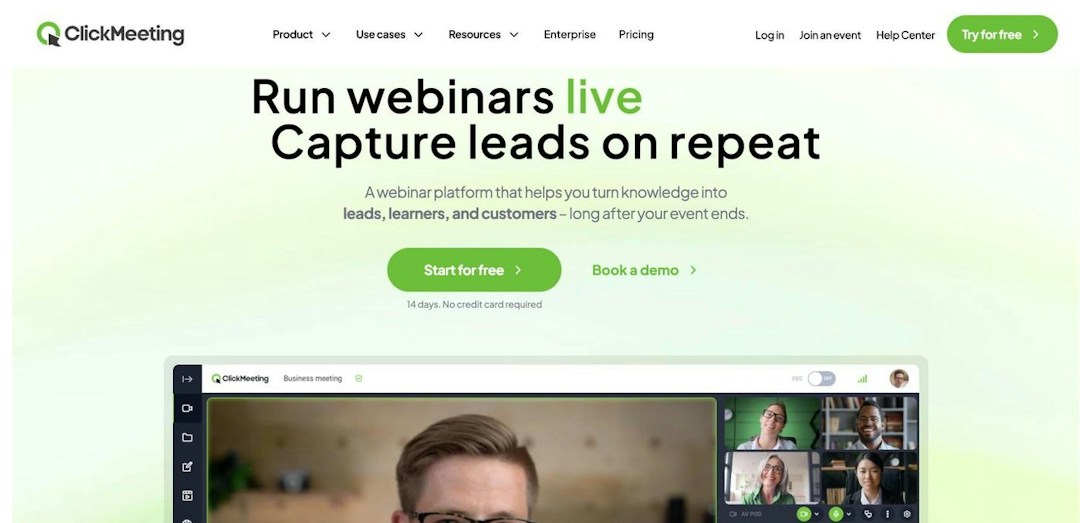
ClickMeeting is a browser-based webinar tool built for online classes, training and paid sessions. It suits course creators and educators: organizers, presenters and attendees all join from the browser, and payments are built in. Compared with Crowdcast, it adds classroom tools such as a whiteboard and breakout rooms, and it takes PayPal as well as Stripe.
Key features:
Live and automated webinars, with chat, polls and surveys.
Teaching tools: a virtual whiteboard, breakout rooms and a Moodle integration.
Paid webinars: PayPal and Stripe payments built in.
Integrations: HubSpot, Pipedrive and Keap, plus Zapier for other tools.
Pricing: ClickMeeting sizes its MyWebinars plans to your largest expected audience: Basic covers 25 to 100 attendees, Pro 50 to 500, and Enterprise is quoted by sales, with up to 20% off annual plans (as of September 2026). You can start with a free trial, no credit card needed.
ClickMeeting
Training & paid webinars
Runs in the browser for organizers, presenters and attendees
Built-in PayPal and Stripe payments for paid webinars
Whiteboard, breakout rooms and Moodle integration suit online classes
Self-serve plans top out at 500 attendees
Priced by largest expected audience, so you pay for peak capacity
Extra presenters, parallel sessions and storage sold as add-ons
Related comparisons: Livestorm vs ClickMeeting
Source: webinargeek.com, October 2026.
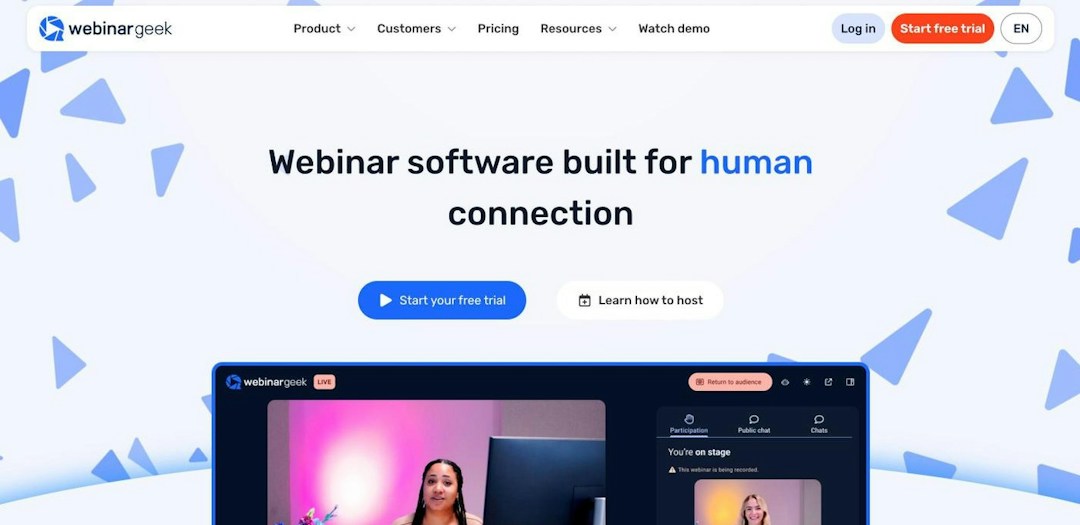
WebinarGeek is a Europe-based, browser-based webinar tool with fixed viewer tiers, built for regular programs and paid webinars. It suits trainers and small teams who run long sessions or charge for access. Compared with Crowdcast, it offers automated webinars from Premium and sessions of up to 12 hours on Enterprise, with payments through Stripe and Mollie.
Key features:
Long sessions: up to 8 hours on Premium and 12 hours on Enterprise.
Paid webinars: native Stripe and Mollie integrations.
Engagement and formats: chat, polls, quizzes and CTA buttons, with automated webinars from Premium.
Reach and integrations: restreaming to YouTube, LinkedIn and Facebook on Premium, plus Zapier (6,000+ tools), a REST API and webhooks.
Pricing: as of September 2026, WebinarGeek bills in euros by viewer tier. Basic costs €65 per month billed annually for 50 viewers, Premium runs from €85 (125 viewers) to €249 (1,000 viewers) a month, and Enterprise starts at €349 (500 viewers, up to 5,000). A 14-day trial is available.
WebinarGeek
Evergreen webinars
Sessions up to 8 hours on Premium and 12 on Enterprise
Native Stripe and Mollie integrations for paid webinars
Restreaming to YouTube, LinkedIn and Facebook included on Premium
Basic caps at 50 viewers, one presenter and two-hour sessions
HubSpot and Salesforce are paid add-ons on Premium
Premium tops out at 1,000 viewers
Related comparisons: Livestorm vs WebinarGeek
Source: zoom.com, October 2026.
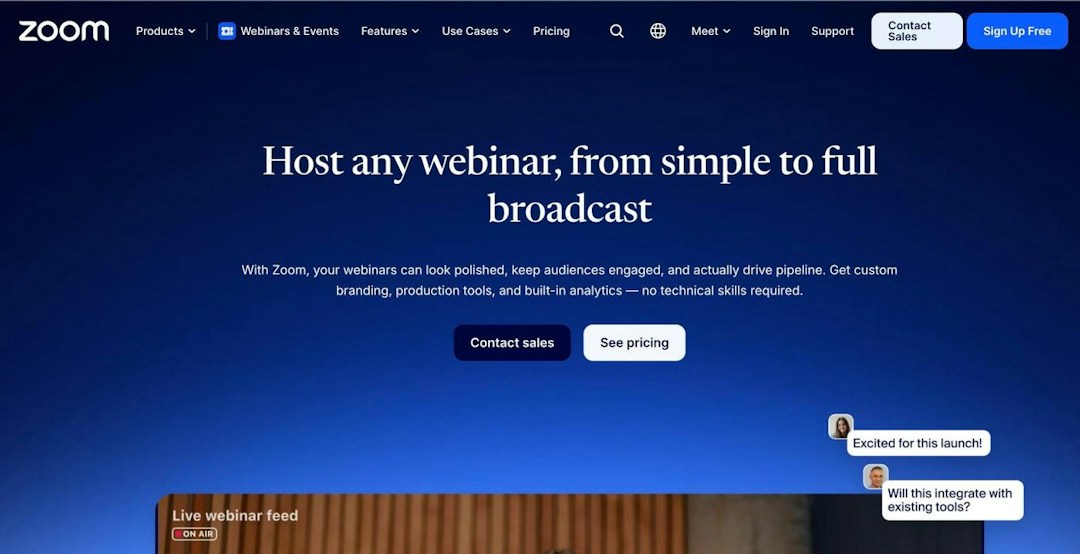
Zoom Webinars is the webinar add-on to Zoom's meetings platform. It's the simplest pick if your team already pays for Zoom Workplace, and most attendees already know the Zoom join flow. Compared with Crowdcast, it handles far larger audiences, up to 50,000 attendees, but its best experience runs in the app rather than the browser.
Key features:
Scale: capacity tiers from 300 to 50,000 attendees, and single-use events reach 1 million.
Engagement: polls, Q&A, raise hand, chat and reactions. Automated webinars and advanced branding need Webinars Plus.
Paid events: Zoom Events adds multi-session hubs, a lobby and ticketing.
Security: an end-to-end encryption option and HIPAA compliance.
Pricing: Zoom Webinars starts at $66.67 per month billed annually ($89 monthly), on top of a Zoom Workplace Pro license, and you pay for the full capacity tier whoever shows up. Zoom Events starts at $124.17 per month billed annually (as of September 2026).
Zoom Webinars
Teams already on Zoom
Familiar to most attendees, who already have the Zoom app
Hosts up to 50,000 attendees; single-use events reach 1 million
Zoom Events adds multi-session hubs, a lobby and ticketing
Webinars are a paid add-on on top of a Workplace Pro license
Browser join is limited; the best experience runs in the app
CRM sync mostly runs through marketplace apps or Zapier
Related comparisons: Crowdcast vs Zoom · Livestorm vs Zoom · Zoom alternatives
Source: zoho.com, October 2026.
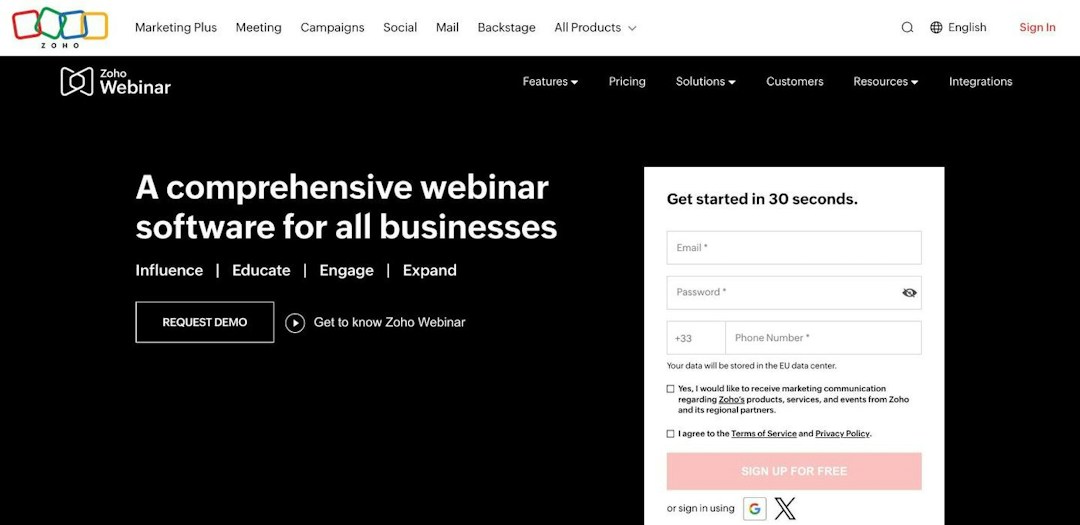
Zoho Webinar is Zoho's webinar tool for training, onboarding and town halls. It suits small teams on a tight budget or already running on Zoho apps, since it starts with a free plan and low per-organizer pricing. Compared with Crowdcast, it hosts larger audiences on Enterprise, up to 5,000 attendees, and attendees can also join from the browser.
Key features:
Engagement: polls, Q&A, emoji reactions, raise hand, annotation and dial-in.
Recordings: AI transcripts, summaries and smart chapters.
Integrations: native Zoho CRM, Zoho Campaigns and Zoho Backstage, plus HubSpot from the Professional plan.
Enterprise plan: on-demand webinars and up to 5,000 live attendees.
Pricing: Zoho Webinar has a free plan for up to 20 attendees and 60 minutes per webinar. Paid plans are priced per organizer and by audience size, from $8 per month billed annually on Standard (as of September 2026).
Zoho Webinar
Teams on Zoho CRM
Free plan, then low per-organizer pricing
Supports up to 5,000 live attendees on Enterprise
AI transcripts, summaries and smart chapters on recordings
On-demand webinars and email customization are Enterprise only
Registration page branding starts on the Professional plan
Reviewers often describe the interface as dated
Related comparisons: Livestorm vs Zoho Webinar
Source: bigmarker.com, October 2026.
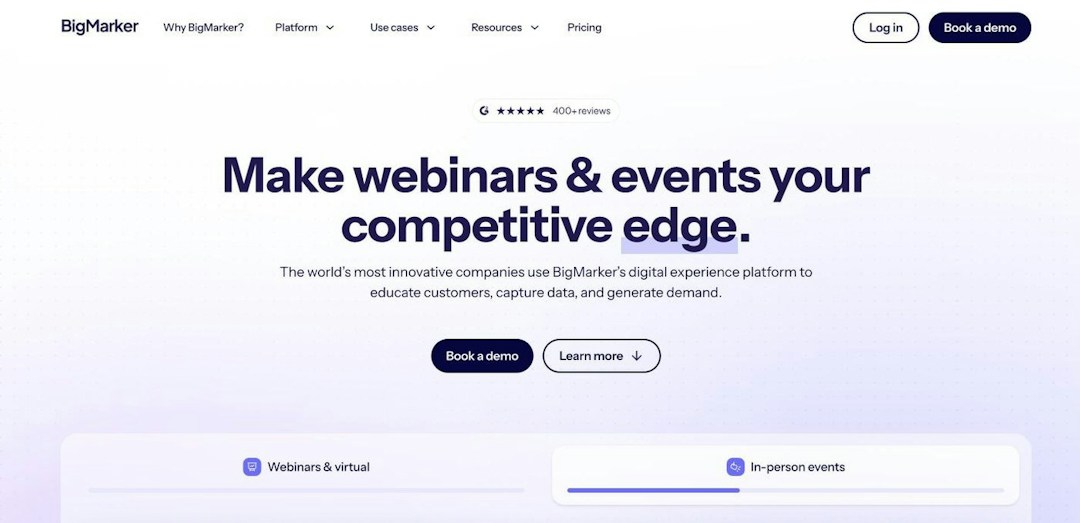
BigMarker is a browser-based webinar and virtual event suite for large, sales-led deployments, from recurring webinar series to monetized conferences. It's the one to look at when your audience grows well beyond the 1,000 live attendees included in Crowdcast's Business plan: BigMarker scales to 500,000 live attendees, with built-in ticketing. The trade-off is that every plan is sold by quote.
Key features:
Scale: up to 1,000 live attendees on Basic, 10,000 on Enterprise and 500,000 on Enterprise+.
Always-on formats: simulive, evergreen and 24/7 webinars.
Events: built-in ticketing, breakout rooms and certificates on Enterprise, plus polls, quizzes, Q&A and offers.
Integrations: native Salesforce, HubSpot, Marketo, Eloqua and Pardot, with Zapier, webhooks and an API from Enterprise.
Pricing: as of September 2026, BigMarker doesn't publish prices. All three plans are quote-based: Basic (1 host license, up to 1,000 live attendees), Enterprise (4 licenses, 10,000) and Enterprise+ (6 licenses, 500,000).
BigMarker
Large virtual summits
Scales from 1,000 live attendees on Basic to 500,000 on Enterprise+
Built-in ticketing, breakout rooms and certificates on Enterprise
Native Salesforce, HubSpot, Marketo, Eloqua and Pardot integrations
Every plan is quote-based, so pricing needs a sales call
White-labeled domains, live captions and SSO reserved for Enterprise+
Broad feature set means more setup and training
Related comparisons: Livestorm vs BigMarker
| Tool | Best for | Starting price | Max live attendees | Rating |
|---|---|---|---|---|
| Livestorm | Marketing webinars | Free plan; Pro from $3.00 per attendee (400-credit annual pack) | 3,000 | 4.6/5 (2,000+) |
| Riverside | Podcasts & recording | Free plan; Webinar plan $79/month billed annually (100 registrants) | 10,000 registrants (Business) | 4.8/5 (2,000+) |
| WebinarJam | Sales & launch webinars | $39/month billed annually (100 attendees) | 5,000 (Enterprise) | 3.8/5 (300+) |
| ClickMeeting | Training & paid webinars | Priced by audience size; free trial | 500 (self-serve plans) | 4.4/5 (400+) |
| WebinarGeek | Evergreen webinars | €65/month billed annually (50 viewers) | 5,000 (Enterprise) | 4.6/5 (800+) |
| Zoom Webinars | Teams already on Zoom | $66.67/month billed annually, plus a Zoom Workplace Pro license | 50,000 | 4.6/5 (6,000+) |
| Zoho Webinar | Teams on Zoho CRM | Free plan; Standard $8/organizer/month billed annually | 5,000 (Enterprise) | 4.6/5 (100+) |
| BigMarker | Large virtual summits | Quote only | 500,000 (Enterprise+) | 4.8/5 (800+) |
| Crowdcast (for reference) | Creators & communities | Lite $49/month, or $34.30/month billed annually | 1,000 (Business), then $0.15 per extra attendee | 4.6/5 (200+) |
Ratings: average of G2 and Capterra, October 2026. Prices as of September 2026, from each vendor's pricing page.
Shows, classes or business webinars: if you mostly record shows and podcasts, a studio like Riverside fits best. If you teach paid classes, look at ClickMeeting or WebinarGeek. If your sessions feed pipeline or customer education, a webinar platform such as Livestorm gives you automated sessions, branding and CRM data.
Paid events: check whether payments are built in and what each sale costs you. Crowdcast takes 5% on Lite and Pro and 2% on Business, on top of Stripe fees (as of September 2026). ClickMeeting (PayPal and Stripe), WebinarGeek (Stripe and Mollie), BigMarker (on Enterprise) and Zoom Events include ticketing, while Livestorm runs paid ticketing through Zapier or Make.
Pricing model and caps: compare what each plan limits with how you actually run sessions. Livestorm charges for attendees who join, WebinarJam and WebinarGeek sell attendee or viewer tiers, Riverside caps webinar registrants, Zoho Webinar charges per organizer and BigMarker quotes every plan.
CRM sync and data hosting: if attendee data has to reach your CRM, check which integrations are native and on which plan. Livestorm syncs with HubSpot on Pro, Riverside with HubSpot on its Webinar plan and Zoho Webinar with Zoho CRM. If data location matters, Livestorm is EU-hosted, ISO 27001 certified and GDPR compliant.
If your live sessions have become a channel for your business, whether lead generation webinars, customer education or training, Livestorm is the strongest Crowdcast alternative. It runs fully in the browser like Crowdcast, adds on-demand and automated webinars, syncs natively with HubSpot on Pro and charges only for the attendees who join. Compare plans on the Livestorm pricing page.
Another tool may fit better if your needs differ: Riverside for studio-quality shows and podcasts, WebinarJam for sales launches, ClickMeeting or WebinarGeek for paid classes with built-in payments, Zoom Webinars if your team already runs on Zoom, Zoho Webinar for a tight budget and BigMarker for summits far beyond 1,000 attendees. And if you sell tickets to community events of a few hundred people, Crowdcast itself, with Stripe checkout, Patreon access and multistreaming, is still a solid choice.
Table of content
Livestorm is the best Crowdcast alternative for marketing, sales and training webinars. It runs fully in the browser, adds on-demand and automated webinars, and syncs natively with HubSpot on Pro and with Salesforce, Marketo and Pardot on Enterprise. If you mostly record shows or podcasts, Riverside is a strong pick, and for paid classes, ClickMeeting has PayPal and Stripe payments built in.
Crowdcast's main competitors are creator and teaching tools such as Riverside, WebinarJam, ClickMeeting and WebinarGeek, webinar platforms such as Livestorm, Zoho Webinar and BigMarker, and the webinar products of meeting suites, such as Zoom Webinars. GoTo Webinar, Microsoft Teams, Google Meet and Webex are also options for teams that already use them.
Crowdcast has no free plan, only a 14-day trial with 60-minute sessions. Livestorm has a limited free plan that's good for testing, Riverside has a free plan, and Zoho Webinar's free plan hosts 20 attendees for up to 60 minutes. Zoom's free plan covers meetings only, not webinars.
ClickMeeting takes payments through PayPal and Stripe, and WebinarGeek through Stripe and Mollie. BigMarker includes ticketing on Enterprise, and Zoom Events adds ticketing to Zoom. Livestorm handles paid ticketing through Zapier or Make rather than a built-in checkout, while Crowdcast uses Stripe, with a 5% fee on Lite and Pro and 2% on Business (as of September 2026).
As of September 2026, Livestorm starts at $3.00 per attendee on its 400-credit annual pack, Zoho Webinar at $8 per organizer per month and WebinarJam at $39 per month, both billed annually. Riverside's Webinar plan costs $79 per month billed annually, WebinarGeek starts at €65 per month billed annually, and BigMarker is quote-only. For comparison, Crowdcast costs $49 to $195 per month, or from $34.30 per month billed annually.
Yes. Attendees join Livestorm in one click from the browser, as they do on Crowdcast, and registration and attendance data sync to your CRM. If you sell tickets, set up your checkout through Zapier or Make and run a test event before going live. You can try Livestorm on the free plan first.
Try Livestorm for free
Get started in minutes and run your first engaging webinar today.

