Livestorm vs TwentyThree: which is best for webinars?
Compare Livestorm and TwentyThree on features, integrations and pricing. Every claim is checked against each vendor's website, pricing and help pages, plus G2 and Capterra reviews.
The short answer: Livestorm is a focused webinar platform for marketing teams, while TwentyThree is a broader video marketing platform where webinars sit alongside video hosting, a video library and personal video.
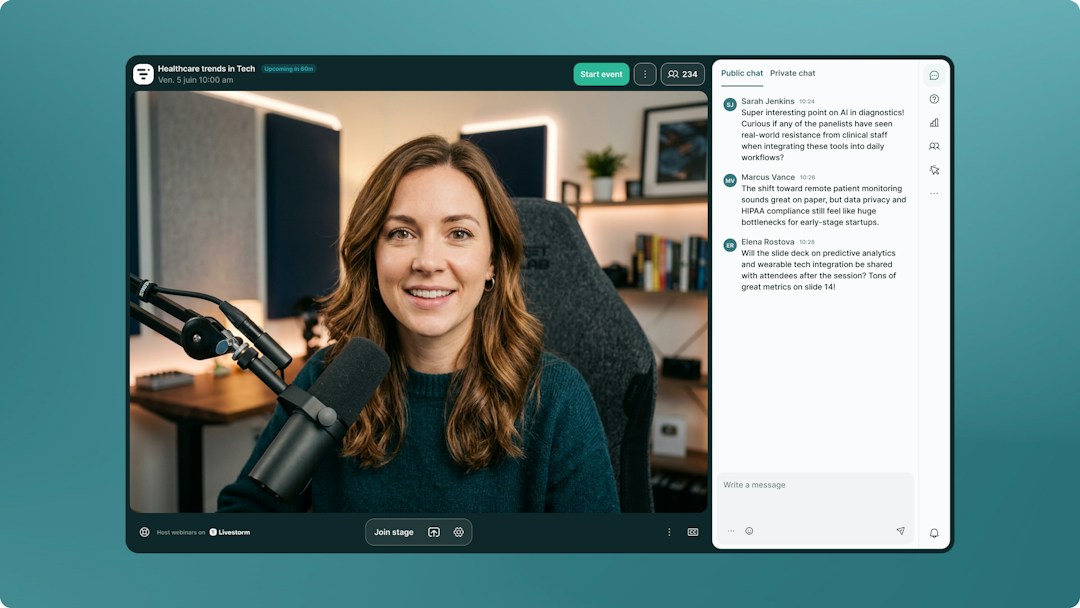
Access and engagement: Both run in the browser, with no download for attendees. Livestorm includes branded registration pages, polls, Q&A, up-voting, reactions and live CTAs, for up to 3,000 live attendees per event. TwentyThree offers chat, questions, polls, reactions, ActionCards and multi-camera production, with webinars of up to 50,000 participants.
Video and content: Livestorm focuses on the webinar itself and the data it sends to your CRM. TwentyThree adds video hosting, a video library and personal video, and generates highlight clips and AI draft content, such as articles and social posts, from its recordings.
CRM sync: Livestorm syncs registration, attendance and engagement data natively with HubSpot on Pro (it is a HubSpot Leading Technology Partner) and with Salesforce, Marketo, Pardot and Microsoft Dynamics on Enterprise. TwentyThree includes HubSpot on every plan, pushing engagement into HubSpot timelines, and lists Marketo, Eloqua and Salesforce as premium integrations on Enterprise.
AI and automation: Livestorm's verified Claude connector (MCP) lets AI assistants work directly with your webinar data, and AI Studio turns replays into short clips. TwentyThree offers an API and a command-line toolkit for AI coding agents.
Why teams switch: they want a webinar tool the whole marketing team can run self-serve, without a full video platform to configure.
The short answer: Livestorm charges only for the attendees who join, while TwentyThree sells monthly plans sized by registrants, hosts and concurrent webinars.
Why teams switch: they want to start self-serve and scale spend with attendance.
Prices as of September 2026, from each vendor's pricing page (see Livestorm pricing). AI Studio, which turns replays into clips, is a paid add-on.
Pricing
Livestorm
TwentyThree
What you pay for
Attendees who actually join
Monthly plan by registrants, hosts and concurrent webinars
Entry price
$3.00 per attendee (400-credit annual pack)
Pro: €499/month (500 registrants per webinar, 5 hosts)
Larger audiences
Lower price per attendee on bigger packs, up to 3,000 live attendees per event, custom Enterprise plan
What is the difference between Livestorm and TwentyThree?
Livestorm is a browser-based webinar platform focused on marketing, with branded registration, engagement and native CRM sync. TwentyThree is a Danish video marketing platform that combines webinars with video hosting, a video library and personal video.
How does pricing compare between Livestorm and TwentyThree?
Livestorm charges $3.00 per attendee on its 400-credit annual pack, with a lower price per attendee on bigger packs, and no-shows do not use credits. TwentyThree Webinars plans start at €499 per month for 500 registrants, with Complete at €1,499 and Enterprise at €2,500 per workspace (as of September 2026).
Does TwentyThree offer automated webinars?
TwentyThree automates registration pages, reminders and follow-up emails around live webinars, and records every session for on-demand viewing. Its own site describes this as automated webinars minus the pre-recorded part.
Can I switch from TwentyThree to Livestorm?
Yes. You can start on a self-serve plan, run webinars in the browser and sync registration and attendance data to your CRM, so your reporting carries over.
Is Livestorm EU-hosted and GDPR compliant?
Yes. Livestorm is EU-hosted, ISO 27001 certified and GDPR compliant.
Why teams choose Livestorm
Run your marketing webinars from one all-in-one platform
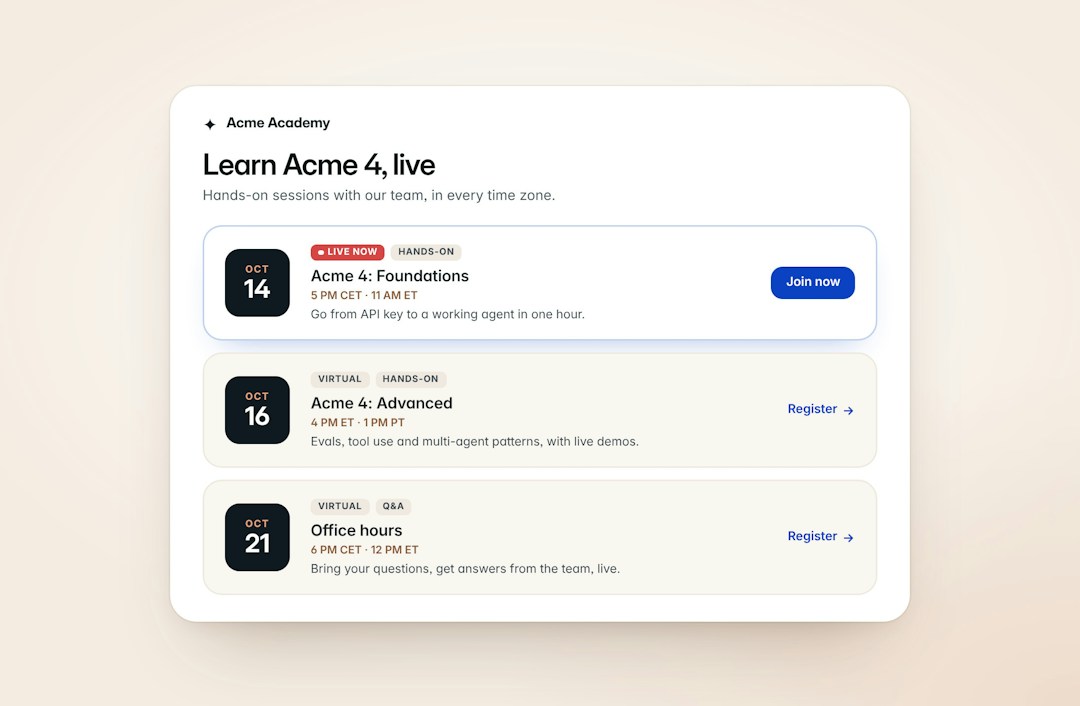
Plan, promote, host and analyze your webinars in one place. Build branded registration pages, send automated reminder and follow-up emails, and engage attendees with polls, Q&A and live CTAs, with no extra tools.
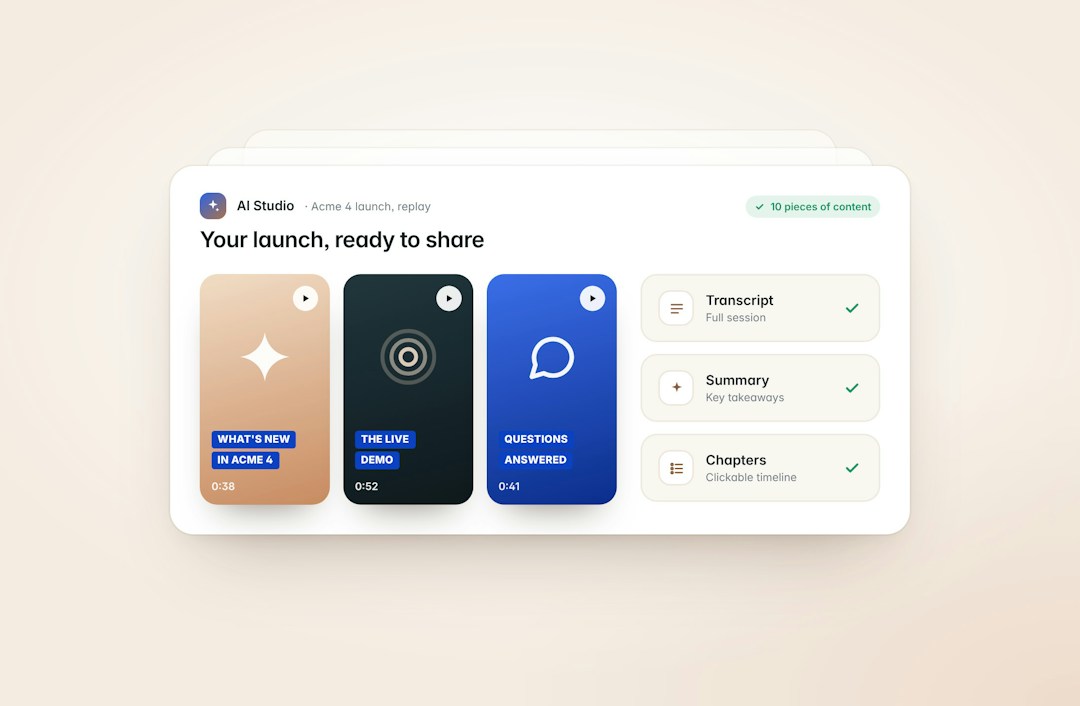
After the event, attendance and engagement data flow to your CRM, and AI Studio turns replays into short clips for your social channels.
Livestorm runs straight from the browser on any desktop or mobile device, so your audience can join from anywhere without downloading or installing anything.
Removing that extra step helps attendance: on Livestorm, 47.7% of registrants show up live on average (2026 Webinar Benchmark Report, 33,786 webinars analyzed).
Connect Livestorm to Claude with its verified connector, or to any AI agent that supports MCP, to create events, register attendees and analyze engagement in plain language.
Add-ons take it further: AI Studio turns every replay into short clips, and live translations show real-time AI subtitles in your attendees' language.
"The elegance of Livestorm's UI and its simplicity for creating beautiful landing pages made a big positive impact on the way we communicate with customers at scale."
"Livestorm is really easy to use and offers a lot of customization. We are very happy with the visual rendering and the user experience."
"Livestorm made it easy to automate our customer trainings. The ability to set up prerecorded content while still offering live Q&A helps our team provide personalized attention at scale."






'%3e%3cpath%20d='M10.0001%201.66675L12.5751%206.88341L18.3334%207.72508L14.1667%2011.7834L15.1501%2017.5167L10.0001%2014.8084L4.85008%2017.5167L5.83342%2011.7834L1.66675%207.72508L7.42508%206.88341L10.0001%201.66675Z'%20fill='%23FFD23F'/%3e%3c/g%3e%3c/svg%3e)



