Runs fully in the browser, one-click join with no download
Run your next webinar with Livestorm
Registration pages, emails, the live room and CRM sync in one place, right in your browser.
Try Livestorm for freeCompare 8 Adobe Connect alternatives on features, pricing, audience size and ratings, from browser-based webinar tools to the meeting suites you may already use.
Key Takeaways
Adobe Connect is a virtual classroom and webinar tool built around persistent, pod-based rooms. Trainers, universities and government teams value the control it gives over each room's layout, and its compliance credentials. But per-host licensing, paid room upgrades and an experience that works best in the desktop app push many teams to look elsewhere, especially once webinars become a marketing channel.
We compared 8 alternatives and competitors on features, pricing, audience size and user ratings. Livestorm is our product, so it comes first, but every tool below has real strengths, and we say where each one fits better.
Quick answer: the best Adobe Connect alternatives and competitors in 2026 are Livestorm for marketing webinars that run in the browser, Microsoft Teams for internal training on Microsoft 365, Zoom Webinars for teams already on Zoom, Webex Webinars for regulated enterprises, ClickMeeting for online classes and paid webinars, GoTo Webinar for teams on the GoTo suite, Zoho Webinar for teams on Zoho CRM and BigMarker for large virtual summits.
Adobe Connect does what it was built for well. Its persistent rooms keep content and layouts from one session to the next, pods and custom apps give trainers deep control, and it's ISO 27001 certified, supports HIPAA and has held FedRAMP High authorization since April 2026. It averages 4.2/5 on G2 and Capterra (1,000+ reviews). Teams usually look elsewhere for these reasons:
Per-host pricing with paid room upgrades: Webinar plans cost $190, $290 or $390 per host per year for rooms of 100 or 300, and larger rooms cost $2,200 to $4,900 per host per year for 500 to 1,500 attendees (as of September 2026). On Standard, some webinar features also need the Webinar Pro Pack, at $600 per host per year.
An app-first experience: Adobe Connect runs in the browser, but Adobe recommends its desktop app for the best performance and full screen sharing.
A learning curve: reviewers describe a dated interface, and the more complex setup means new hosts often need training.
A 1,500-attendee ceiling: rooms top out at 1,500 attendees with the largest upgrade, which limits large webinars and company-wide events.
Integrations built for learning, not marketing: Adobe Connect launches sessions from your LMS through LTI, but it doesn't document a native HubSpot connector or list a Zapier app, so marketing teams often need custom API work.
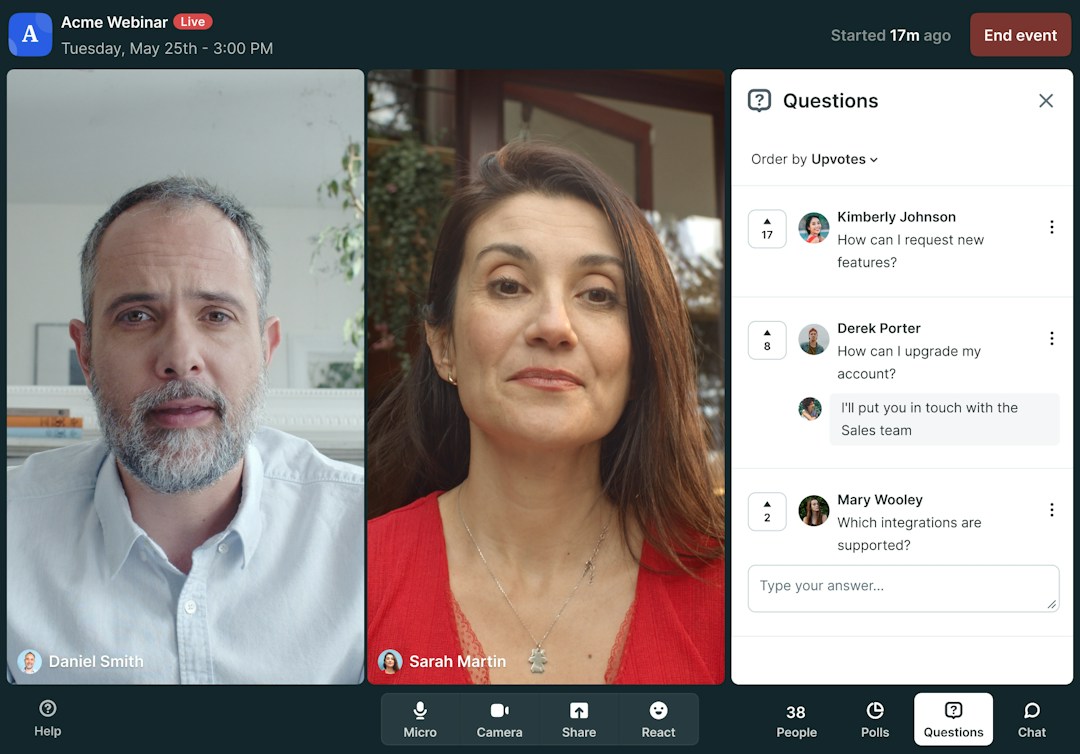
The Livestorm event room, in the browser.
Livestorm is a browser-based webinar platform for marketing, sales and training teams that run external webinars. Unlike Adobe Connect, hosts and attendees join in one click with nothing to install, and you pay for the attendees who join rather than for host licenses and room upgrades. It's EU-hosted, ISO 27001 certified and GDPR compliant, and on average 47.7% of registrants show up live (Livestorm 2026 Webinar Benchmark Report, 33,786 webinars).
Key features:
Live, on-demand and automated webinars in one product, with branded registration pages and event rooms for up to 3,000 live attendees per event.
Built-in engagement: polls, Q&A with question upvotes, emoji reactions and live CTAs, plus automated reminder and follow-up emails.
Native CRM sync: HubSpot on Pro (Livestorm is a HubSpot Leading Technology Partner), and Salesforce, Marketo, Pardot and Microsoft Dynamics on Enterprise. Zapier and Make connect 3,000+ other apps.
AI tools: a verified Claude connector (MCP) lets AI assistants work with your webinar data, and AI Studio turns replays into short clips (paid add-on).
Pricing: Livestorm uses attendee credits, from $3.00 per attendee on the 400-credit annual pack (as of September 2026). Hosts, moderators and no-shows don't use credits, so you don't pay per trainer or presenter. You can test it on a free plan or ask for a custom Enterprise plan. See Livestorm pricing.
Livestorm
Marketing webinars
Runs fully in the browser, one-click join with no download
Hosts and moderators are free; you pay only for attendees who join
Native HubSpot sync on Pro; Salesforce, Marketo, Pardot on Enterprise
Whiteboard only through the Miro integration
Live events cap at 3,000 attendees
SAML SSO is a paid add-on
See the full Livestorm vs Adobe Connect comparison.
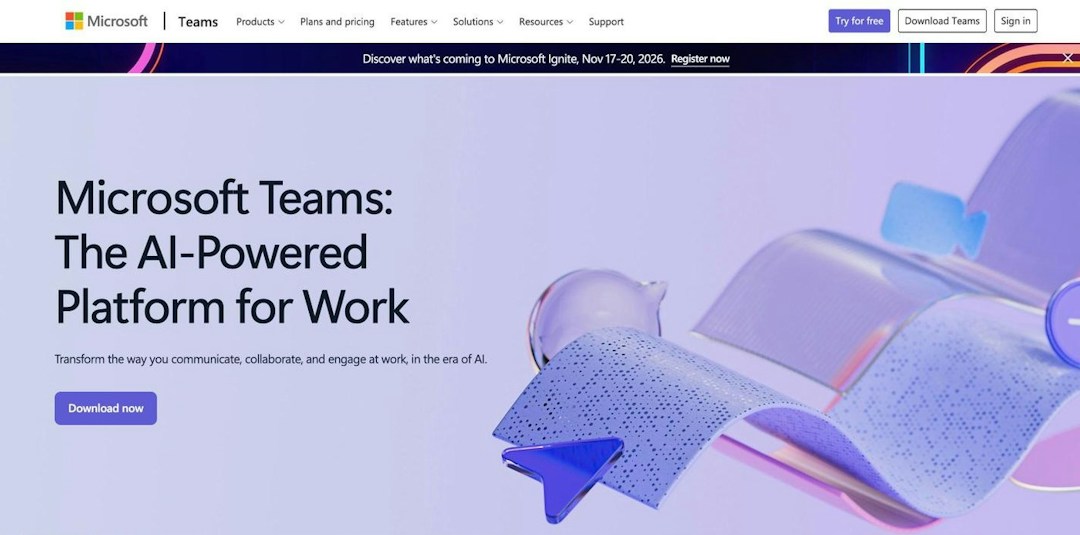
Source: microsoft.com, October 2026.
Microsoft Teams runs webinars and town halls inside Microsoft 365, next to chat, files and calendars. It's the natural choice for internal training and company-wide sessions if your organization already pays for Microsoft 365, since there's no extra tool to buy. Compared with Adobe Connect, it reaches far larger view-only audiences, but it doesn't save classroom layouts between sessions and has no in-room CTAs.
Key features:
Webinars for up to 1,000 fully interactive attendees, with registration and attendance reports.
Town halls for 10,000 view-only viewers, or up to 100,000 with the Attendee Capacity Pack.
Engagement: Q&A, polls and reactions.
Microsoft stack: connections to Outlook, PowerPoint Live, SharePoint and Dynamics 365.
Pricing: Teams webinars are included in Microsoft 365 Business Standard ($14 per user per month, paid yearly) and above, with Business Premium at $22. Advanced event branding needs Teams Premium, at $10 per user per month (as of September 2026).
Microsoft Teams
Internal training
Webinars included in Microsoft 365 Business Standard and above
Town halls reach 10,000 viewers, or 100,000 with an add-on
Connects to Outlook, PowerPoint Live, SharePoint and Dynamics 365
No saved classroom layouts between sessions
Advanced event branding needs a Teams Premium license
No in-room CTA buttons or automated (pre-recorded) webinars
Related comparisons: Adobe Connect vs Microsoft Teams · Livestorm vs Microsoft Teams
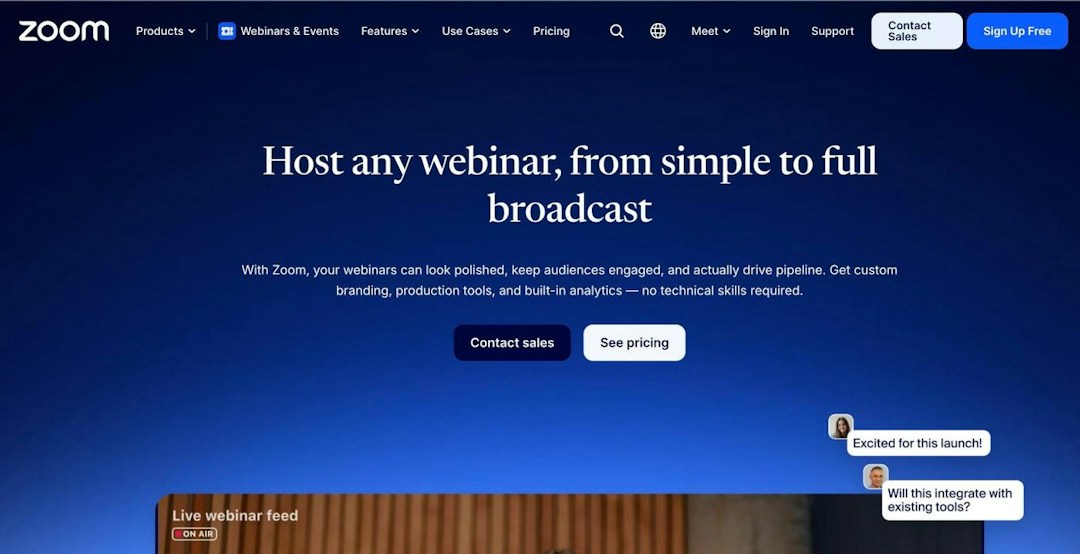
Source: zoom.com, October 2026.
Zoom Webinars is the webinar add-on to Zoom's meetings platform, and the simplest switch if your organization already runs on Zoom Workplace. Most attendees already know how to join, so they need little onboarding. Compared with Adobe Connect, it scales much further, but it has no persistent rooms for recurring training layouts, and like Adobe Connect, its best experience runs in the app.
Key features:
Scale: Zoom Webinars hosts up to 50,000 attendees, and single-use events reach 1 million.
Meetings and webinars in one place: Zoom Workplace covers everyday video calls, and most attendees already have the app.
Events: Zoom Events adds ticketed, multi-session events with networking.
Security: an end-to-end encryption option, and HIPAA compliance through Zoom for Healthcare with a BAA.
Pricing: Zoom Webinars starts at $66.67 per month billed annually ($89 monthly), on top of a Zoom Workplace Pro license, with capacity tiers from 300 to 50,000 attendees. Zoom Events starts at $124.17 per month billed annually (as of September 2026).
Zoom Webinars
Teams already on Zoom
Familiar to most attendees, little onboarding needed
Hosts up to 50,000 attendees; single-use events reach 1 million
End-to-end encryption option and HIPAA compliance
Webinars are a paid add-on on top of a Workplace Pro license
No persistent rooms for recurring training layouts
Browser join is limited; the best experience runs in the app
Related comparisons: Adobe Connect vs Zoom · Livestorm vs Zoom · Zoom alternatives
Source: webex.com, October 2026.
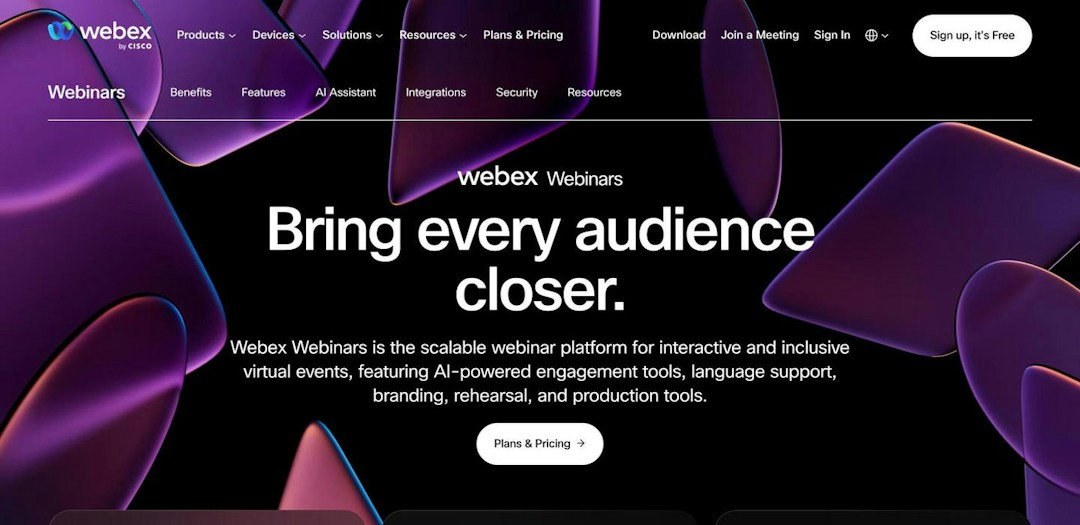
Webex Webinars is part of Cisco's Webex suite and suits large, compliance-heavy organizations, especially those already standardized on Cisco. For government and regulated teams leaving Adobe Connect, it keeps strong compliance credentials, with HIPAA support and FedRAMP options on certain Enterprise plans. It also scales much further, since Webex Events handles audiences of up to 100,000.
Key features:
Webinar formats: live, simulive and on-demand sessions with branded registration, breakout rooms, practice sessions and closed captions.
Engagement: Slido polling and moderated Q&A built in.
Scale: Webex Webinars tiers run from 1,000 to 10,000 attendees, and Webex Events goes up to 100,000.
Integrations: native Salesforce, Marketo and Oracle Eloqua connections. There's no native HubSpot integration, so HubSpot users need Zapier or a custom build.
Pricing: Webex Webinars is listed at $2,700 per license per year for up to 1,000 attendees, and Real-Time Translation adds $300 per license per year (as of September 2026). Webex Events, for larger audiences, is sold through sales.
Webex Webinars
Regulated enterprises
Live, simulive and on-demand sessions in one Webinars plan
Webex Events scales to audiences of up to 100,000
HIPAA support and FedRAMP options on certain Enterprise plans
No persistent rooms for recurring class layouts
No native HubSpot integration, needs Zapier or API
Overlapping product lines make the right plan harder to pick
Related comparisons: Adobe Connect vs Webex · Livestorm vs Webex · Webex alternatives
Source: clickmeeting.com, October 2026.
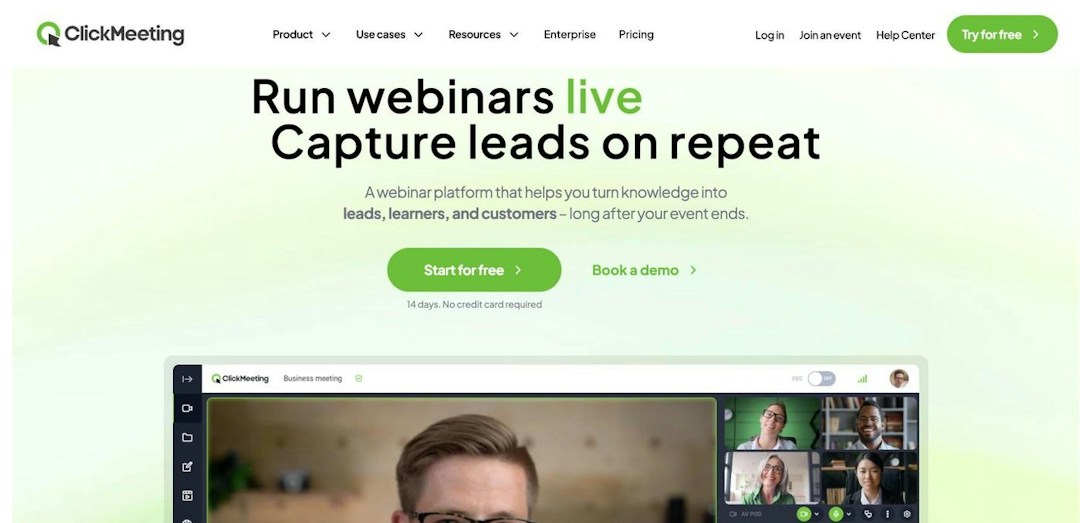
ClickMeeting is a browser-based webinar tool built for online classes, training and paid sessions. For educators leaving Adobe Connect, it's the closest match on classroom tools, with a whiteboard and breakout rooms, and organizers, presenters and attendees all join from the browser with nothing to install. Its self-serve plans suit audiences of up to 500.
Key features:
Live and automated webinars, with chat, polls and surveys.
Teaching tools: a virtual whiteboard, breakout rooms and a Moodle integration.
Paid webinars: built-in PayPal and Stripe payments.
Integrations: HubSpot, Pipedrive and Keap, plus Zapier for other tools.
Pricing: ClickMeeting prices its MyWebinars plans by your largest expected audience: Basic for 25 to 100 attendees, Pro for 50 to 500 and Enterprise by quote, with up to 20% off annual plans (as of September 2026). A free trial needs no credit card.
ClickMeeting
Training & paid webinars
Runs in the browser for organizers, presenters and attendees
Whiteboard, breakout rooms and Moodle integration suit online classes
Built-in PayPal and Stripe payments for paid webinars
Self-serve plans top out at 500 attendees
Priced by largest expected audience, so you pay for peak capacity
Extra presenters, parallel sessions and storage sold as add-ons
Related comparisons: Livestorm vs ClickMeeting
Source: goto.com, October 2026.
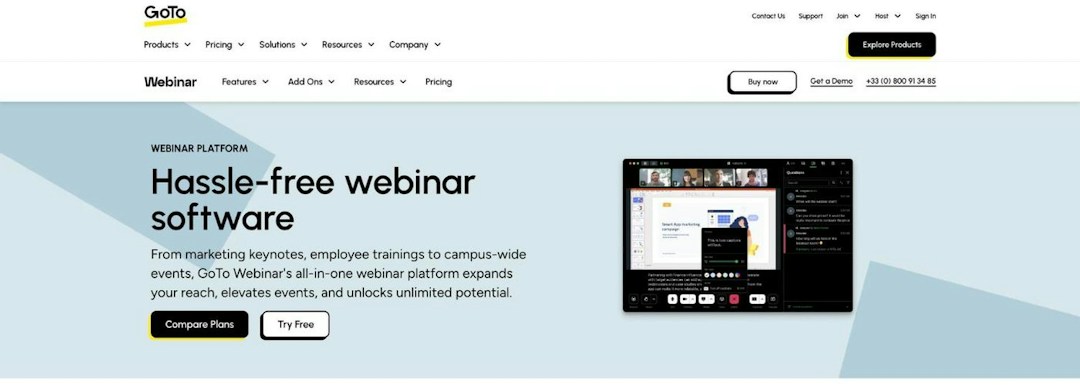
GoTo Webinar is a long-established webinar tool that suits training and internal events, with practice mode, certificates and breakout rooms. Compared with Adobe Connect, its tiers are simpler to compare, reach 3,000 participants and come with native connectors for marketing tools such as HubSpot, Marketo, Pardot and Eloqua. Like Adobe Connect, though, its experience leans on apps, and reviewers often describe the interface as dated.
Key features:
Clear tiers: Reach (up to 500 participants), Elevate (1,000) and Complete (3,000).
Training tools: practice mode, certificates and a native mobile app, plus breakout rooms from Elevate.
Recordings and AI: transcription and live captions, with cloud recordings, AI summaries and simulive from Elevate.
Integrations: native HubSpot, Marketo, Pardot, Eloqua, Zoho and Cvent connectors.
Pricing: Reach costs $59 per month billed annually (up to 500 participants, 1 organizer) and Elevate $103 per month billed annually (up to 1,000). Complete, for up to 3,000 participants, is quote-based (as of September 2026). A free trial needs no credit card.
GoTo Webinar
Teams on the GoTo suite
Clear tiers: Reach 500, Elevate 1,000, Complete 3,000 participants
Practice mode, certificates and breakout rooms suit training
Native HubSpot, Marketo, Pardot, Eloqua, Zoho and Cvent connectors
Reviewers often describe the interface as dated
Browser join available, but the experience leans on apps
Branding, recordings and breakouts not on entry Reach plan
Related comparisons: GoTo Webinar vs Adobe Connect · Livestorm vs GoTo Webinar · GoTo Webinar alternatives
Source: zoho.com, October 2026.
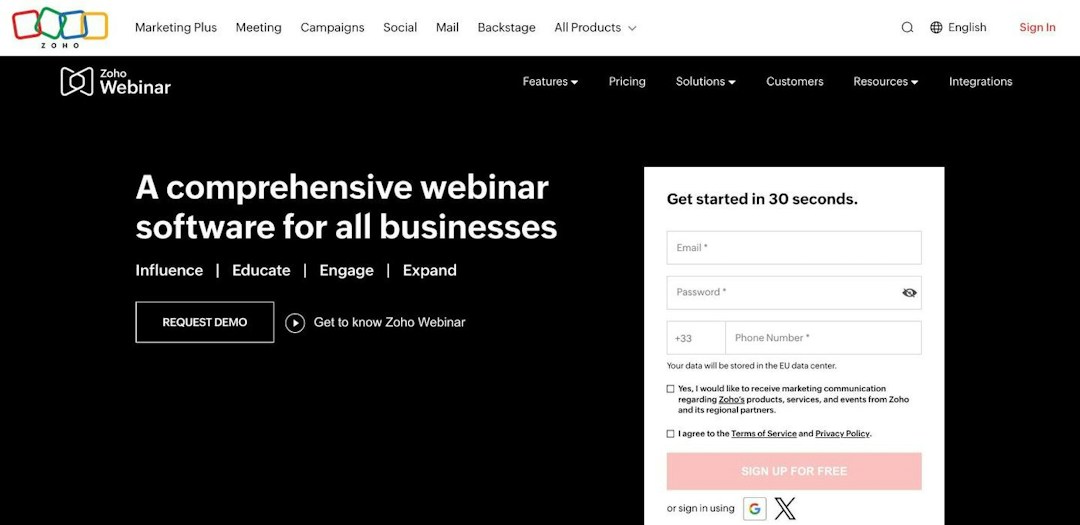
Zoho Webinar is Zoho's webinar tool for training, onboarding and town halls. It's the low-cost pick for trainers and educators: there's a free plan, and paid plans start at a low per-organizer price. It also goes beyond Adobe Connect's largest rooms, with up to 5,000 live attendees on Enterprise, and fits best if your organization already runs on Zoho apps.
Key features:
Engagement: polls, Q&A, emoji reactions, raise hand, annotation and dial-in.
Recordings: AI transcripts, summaries and smart chapters.
Integrations: native Zoho CRM, Zoho Campaigns and Zoho Backstage, plus HubSpot from the Professional plan.
Scale: up to 5,000 live attendees on Enterprise.
Pricing: Zoho Webinar has a free plan for up to 20 attendees and 60 minutes per webinar. Paid plans are priced per organizer and by audience size, from $8 per month billed annually on Standard, and Enterprise adds on-demand webinars and up to 5,000 attendees (as of September 2026).
Zoho Webinar
Teams on Zoho CRM
Free plan, then low per-organizer pricing
Supports up to 5,000 live attendees on Enterprise
AI transcripts, summaries and smart chapters on recordings
On-demand webinars and email customization are Enterprise only
Registration page branding starts on the Professional plan
Salesforce and Marketo aren't among its native integrations
Related comparisons: Livestorm vs Zoho Webinar
Source: bigmarker.com, October 2026.
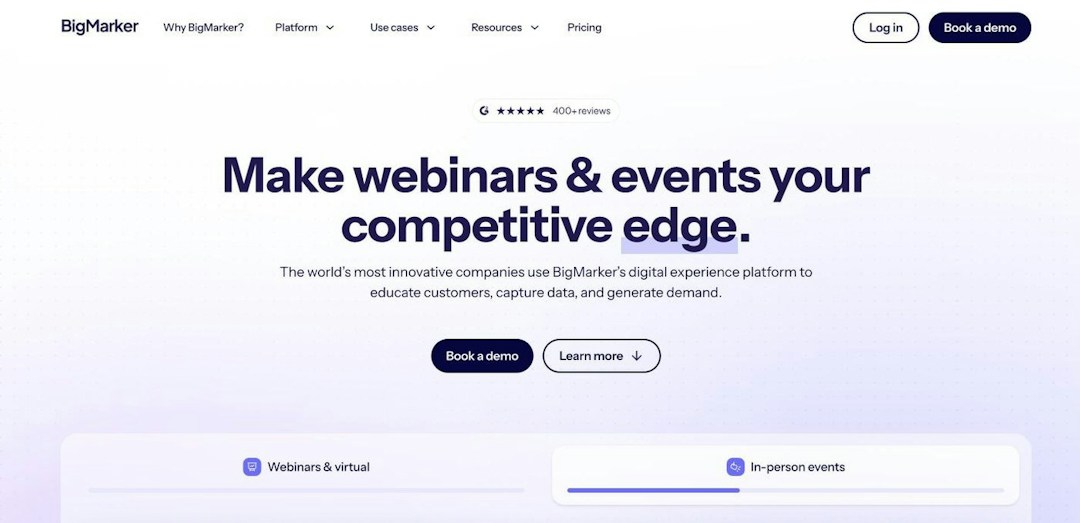
BigMarker is a browser-based webinar and virtual event suite for large, sales-led enterprise deployments, such as conferences and monetized event series. It's the option for marketers who have outgrown Adobe Connect's 1,500-attendee rooms, since BigMarker scales to 500,000 live attendees on Enterprise+. Like Adobe Connect, it asks for more setup, and every plan is sold by quote.
Key features:
Scale: up to 1,000 live attendees on Basic, 10,000 on Enterprise and 500,000 on Enterprise+.
Always-on formats: simulive, evergreen and 24/7 webinars.
Engagement: polls, quizzes, Q&A, offers and breakout rooms, with ticketing and certificates on Enterprise.
Integrations: native Salesforce, HubSpot, Marketo, Eloqua and Pardot.
Pricing: as of September 2026, BigMarker doesn't publish prices. All three plans are quote-based: Basic (1 host license, up to 1,000 attendees), Enterprise (4 licenses, 10,000) and Enterprise+ (6 licenses, 500,000).
BigMarker
Large virtual summits
Scales from 1,000 live attendees on Basic to 500,000 on Enterprise+
Simulive, evergreen and 24/7 webinars for always-on programs
Native Salesforce, HubSpot, Marketo, Eloqua and Pardot integrations
Every plan is quote-based, so pricing needs a sales call
White-labeled domains, live captions and SSO reserved for Enterprise+
Broad feature set means more setup and training
Related comparisons: Livestorm vs BigMarker
| Tool | Best for | Starting price | Max live attendees | Rating |
|---|---|---|---|---|
| Livestorm | Marketing webinars | $3.00 per attendee (400-credit annual pack); free plan | 3,000 | 4.6/5 (2,000+) |
| Microsoft Teams | Internal training | Included in Microsoft 365 Business Standard ($14 per user/month, paid yearly) | 1,000 (webinars); 10,000 view-only (town halls) | 4.5/5 (30,000+) |
| Zoom Webinars | Teams already on Zoom | $66.67/month billed annually, plus a Zoom Workplace Pro license | 50,000 | 4.6/5 (6,000+) |
| Webex Webinars | Regulated enterprises | $2,700 per license per year | 1,000 per license; 100,000 with Webex Events | 4.5/5 (8,000+) |
| ClickMeeting | Training & paid webinars | Priced by audience size; free trial | 500 (self-serve plans) | 4.4/5 (400+) |
| GoTo Webinar | Teams on the GoTo suite | $59/month billed annually (Reach, 500 participants) | 3,000 (Complete) | 4.4/5 (2,000+) |
| Zoho Webinar | Teams on Zoho CRM | Free plan; Standard $8/organizer/month billed annually | 5,000 (Enterprise) | 4.6/5 (100+) |
| BigMarker | Large virtual summits | Quote only | 500,000 (Enterprise+) | 4.8/5 (800+) |
| Adobe Connect (for reference) | Virtual classrooms | $190/host/year (Webinar plans, 100 or 300 seats) | 1,500 (with room upgrades) | 4.2/5 (1,000+) |
Ratings: average of G2 and Capterra, October 2026. Prices as of September 2026, from each vendor's pricing page.
Start from what your sessions are for, then compare these 4 points:
Classrooms or webinars: if you mostly run recurring classes with whiteboards and breakout rooms, ClickMeeting or the suite you already pay for (Microsoft Teams, Zoom or Webex) may be enough. If webinars drive registrations and pipeline, a dedicated webinar platform gives you branded registration, CTAs and CRM data.
Pricing model: Adobe Connect charges per host per year, plus room upgrades. Compare attendee credits (Livestorm), suite licenses (Microsoft Teams, Zoom), yearly licenses (Webex), per-organizer tiers (GoTo Webinar, Zoho Webinar) and quotes (BigMarker) against how many hosts you have and how many people actually attend.
Joining and integrations: if the desktop app slows your attendees down, browser-based tools such as Livestorm, ClickMeeting and BigMarker remove the download. Then check which CRMs and LMSs connect natively, and on which plan: Livestorm syncs with HubSpot on Pro, and ClickMeeting integrates with Moodle.
Compliance and data hosting: for HIPAA, look at Zoom or Webex, which also offers FedRAMP options on certain Enterprise plans. If your security team requires EU hosting, Livestorm is EU-hosted, ISO 27001 certified and GDPR compliant.
For teams leaving Adobe Connect to run marketing and customer webinars, Livestorm is our pick. It runs fully in the browser, so nobody installs an app, brands every step from registration to the event room, syncs natively with HubSpot on Pro, and charges for the attendees who join rather than for hosts and room upgrades. Compare plans on the Livestorm pricing page.
Another tool is the better call in some cases. Pick Microsoft Teams, Zoom or Webex if your organization already runs on one of them, Webex for HIPAA and FedRAMP needs, ClickMeeting for online classes, GoTo Webinar or Zoho Webinar for training webinars with published entry prices, and BigMarker for audiences far beyond 1,500. And if your training depends on persistent rooms with saved layouts, LMS launch through LTI or FedRAMP High authorization, Adobe Connect itself may still be the right fit.
Table of content
Livestorm is the best Adobe Connect alternative for marketing and customer webinars. It runs fully in the browser, includes branded registration and live CTAs, and syncs natively with HubSpot on Pro and with Salesforce, Marketo and Pardot on Enterprise. For internal training, the suite you already use (Microsoft Teams, Zoom or Webex) is often the simplest switch, and ClickMeeting is the closest fit for online classes.
Adobe Connect's main competitors are the meeting suites with webinar products, such as Microsoft Teams, Zoom Webinars and Webex Webinars, and dedicated webinar platforms such as Livestorm, GoTo Webinar, ClickMeeting, Zoho Webinar and BigMarker. For virtual classrooms, ClickMeeting is the closest match, with a whiteboard, breakout rooms and a Moodle integration.
No. Some universities retired their own Adobe Connect deployments, but Adobe still sells and develops the product, and release 12.12.1 shipped in September 2026. The reasons to switch are about fit, such as pricing, the desktop app or marketing integrations, not an end-of-life date.
Adobe Connect has no free plan: its pricing page lists paid plans only. Livestorm has a limited free plan that's good for testing, Zoho Webinar's free plan hosts 20 attendees for up to 60 minutes, and ClickMeeting and GoTo Webinar offer free trials. Microsoft Teams webinars come at no extra cost if your organization already has Microsoft 365 Business Standard or above.
As of September 2026, Livestorm starts at $3.00 per attendee on its 400-credit annual pack, Zoho Webinar at $8 per organizer per month billed annually and GoTo Webinar at $59 per month billed annually. Zoom Webinars starts at $66.67 per month billed annually plus a Zoom Workplace Pro license, Webex Webinars at $2,700 per license per year, and BigMarker is quote-only. For comparison, Adobe Connect costs $190 to $390 per host per year, plus room upgrades for larger audiences.
It depends on who you train. For internal training at organizations on Microsoft 365, Microsoft Teams webinars are included from Business Standard. For online classes, ClickMeeting offers a whiteboard, breakout rooms and a Moodle integration, and GoTo Webinar adds practice mode and certificates. If you train customers or partners and want the data in your CRM, Livestorm runs in the browser and syncs with HubSpot on Pro.
Try Livestorm for free
Get started in minutes and run your first engaging webinar today.

